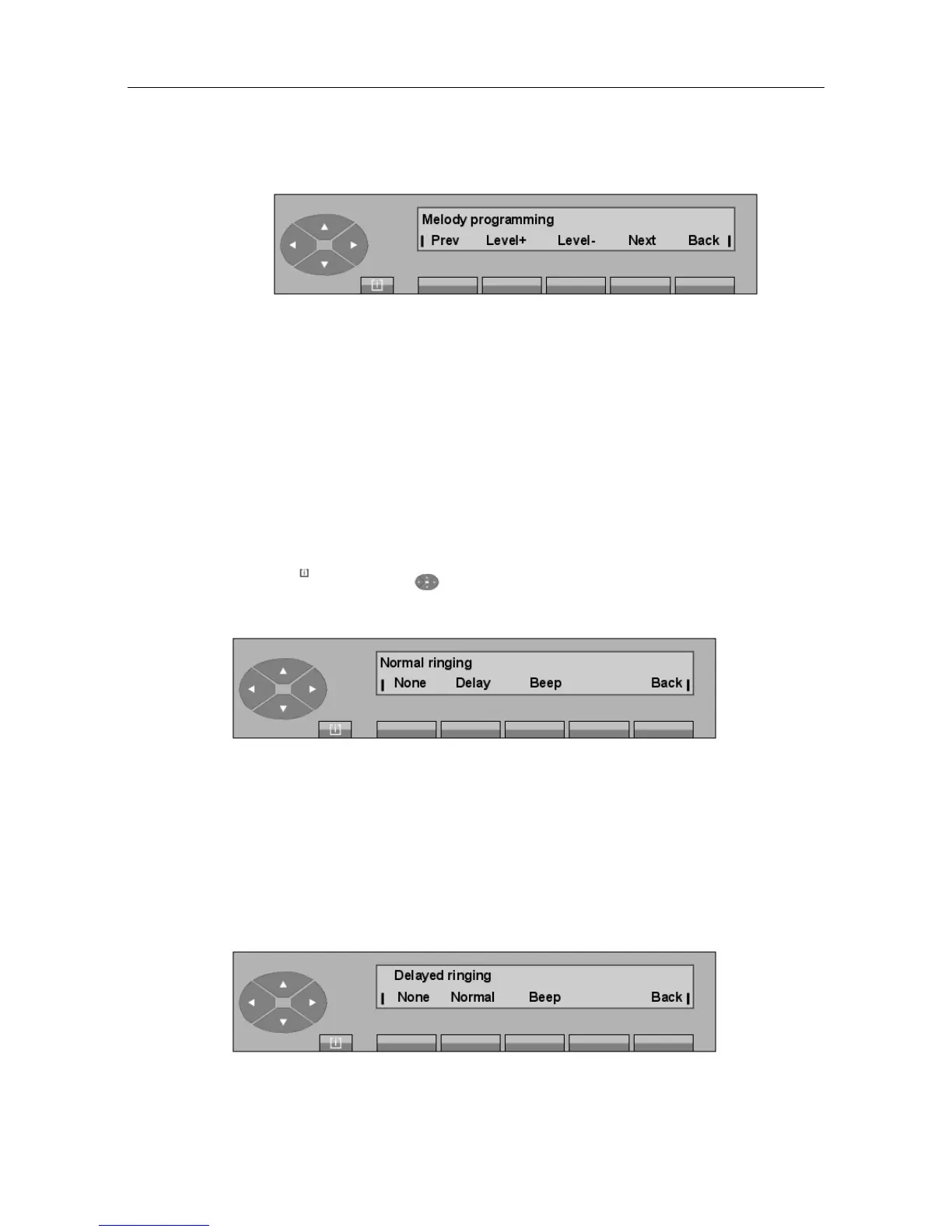
Pressing the + or the - keys will play the melody programmed in the attendant set continuously
through the speaker .
Prev Activates the previous ringing melody.
Level+ and
Level-
Used to modify the volume level.
Next Activates the next ringing melody.
Back Returns to the initial screen and automatically stores the melody played on
the speaker.
5.4.2 Programming the ringing cadence
Pressing the MENU , then and Ring keys displays:
- 1
st
case: the ringing is in normal mode
The ring on the attendant set is programmed in normal mode (ringing starts on presentation of
a call on the attendant set).
None Used to delete the ring.
Delay Used to modify the signaling by entering a delay.
Beep Used to program a beep on call presentation.
Back Used to return to the initial menu.
- 2
nd
case: the ringing is in delayed mode
"() ') % !
5-7














 To Next Page