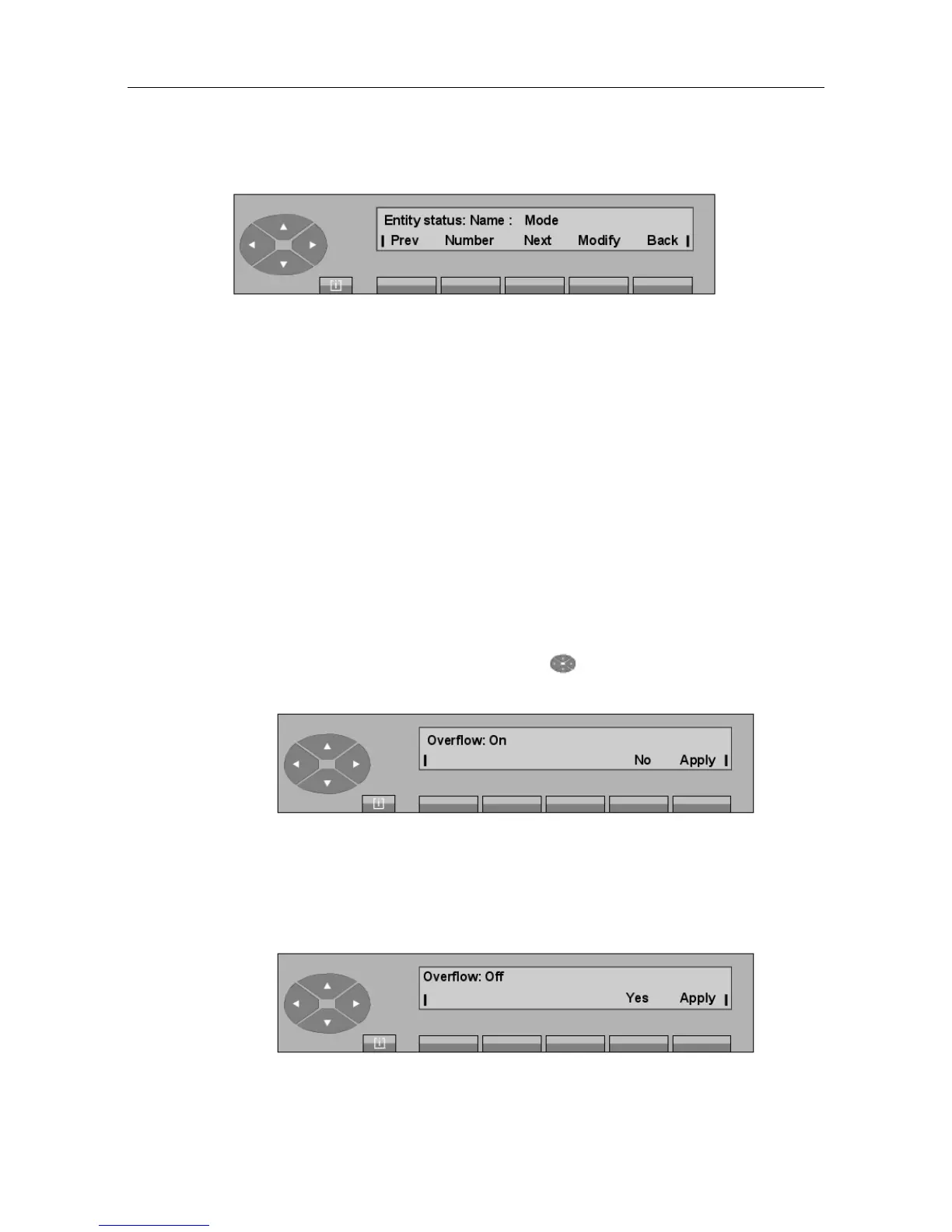
The first line displays:
Name The name programmed by the manager for the entity.
Mode The operating mode for this entity.
The second line gives the following keys:
Prev To modify the previous entity.
Number To set the entity number.
Next To modify the next entity.
Modify To display and then select the entity calls operating mode (Night, Day,
Fwd1, Fwd2, Normal).
6.3 Overflow between attendant groups (Mutual Assistance)
6.3.1 Activation/cancellation
By pressing the SERVICE key, then the top of the key, then the key situated below the
Overfl key, the screen displays the following:
No De-activates mutual assistance.
Apply Confirms the attendant's choice.
Pressing the No key displays:
"() ') % !
6-5














 To Next Page