The attendant set automatically returns to idle after a time delay or when the END
fixed key is pressed.
The attendant set remains active.
- By pressing the Day key, the attendant switches the group to Day mode (the first line of
the display shows: Day).
The attendant set automatically returns to idle after a time delay or when the END
fixed key is pressed.
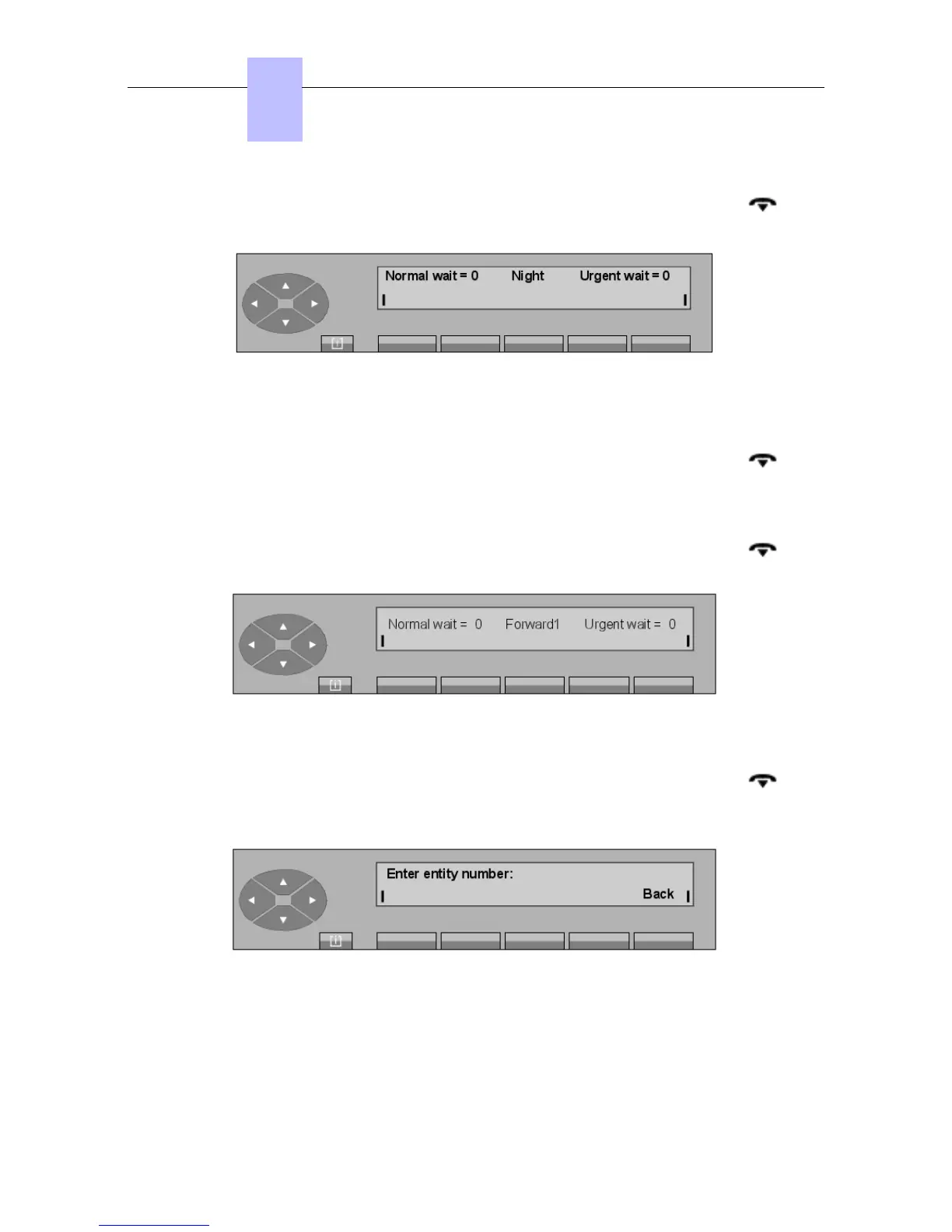
- By pressing the Fwd 1 key, the attendant switches the group to Forward1 mode (the first
line of the display shows: Forward1).
The attendant set automatically returns to idle after a time delay or when the END
fixed key is pressed.
- By pressing the Fwd 2 key, the attendant switches the group to Forward2 mode (the first
line of the display shows: Forward2).
The attendant set automatically returns to idle after a time delay or when the END
fixed key is pressed.
- Pressing the Entity key displays:
The attendant completes the number of the entity (x) and confirms by pressing the Apply
key. The screen displays:
Chapter
6
"() ') % !
6-4














 To Next Page