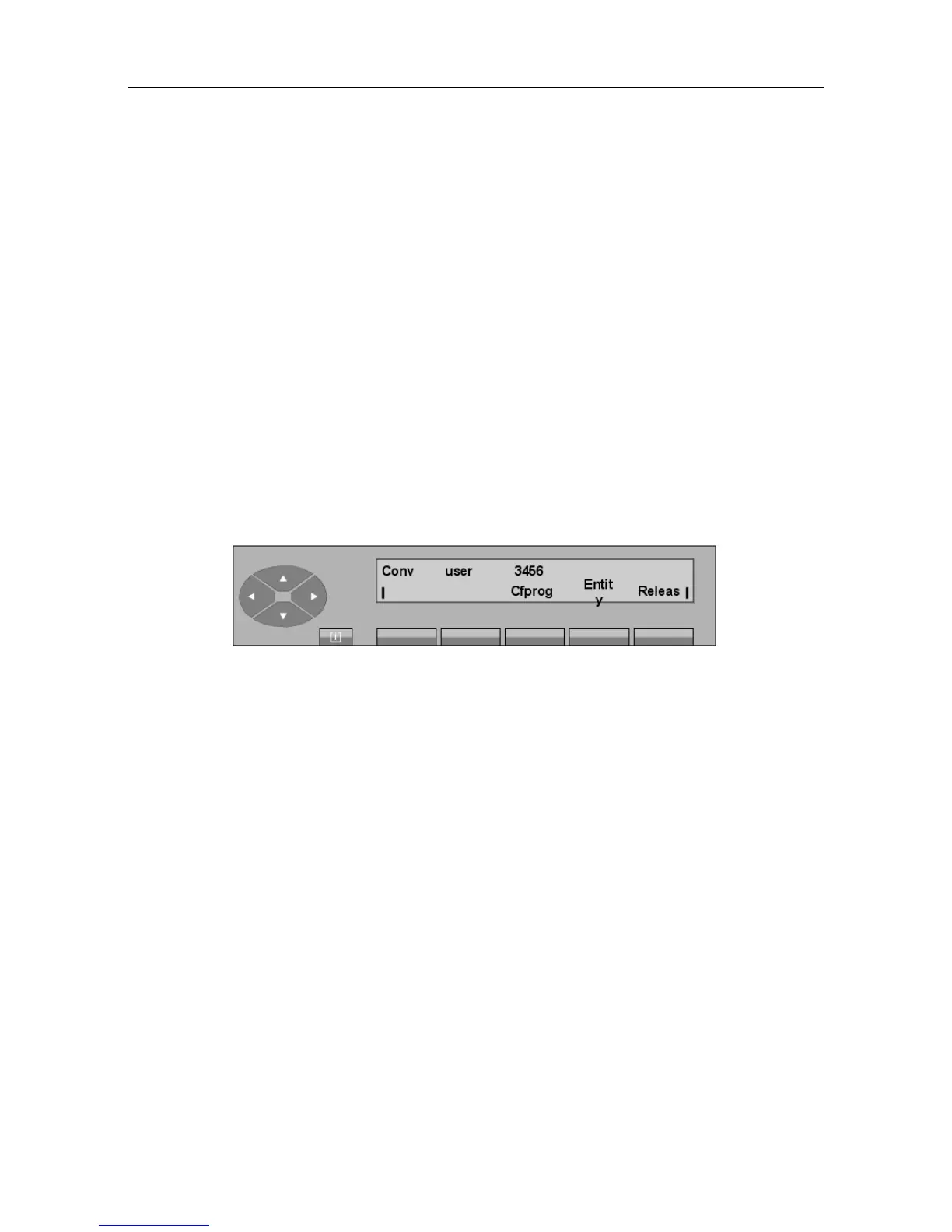
By pressing the Cfprog key, the attendant connects the user to the multiconference circuit. As
this user is alone, this user will hear the music-on-hold or corresponding tone.
Other participants
The conference circuit being still reserved, the attendant dials in consultation call mode the
number of the following participant and activates this call.
After the called user has answered, the attendant will connect the two users together by pressing
the Cfprog key.
In the same way, the attendant adds all the other participants to the conference.
By pressing the Releas key, the attendant disconnects from the multiconference circuit and
returns to the idle screen (normal service).
3.3.3 The conference is in progress
The attendant is in conversation with a party. This party asks to join the conference.
The circuit is not fully busy
The attendant dials the programmed conference prefix in consultation call mode, followed by the
access code to reserve the multiconference circuit.
After code identification, the screen displays:
Example:
By pressing the Cfprog key, the attendant adds this new participant to the programmed
conference.
By pressing the Releas key, the attendant disconnects from the multiconference circuit and
returns to the idle screen (normal service).
The circuit is fully busy
In this case, the screen shows that the number of participants is at its maximum and that no more
can be added.
! &$
3-9














 To Next Page