Note:
The number called may be an internal, external, or speed dialing number.
Call by personal directory can be performed with the attendant set in the idle state or when the
attendant set is being used for a consultation call.
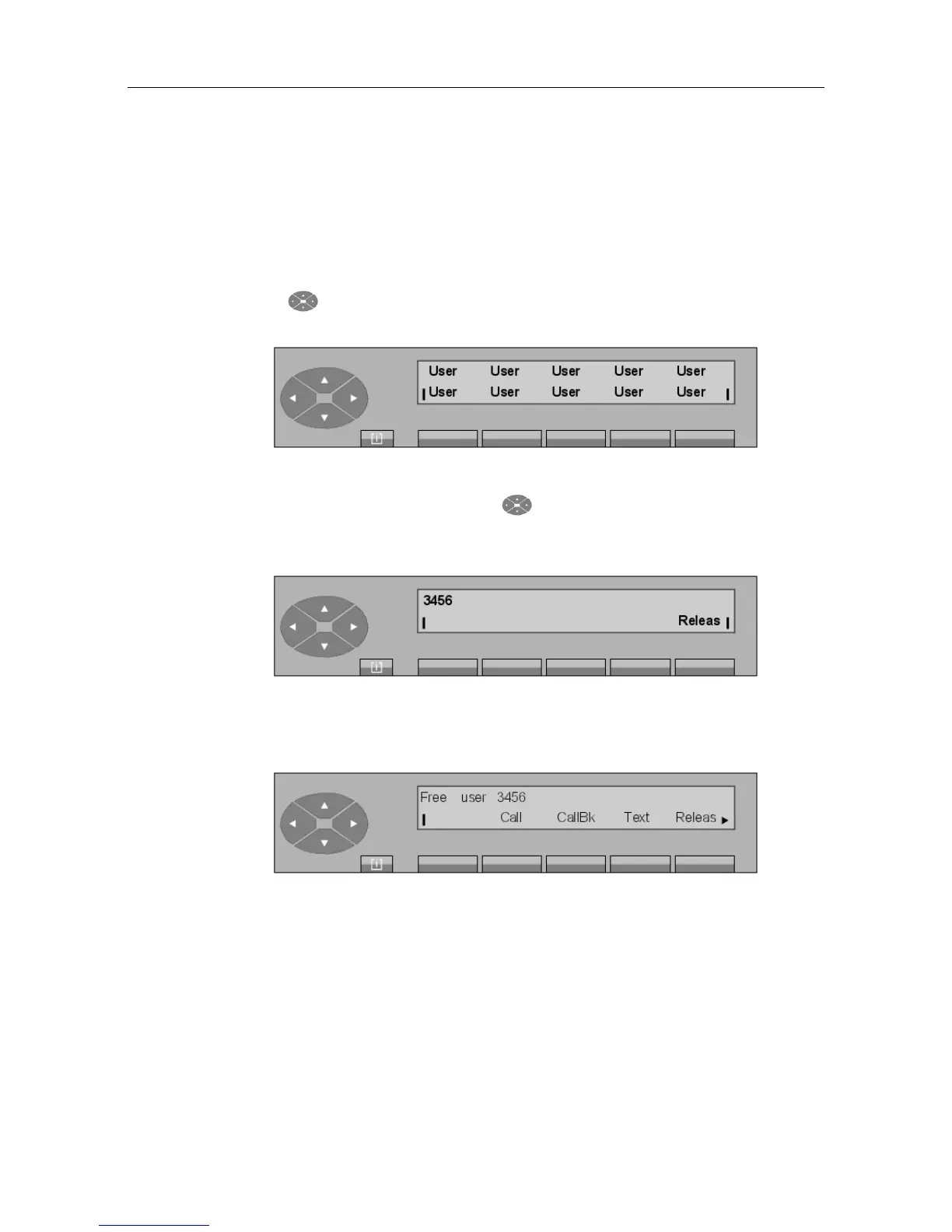
Press the key (right arrow) to access the personal directory. The different directory
entries are displayed:
If other screens are programmed, press the key to access these screens or the top line.
If you press one of the programmed keys, the associated number, 3456 for example (internal
number), is briefly displayed:
Figure 2.5: Dialing (numbering) screen
Then:
Figure 2.6: Selection screen
From this screen, the call procedure is the same as for a free internal user call.
2.2.3 Call by programmed key
When a key is programmed with a number (internal directory, LDAP directory, external
number, or speed dialing number, see the Alcatel 4035 attendant set - Management from the
attendant set 1 - Assigning programmable keys), pressing this key displays the selection
screen for this user. The rest of the operation is the same as for an ordinary call.
! &$
2-3














 To Next Page