6.1.3 Selective reservation or cancellation
Pressing the Select key authorizes reservation of one or more trunk groups.
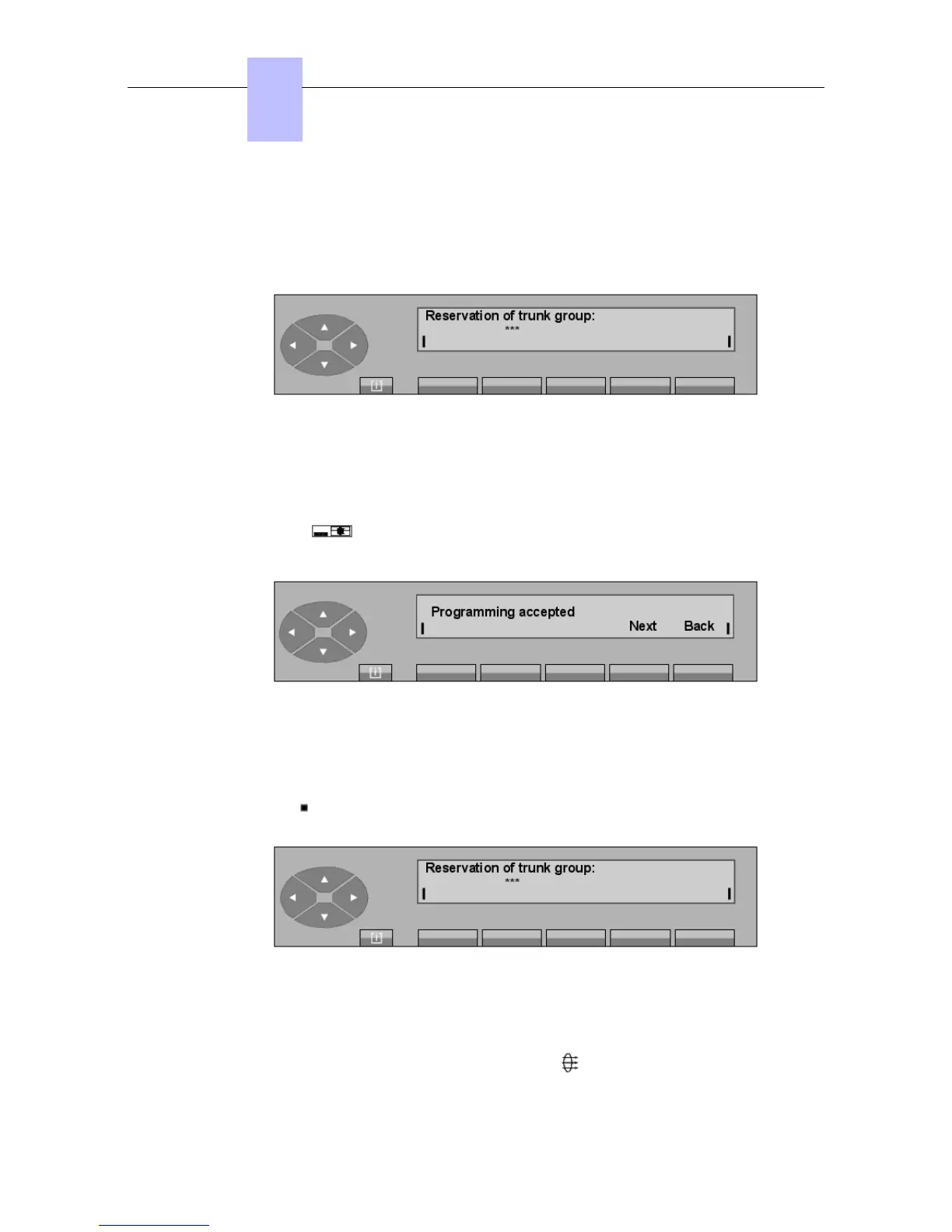
The display is as follows:
Figure 6.1: Screen A
The number of the trunk group to reserve is completed in the form of a three digit number
entered via the keypad. Each digit entered replaces a "*" character.
The modification takes place automatically after the last digit and activates the associated LCD
combination: .
The screen displays:
Next Used to start the procedure for reserving another trunk group over again
(return to screen A).
Back Returns to the initial screen.
Pressing the Select key provides the possibility of cancelling the reservation of one or more
trunk groups. The display shows:
Figure 6.3: Screen B
The number of the trunk group to remove from reservation is entered in the form of a three
digit number entered via the keypad, as above. The 3
rd
number entered de-activates the
feature and the LCD combination associated with the fixed key and displays:
Chapter
6
"() ') % !
6-2














 To Next Page