Figure 2.52: Selection screen in consultation call mode
The Ring key (or Call key) is pressed and the called party answers. The screen displays:
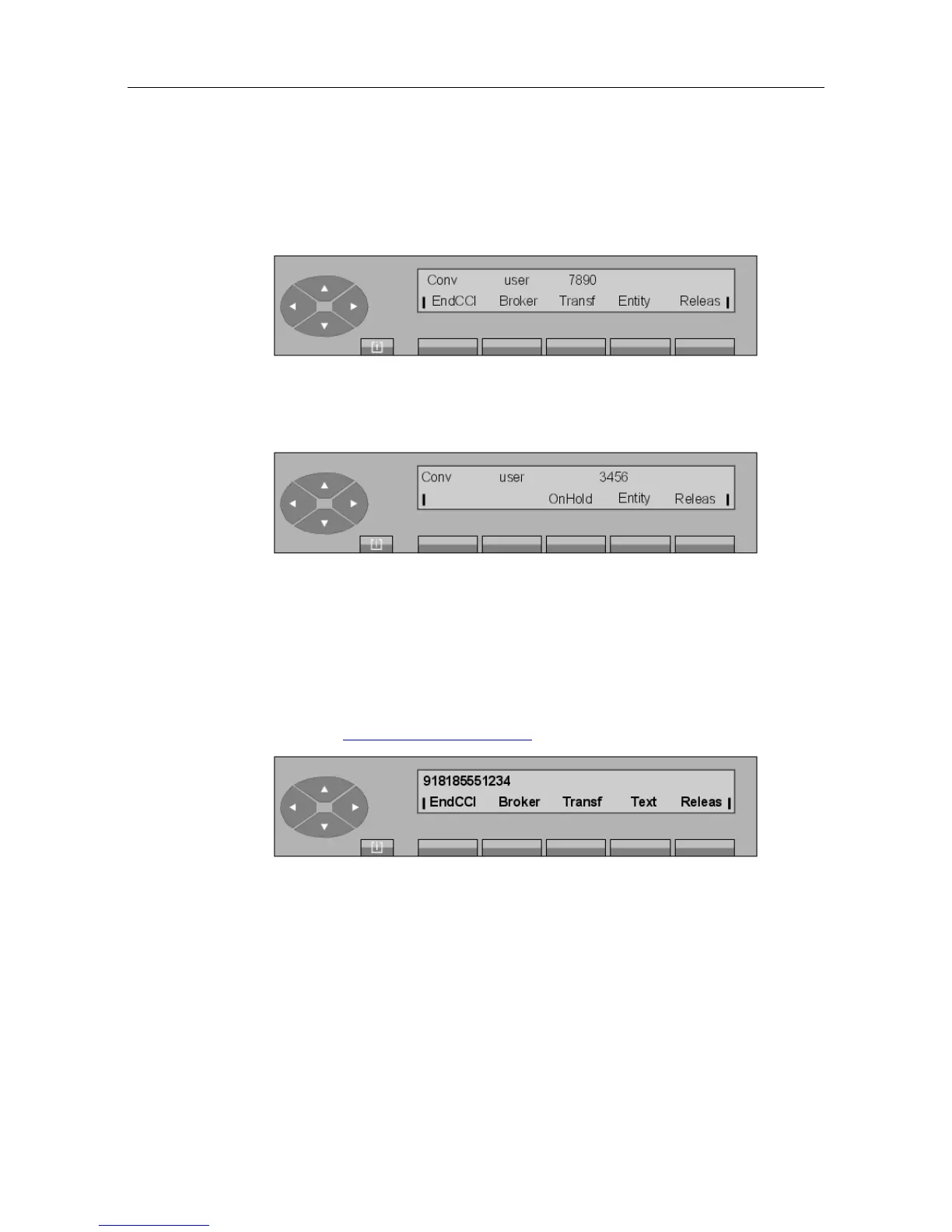
Figure 2.53: Conversation screen in consultation call mode
Pressing EndCCI cancels the consultation call and returns the attendant to the first party.
Figure 2.54: Conversation screen
In this position, the attendant can release the conversation by pressing the Releas key or put
the user on hold again by pressing the OnHold key.
2.7.2 Consultation call to an external user
The attendant activates the consultation call by directly dialing the user's number or by using
"Dial by name" (see Methods for calling a number ).
Figure 2.55: Dialing (numbering) screen example for North American NPA
The first line displays:
918185551234 The external number dialed.
The second line displays the functions that can be activated from this screen:
! &$
2-21














 To Next Page