If no other call is presented to the attendant set, the Next key can also be used to retrieve the waiting
call. However, if another call is presented to the attendant set and if its call priority is higher than the
waiting call, the CampOn key can be used to retrieve the waiting call and the Next key to retrieve the
additional call.
3.1.3 Transfer with presentation
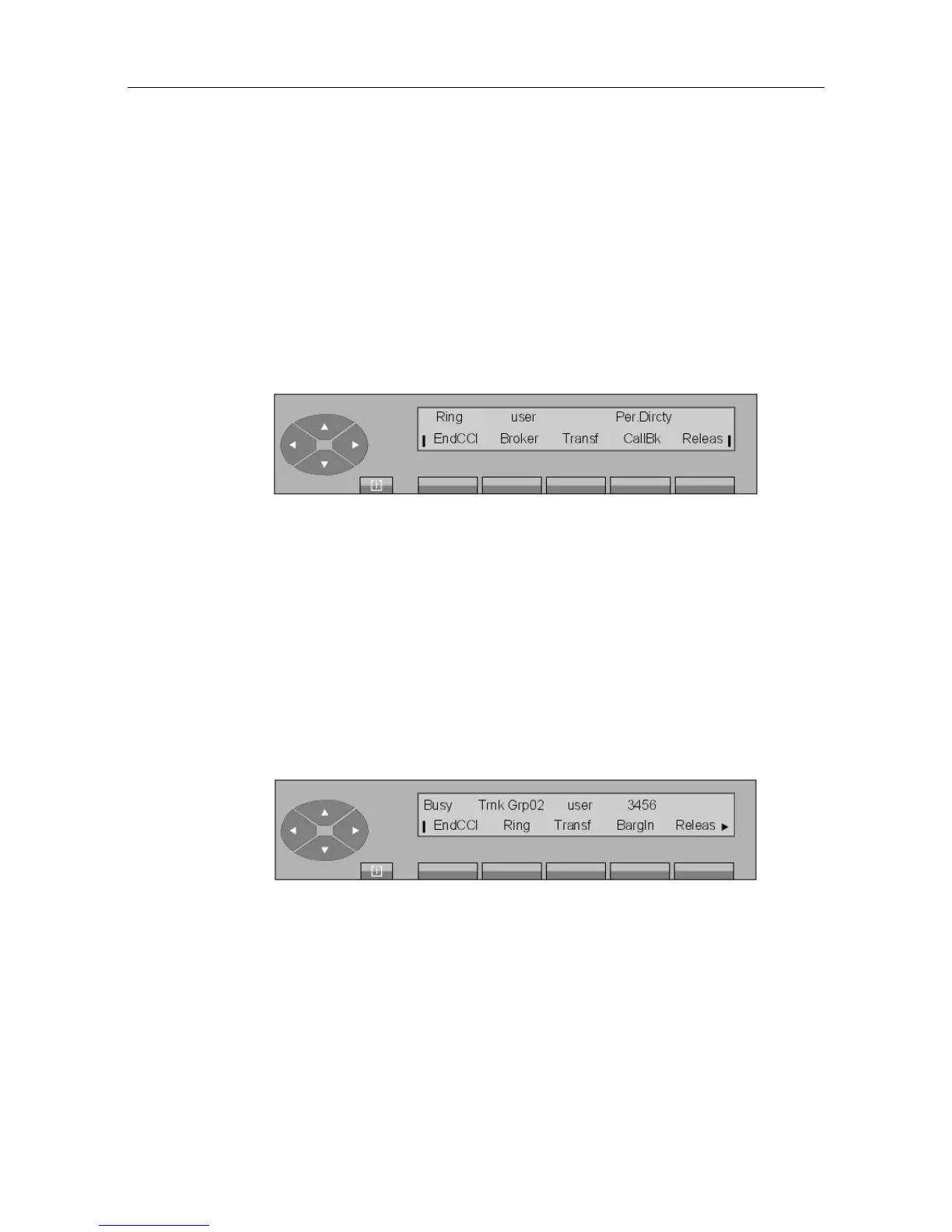
The attendant presses the Ring key to put the call being routed on hold and ring the internal
set
The screen displays:
The attendant remains in call mode and waits for the internal set to answer.
When the user picks up the receiver (goes off-hook), the attendant presents the call.
By pressing the Transf key, the attendant exits the conversation and the attendant set returns
to the idle position. The internal user is put into conversation mode with the caller.
By pressing the Releas key, the attendant releases the conversation and the attendant set
returns to the idle position.
3.1.4 Transfer to a busy set
3.1.4.1 The set is multiline
After dialing user set number, the screen displays (example):
The first line displays:
Busy Indicates that the set has at least one free resource.
The second line displays the functions that can be activated from this screen:
! &$
3-3














 To Next Page