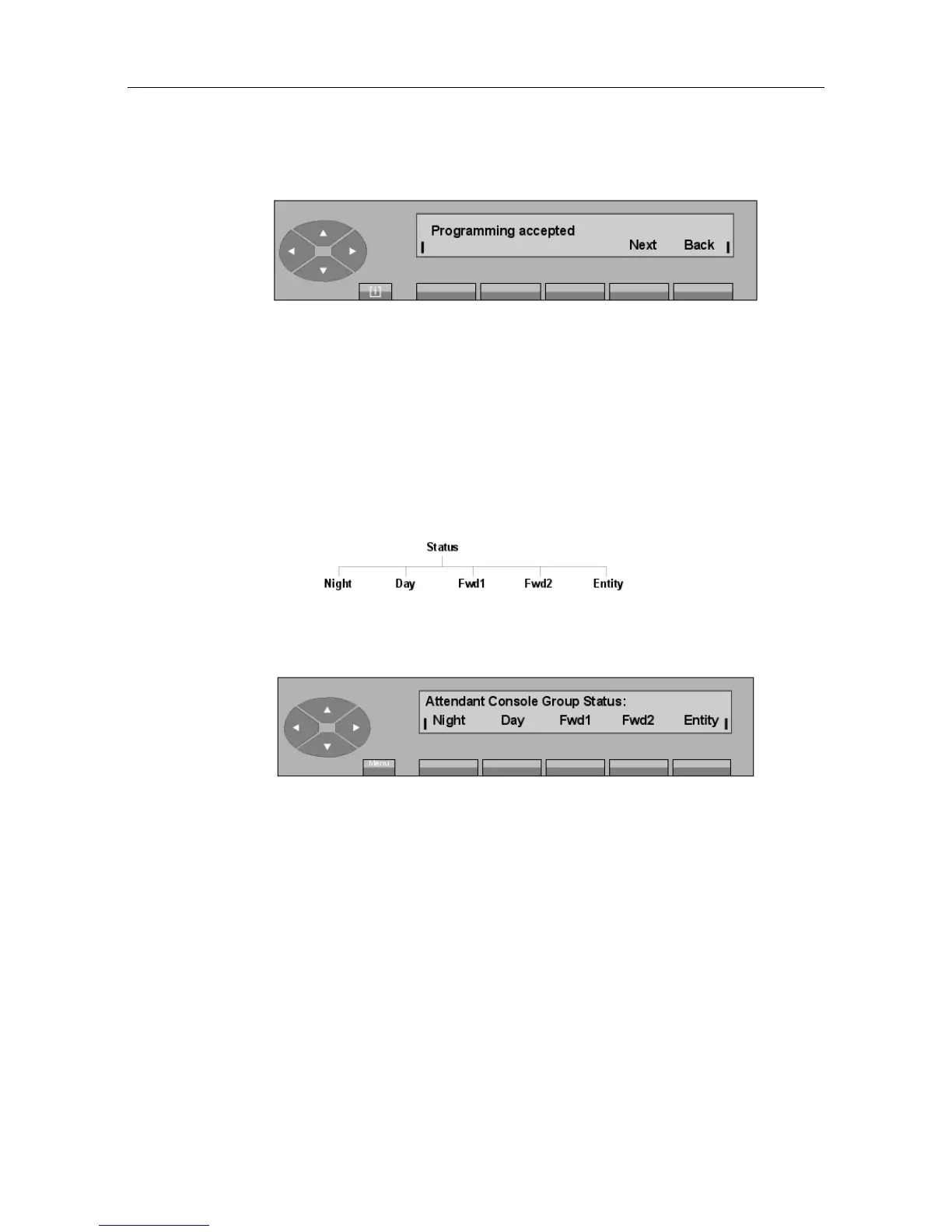
Next Used to start the procedure for cancelling the reservation of another trunk
group over again (return to screen B).
Back Returns to the initial screen.
If the number does not correspond to an existing trunk group, the Value out of limits display
is accompanied by an audible beep.
6.2 Status change of the attendant group sets
- Block diagram
Pressing the SERVICE key and then the Status key is used to modify the group operating
mode from the attendant set. The following sub-menu is proposed:
The first line displays the current operating mode.
The attendant selects the group operating mode by pressing one of the following five keys:
Night Switches the group to Night mode and assign users the Classes of Ser-
vices (categories) that are valid at night.
Day Activates day service,
Fwd 1 Activates forwarding order 1,
Fwd 2 Activates forwarding order 2,
Entity Modifies the entity calls operating mode. This label is only displayed if
there is at least one entity supervised by the attendant.
- By pressing the Night key, the attendant switches the group to Night mode (the first line
of the display shows: Night).
"() ') % !
6-3














 To Next Page