FixMsg: To send a fully preprogrammed message.
PrgMsg To send a preprogrammed message that is to be completed by the at-
tendant (date or time, for example).
My Msg To send a message to be entered by the attendant.
Menu To return to the selection screen.
3.2.1 Preprogrammed message
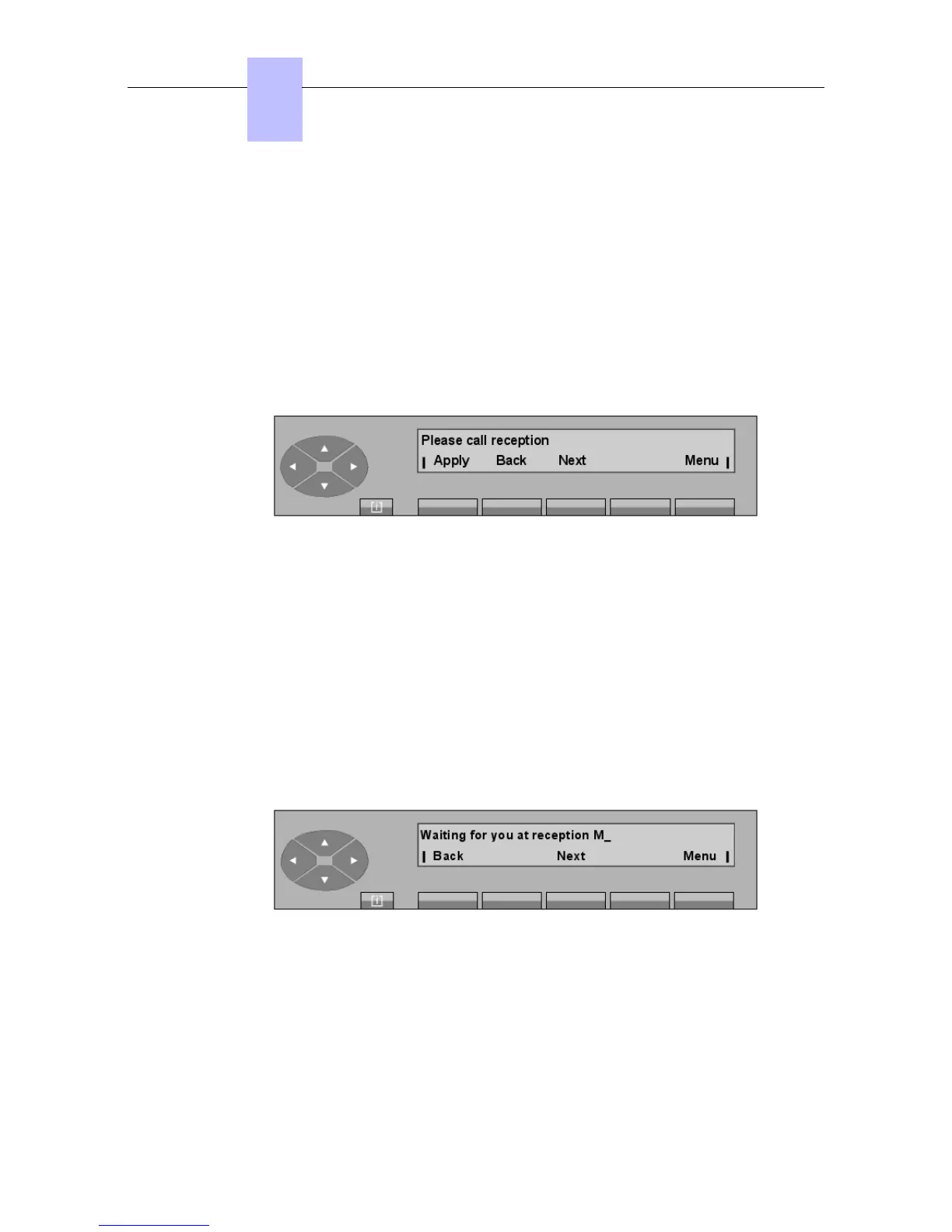
The attendant views the first (of 8) preprogrammed messages by pressing the FixMsg key.
Example:
Apply To send the message displayed to the selected set.
Back To return to the outgoing message screen.
Next To display the next message.
Menu To return to the selection screen.
When the Apply key is pressed, the message Your message has been sent is displayed.
Pressing the Menu key returns the attendant set to the selection screen.
3.2.2 Message to complete
The attendant views the first (of 8) messages to complete by pressing the PrgMsg key.
Example 1:
If the message is not appropriate, the attendant can select:
Back To return to the outgoing message screen.
Next To display the next message.
Menu To return to the selection screen.
The attendant chooses to complete the message.
Chapter
3
! &$
3-6














 To Next Page