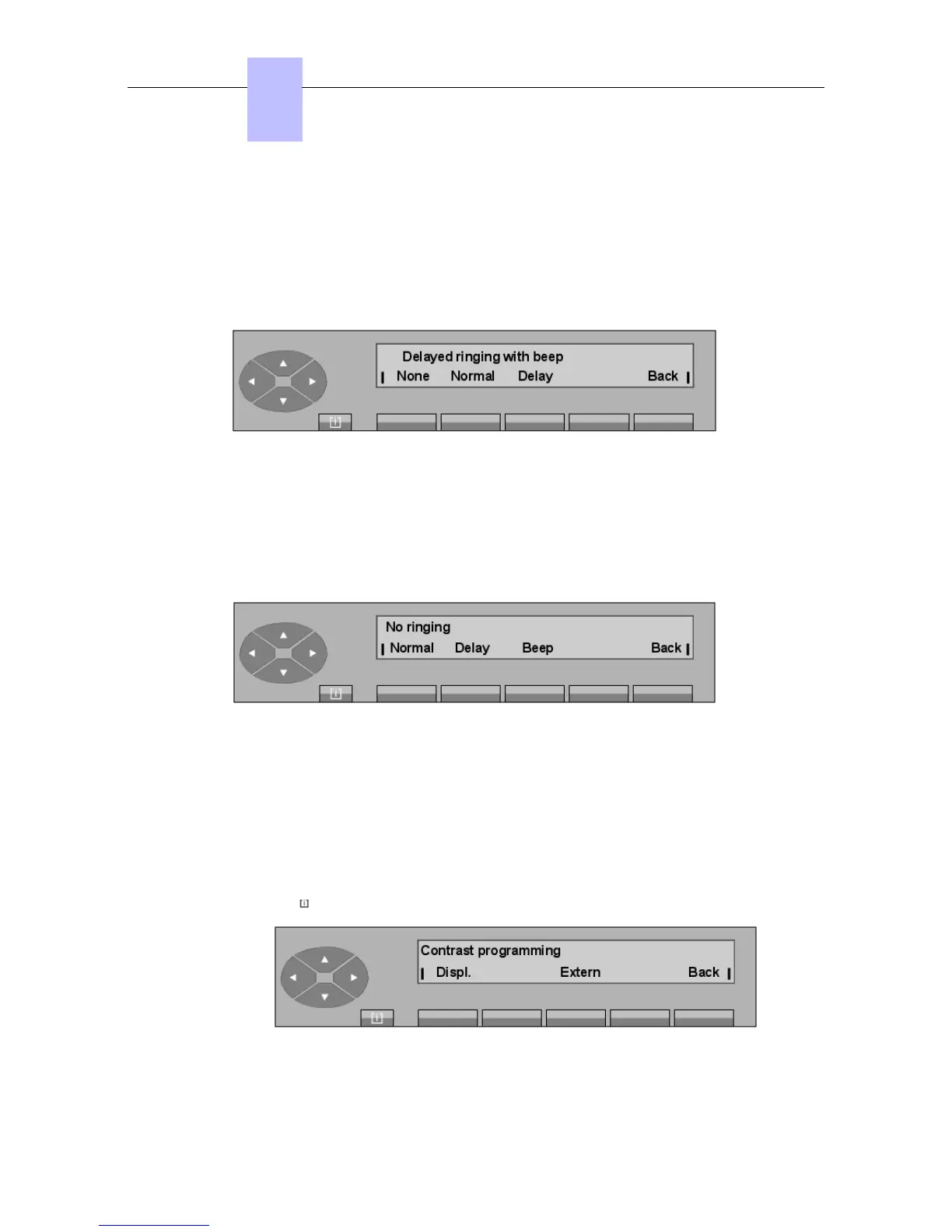
None Used to delete the ring.
Normal Used to return to normal mode.
Beep Used to program a beep on call presentation.
Back Used to return to the initial menu.
- 3
3rd
case: the ringing is in delayed mode with beep
None Used to delete the ring.
Normal Used to return to normal mode.
Delay Used to modify the signaling by entering a delay.
Back Used to return to the initial menu.
- 4
th
case: the ringing is deleted
Normal Used to return to normal mode.
Delay Used to modify the signalling by entering a delay.
Beep Used to program a beep on call presentation.
Back Used to return to the initial menu.
5.4.3 Screen - adjusting the contrast/visibility
Pressing the MENU key, then Progr and then Screen displays:
Chapter
5
"() ') % !
5-8














 To Next Page