5.5.5 Installation sets
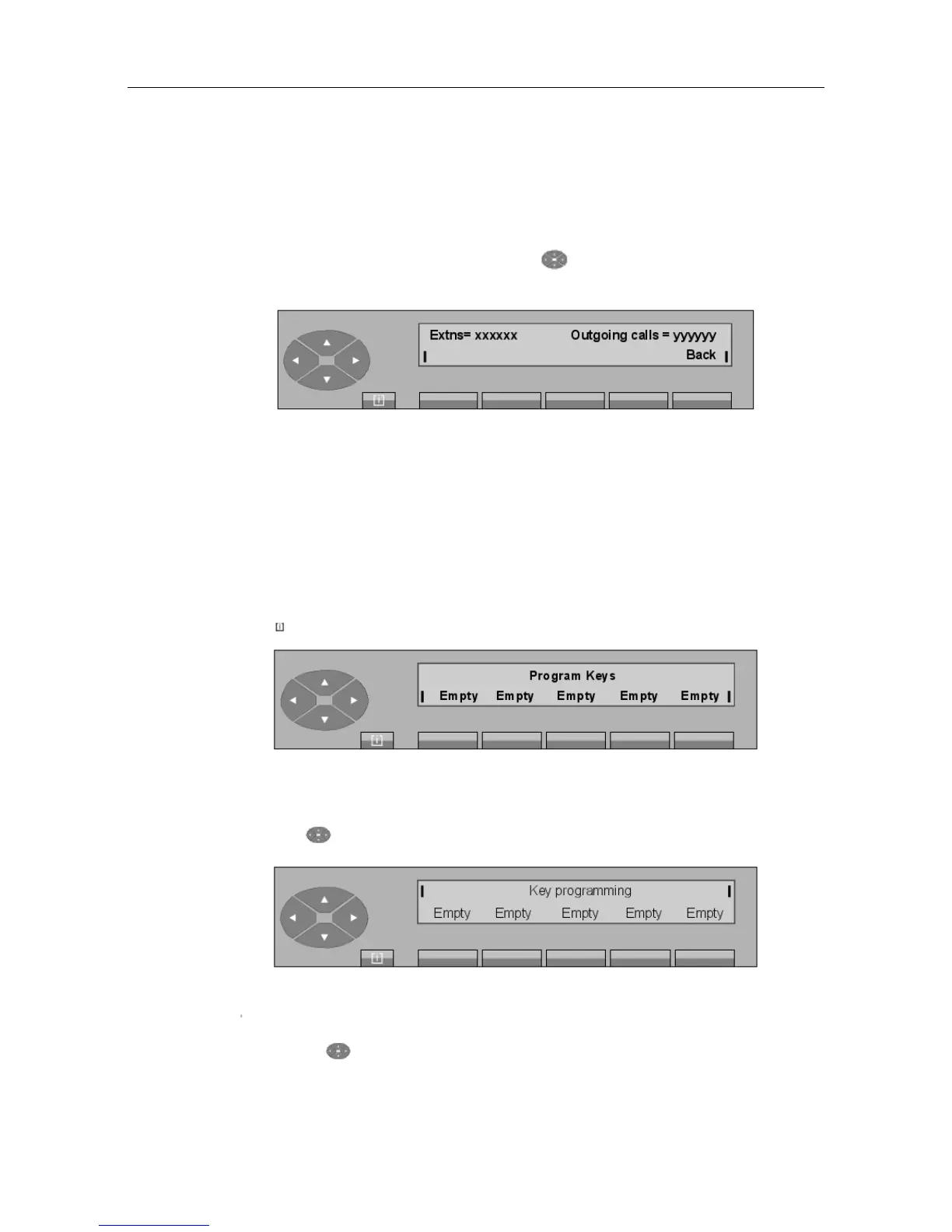
Pressing the SERVICE key, then the top of the key, then the key situated below the
NBSets key, displays:
The first line displays:
xxxxxx Number of sets declared in the installation.
yyyyyy Number of sets declared with DOD.
Pressing the Back key is used to return to the main menu.
5.6 Programming the individual directory
Pressing MENU, then Progr and then Keys displays:
Figure 5.22: Initial menu
Pressing the key displays the next screen:
The identifiers flash to indicate that it involves additional screens.
By pressing the key, you can view five successive screens before returning to the initial
"() ') % !
5-11














 To Next Page