Back Returns to the initial screen.
6.5 Assigning a COS to the user
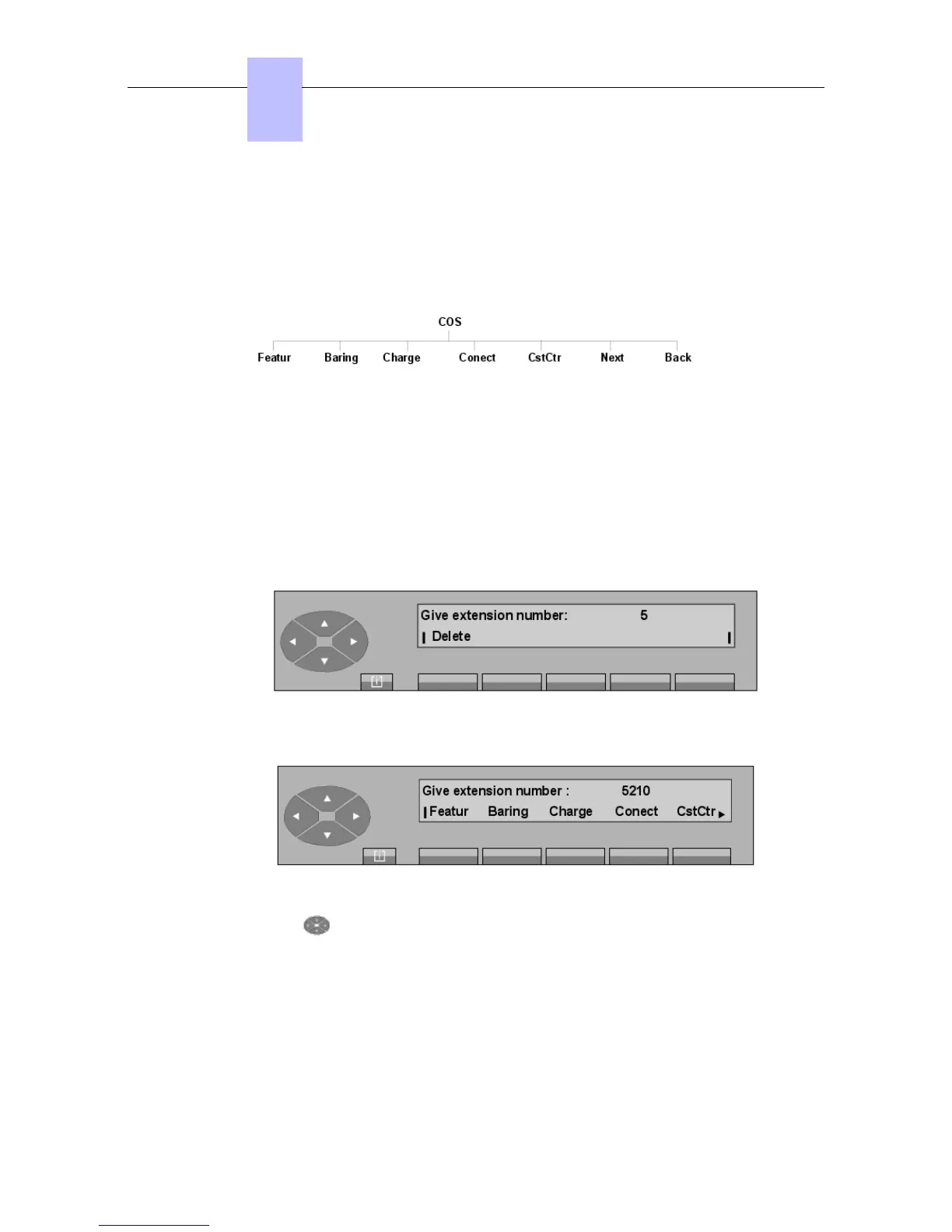
- Block diagram
Pressing the SERVICE key, then the COS (or Category) key allows the attendant to change
the charging center on which the user depends, as well as the Class of Service (category):
- Operation
- Network
- Charge back
- Connection
After pressing the COS key, the screen displays: Give extension number.
As soon as the first digit is entered on the keyboard (for example: 5), the following is displayed:
When the directory number is complete, the following Classes of Services are displayed:
Pressing the key provides access to the Next and Return functions.
Featur Modification of the phone feature Class of Service (category).
Baring or COSRst Modification of the public network access Class of Service.
Charge Modification of receipt printing for charging (ticket output).
Conect Modification of the connection Class of Service.
CstCtr Modification of the cost center.
Chapter
6
"() ') % !
6-10














 To Next Page