Back Returns to the initial menu.
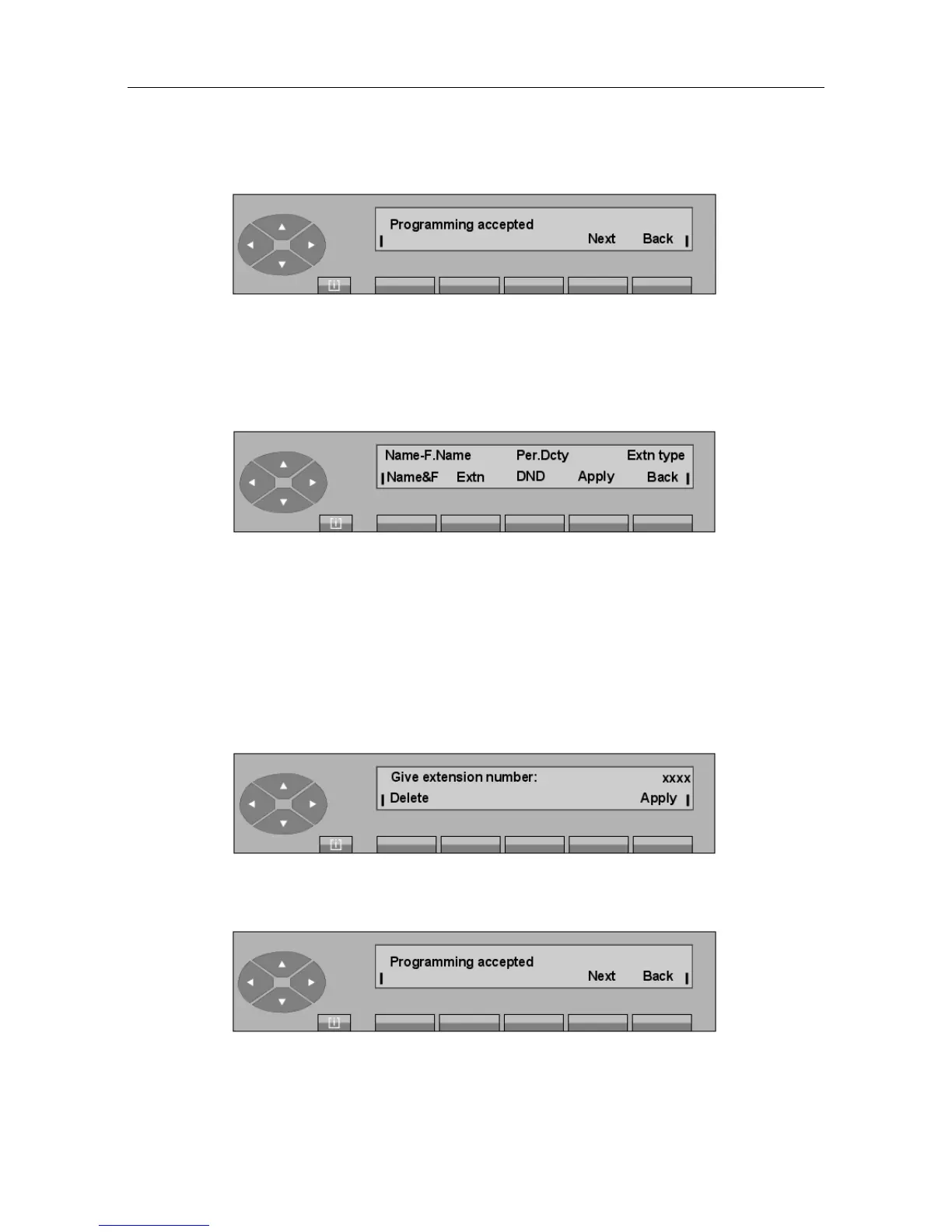
- Pressing the Modify key is used to enter the directory number of a set whose
characteristics are to be modified. When the complete number is entered, the screen
displays:
Name-F.Name Used to program the name and first name.
Extn Used to modify the type of set.
DND Used to put this user in Do Not Disturb mode.
Back Returns to the initial screen.
The process is then the same as described for the Create key.
- Pressing the Delete key is used to enter the directory number of a set whose
characteristics are to be deleted.
When the complete number is entered, the screen displays:
On pressing the Apply key, the attendant confirms deletion of the set characteristics.
If the deletion is accepted, the screen shows:
"() ') % !
6-9














 To Next Page