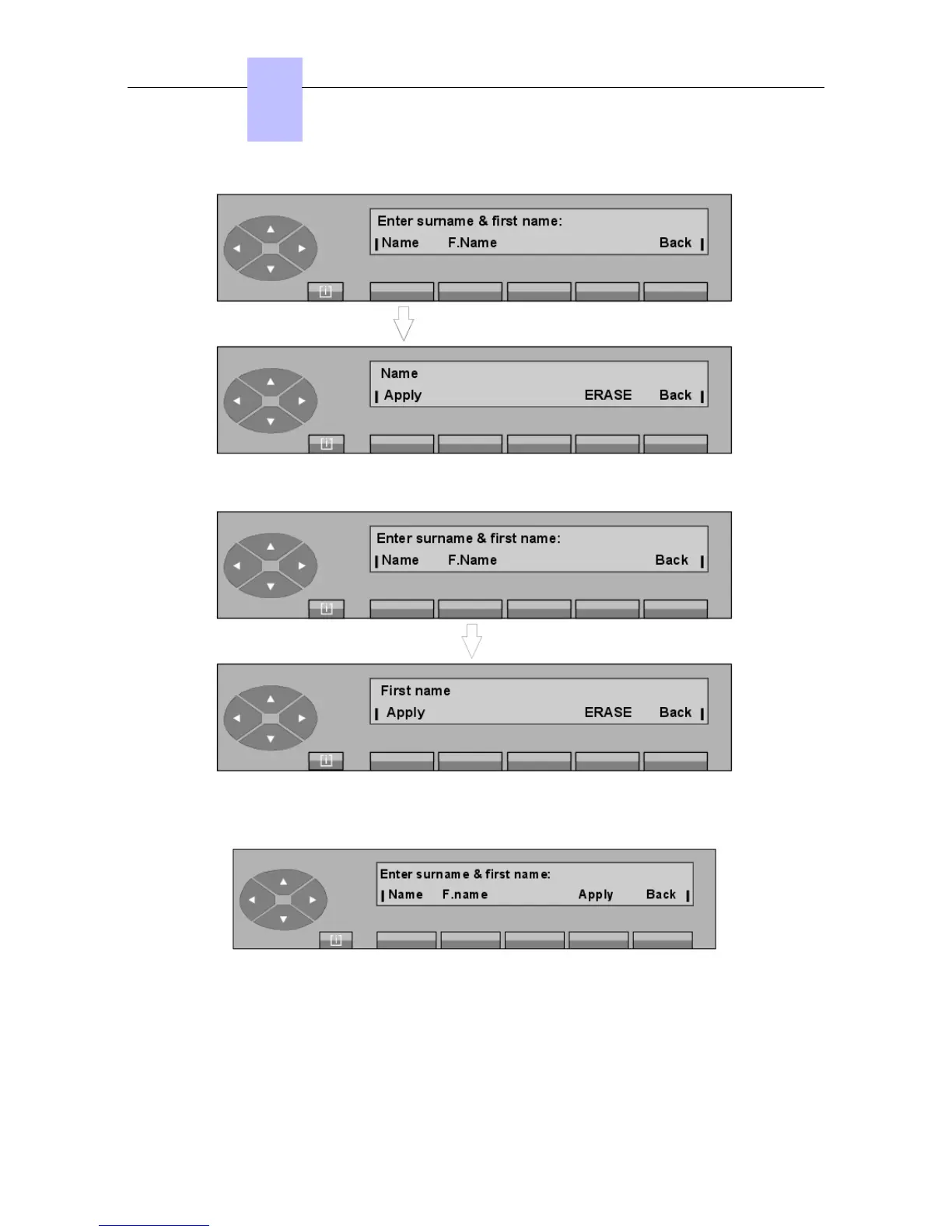
Enter the name of the user and press the Apply key. The screen displays:
Enter the first name of the user and press the Apply key.
Provided the last name and first name have been confirmed , the screen displays:
By pressing the Apply key, the attendant validates the programming.
If the programming is accepted, the screen displays:
Chapter
6
"() ') % !
6-8














 To Next Page