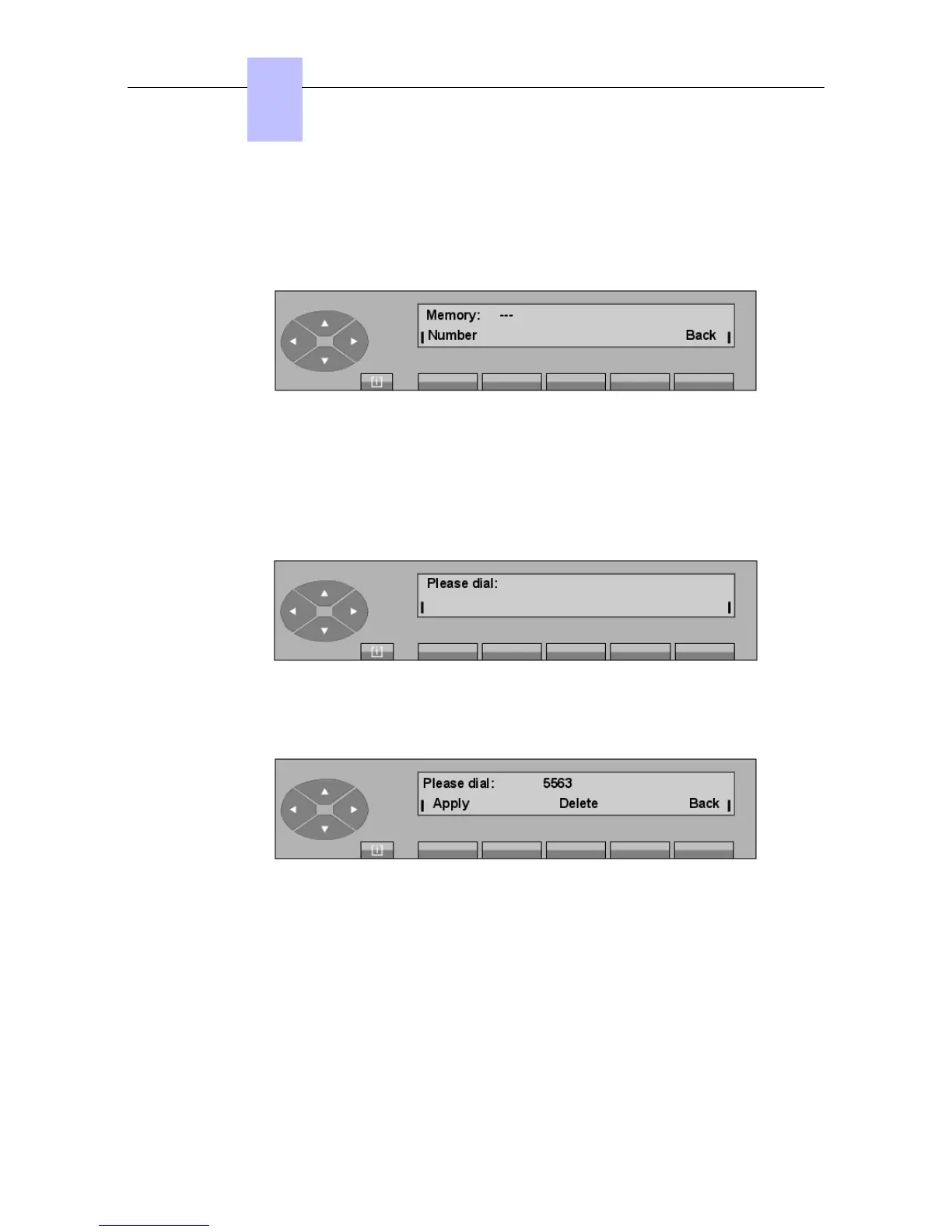
screen.
5.6.1 Programming a directory key
Pressing the Empty key that the attendant wants to program displays:
Number To enter the number required (repertory, prefix, external, abbreviated).
Back Returns to the initial screen.
--- Empty when the keys has not yet been programmed, name of the key if it
has already been programmed.
Pressing the Number key displays:
The attendant can enter the number which will be assigned to this key.
Example:
Delete Erases the number programmed.
Back Used to return to the initial screen.
Apply Confirms the number dialed; the screen displays:
Chapter
5
"() ') % !
5-12














 To Next Page