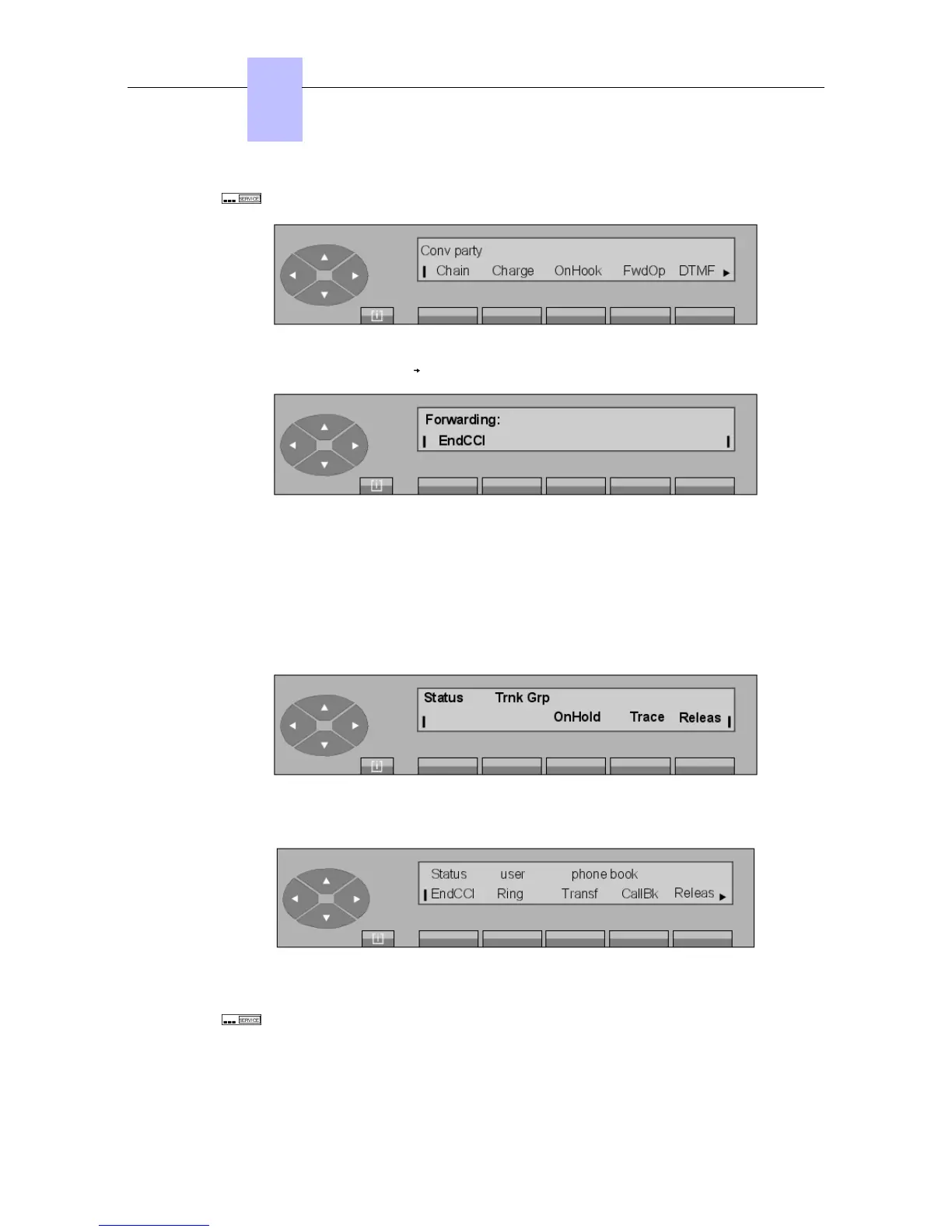
and displays the following screen:
After pressing the FwdOp key , the display shows:
The attendant dials the call prefix to the target attendant to whom calls will be call forwarded.
As soon as dialing is complete, forwarding is activated automatically. After this operation, the
attendant set automatically exits the SERVICE function and returns to the idle state.
4.3 Chained extend
The attendant is in conversation with a party following an incoming call:
The attendant dials the number of the desired internal set:
Pressing the SERVICE fixed key activates the associated LCD segment combination
and displays the following screen:
Chapter
4
$$ '!
4-2














 To Next Page