2.5 Answering calls
2.5.1 Automatic answer
This operating mode is used to automatically connect the attendant set to any incoming call or
any call that is waiting during call routing.
If the AUTO key is pressed, the segments of the associated LCD block light up , and
the screen displays: Automatic connection mode.
The attendant set automatically returns to idle after a time delay or when the END
fixed key is pressed.
2.5.2 Manual answer
If the AUTO key is pressed again, the segments of the associated LCD block go off and
Manual connection mode is displayed.
The attendant set automatically returns to idle after a time delay or when the END
fixed key is pressed.
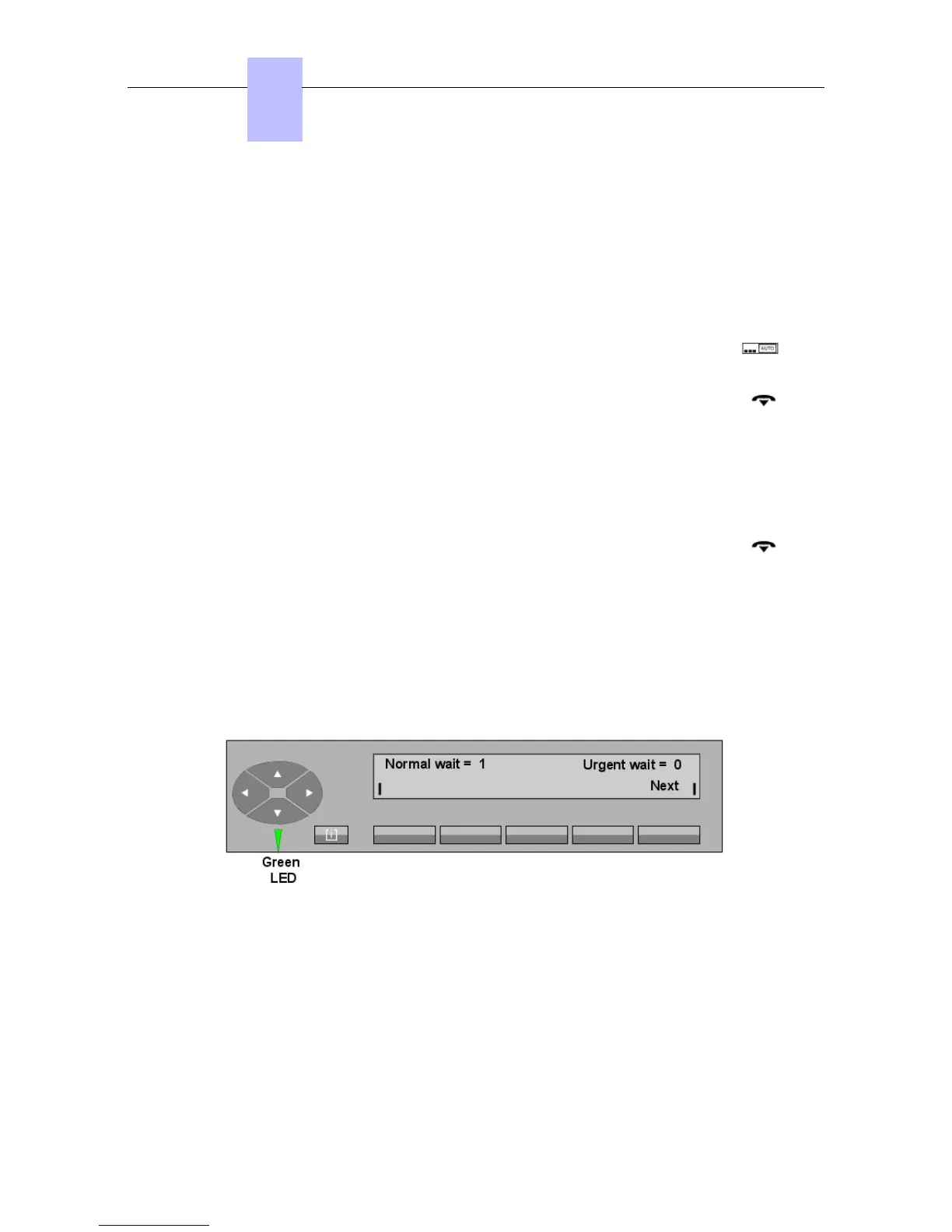
This operating mode places calls in a waiting queue as they arrive.
An internal user or public network call is shown on the attendant set by:
- A short cadenced ringing.
- The call waiting LED coming on green.
- The new value of the normal waiting calls counter.
- Display of the Next label.
Attendant action is required to take the call (pressing the call presentation key (flashing LCD
block) or the Next key).
2.5.3 Answering an internal call
The display shows:
Chapter
2
! &$
2-16














 To Next Page