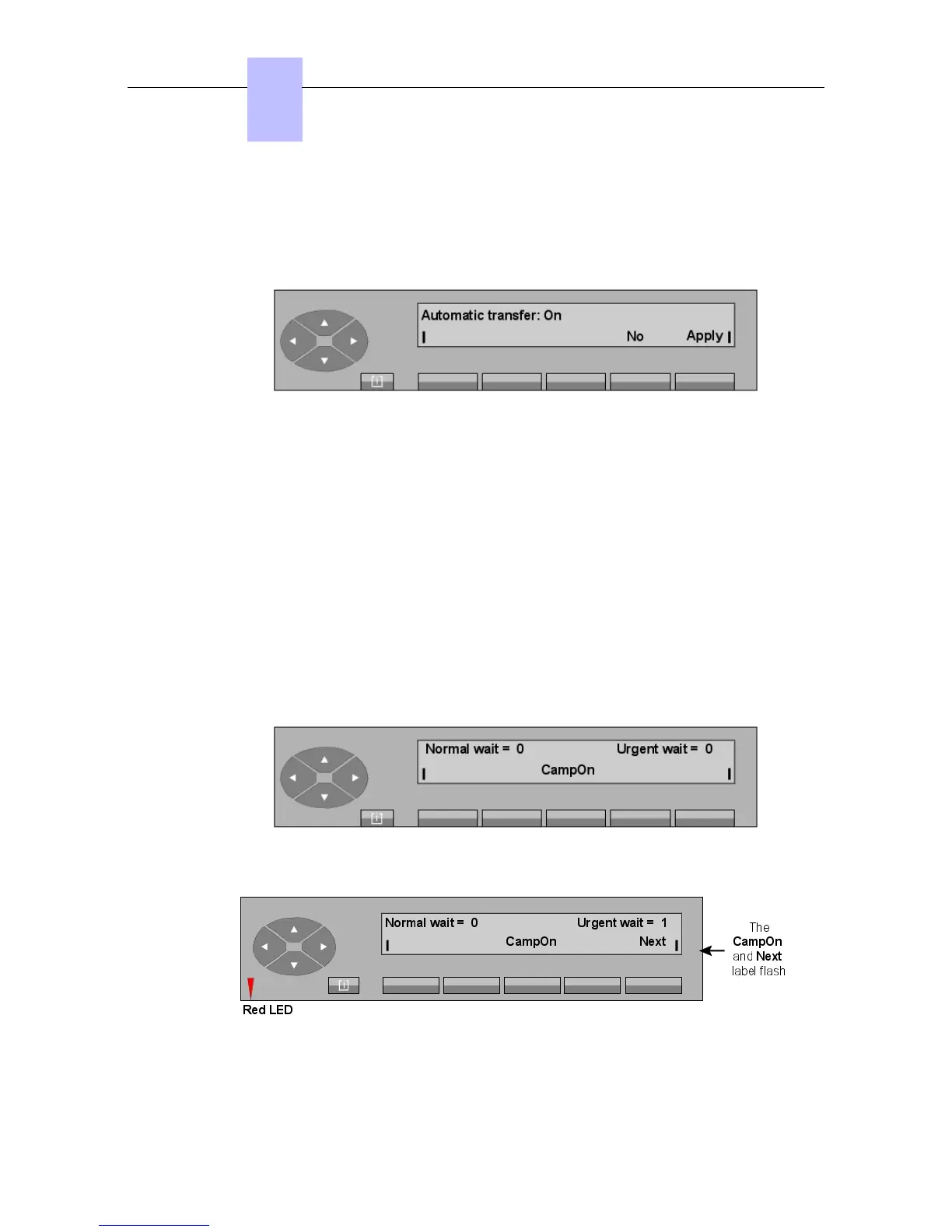
Apply Switches off the Automatic transfer function.
Yes Displays the screen used to activate automatic transfer.
When the Yes key is pressed, the screen displays:
Apply Switches off the Automatic transfer function.
No Displays the previous screen (used to switch off automatic transfer).
The attendant may choose to transfer the current call manually - in order to present it to the
user; for example (see the Alcatel 4035 attendant set - Additional features - Temporary
suppression of automatic transfer).
3.1.2 Transfer without presentation
By pressing the Transf key, the attendant exits the conversation and the attendant set returns
to the idle position.
The internal user is in call mode and the transferred party camps-on (waits) on the internal
user's set.
While the internal user set has not answered the call, the CampOn label remains displayed on
the attendant set.
If the internal user does not answer before the end of the routing timer, the screen shows:
Note:
Chapter
3
! &$
3-2














 To Next Page