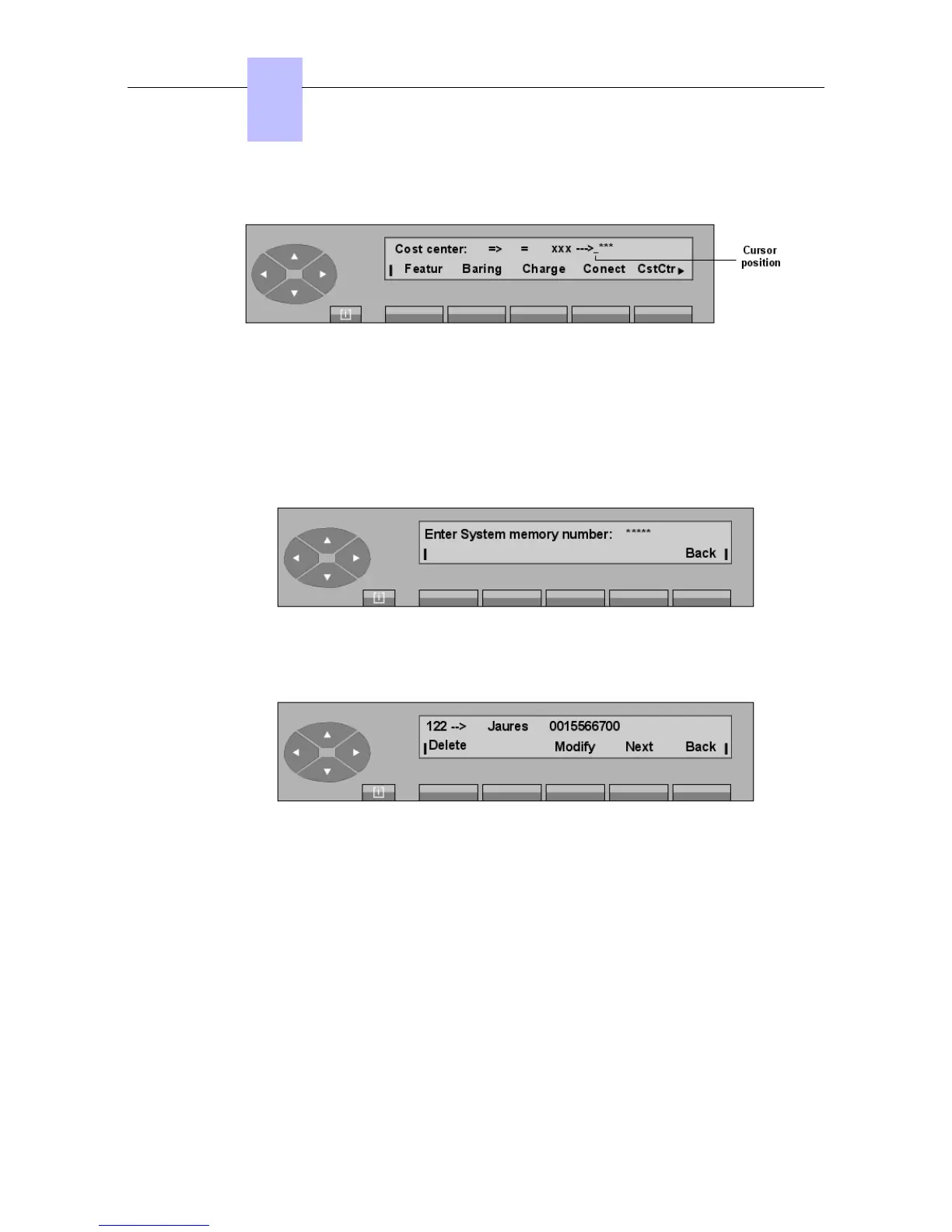
On pressing the CstCtr key, the screen displays:
The attendant enters the new value. As soon as the last digit is received, the screen displays
Programming accepted. To exit, press the Back key.
6.6 Modifying Speed Dialing numbers
Pressing the SERVICE key, then the SysDir key allows the user to modify the system Speed
Dial numbers:
After entering the row of the number indicated in system management, (0000 to 14999), the
following, for example, is displayed:
Delete Used to delete the content of the number and return to the initial menu.
Modify Used to modify the content of the number (external number and/or name).
Next Used to complete the row of the next required speed dial number.
Back Returns to the previous menu.
Pressing the Modify key displays:
Chapter
6
"() ') % !
6-12














 To Next Page