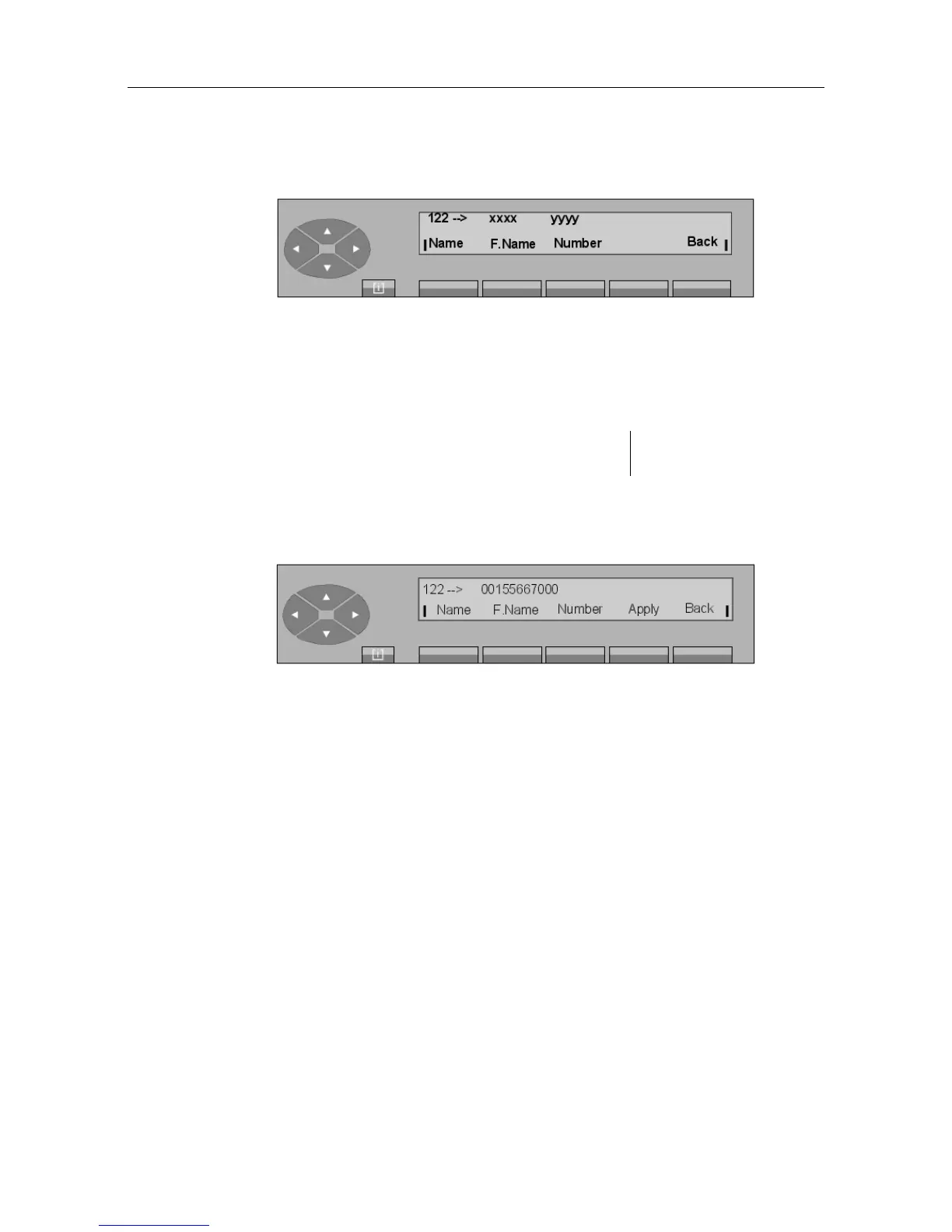
The first line displays:
xxxx and yyyy name and number if already programmed.
The second line gives the following keys:
Name used to enter the name
F.Name used to enter the first name not mandatory
Number used to enter the external number (seize
prefix included).
When the external number at least is entered, the following, for example, is displayed:
Press the Apply key for the content of the number field to take effect. Programming
accepted is displayed.
If a name has not been programmed, the external number is also used as name in the display
of the number content.
6.7 Charging
- Block diagram
"() ') % !
6-13














 To Next Page