Pressing the Back key returns to the initial menu.
5.4 Attendant set ergonomics
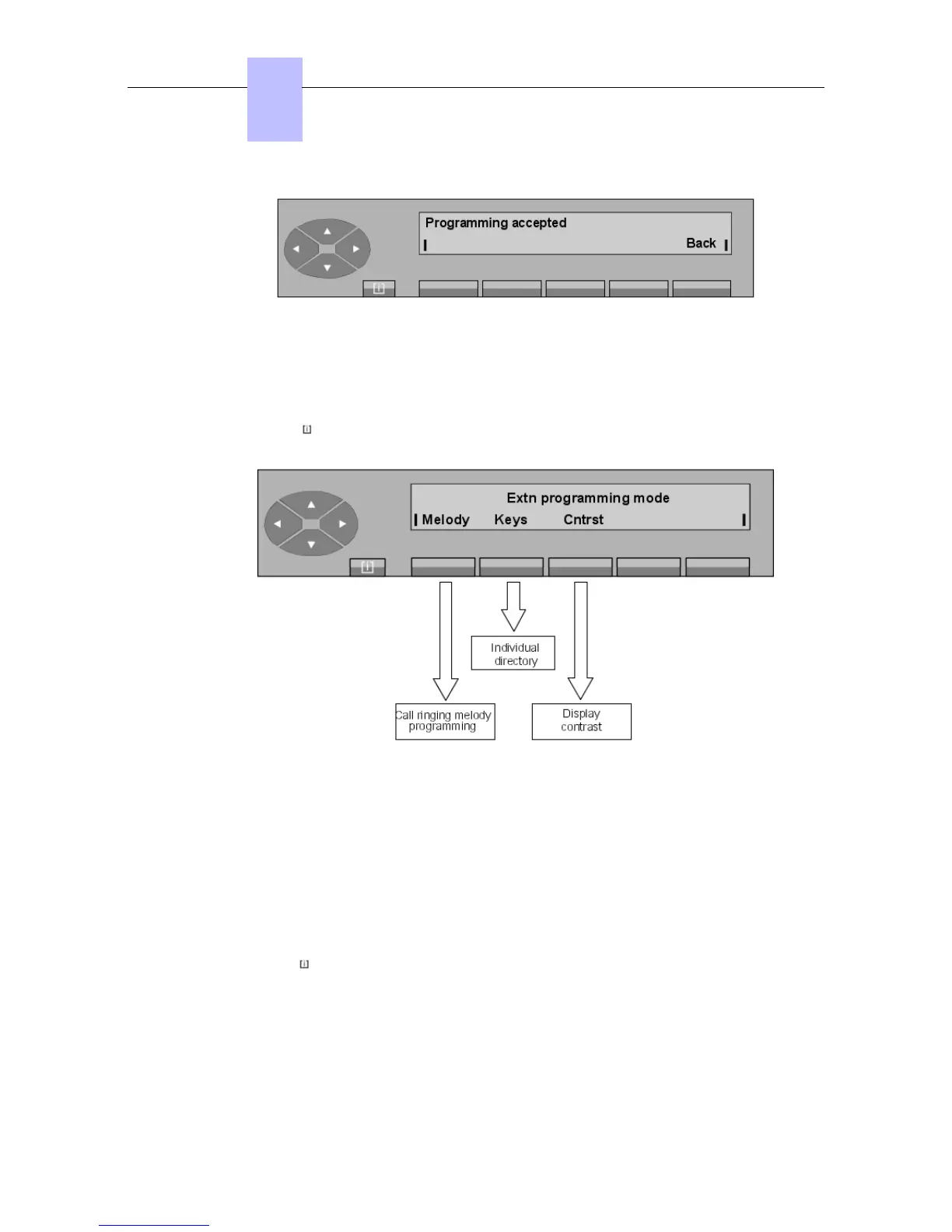
Pressing the MENU fixed key, the Progr key and then the Ring key, opens the following
sub-menus:
Melody To set the call ringing melody and its volume level on the attendant set.
Keys To program the keys and individual directory.
Cntrst To adjust the display contrast.
5.4.1 Ringing - Melody - Volume level
The call ringing melody on the attendant set can be selected from 16 available melodies. Each
melody has 7 different volume levels.
Pressing the MENU keys, followed by Progr, Ring, and Melody keys displays:
Chapter
5
"() ') % !
5-6














 To Next Page