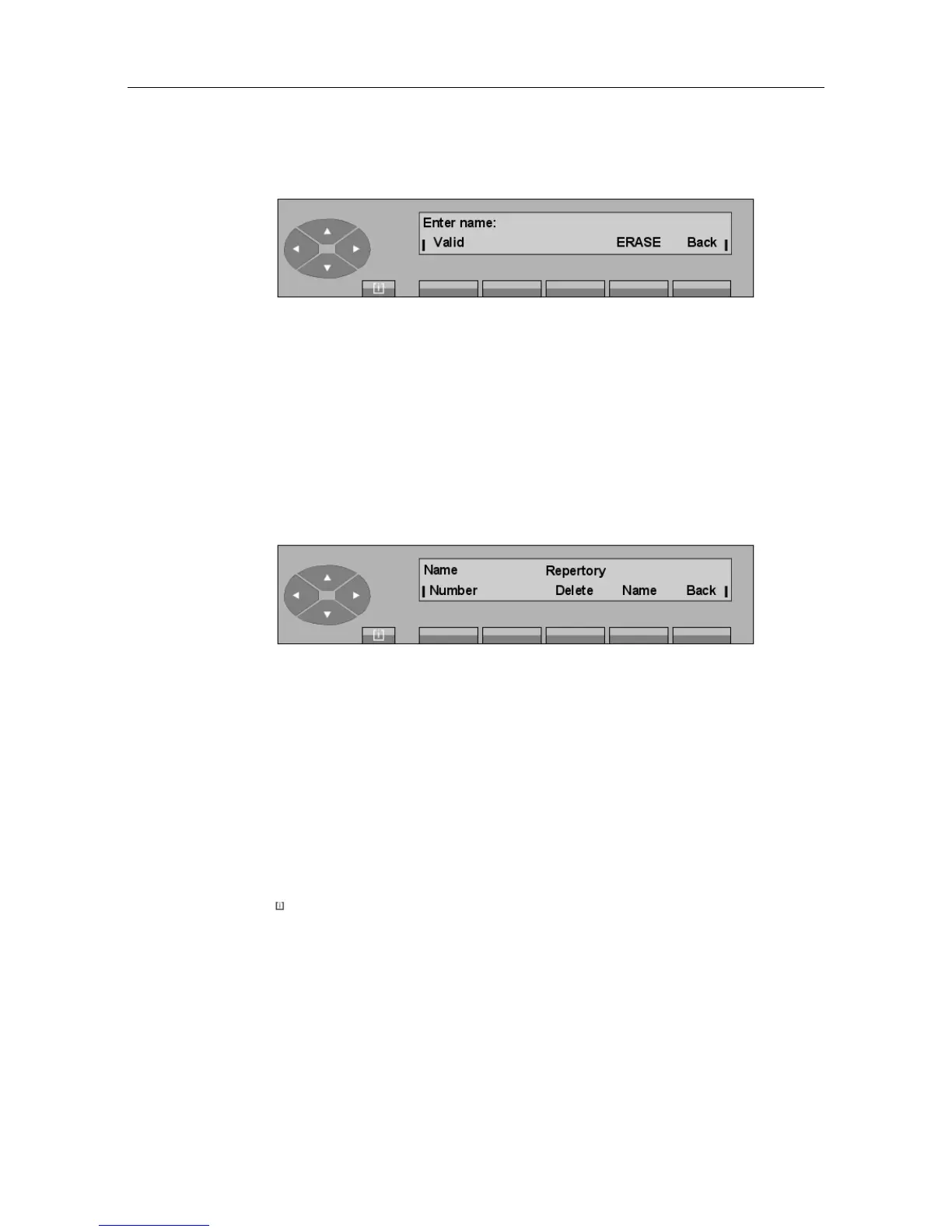
The attendant enters, via the alphabetical keyboard, the name associated with the number and
confirms this by pressing the Apply key. If the name does not change, the attendant re-enters
the name as before.
ERASE Deletes the last character
Back Returns to the initial screen.
5.6.2 Changing the content of a directory key
Pressing the key to be modified displays:
Number Used to change the number programmed.
Delete Erases all the programming for the key.
Name Used to change the label of the key.
Back Returns to the initial screen.
5.7 Assigning programmable keys
5.7.1 Programming the programmable keys
Pressing MENU, then Progr and then Keys displays:
"() ') % !
5-13














 To Next Page