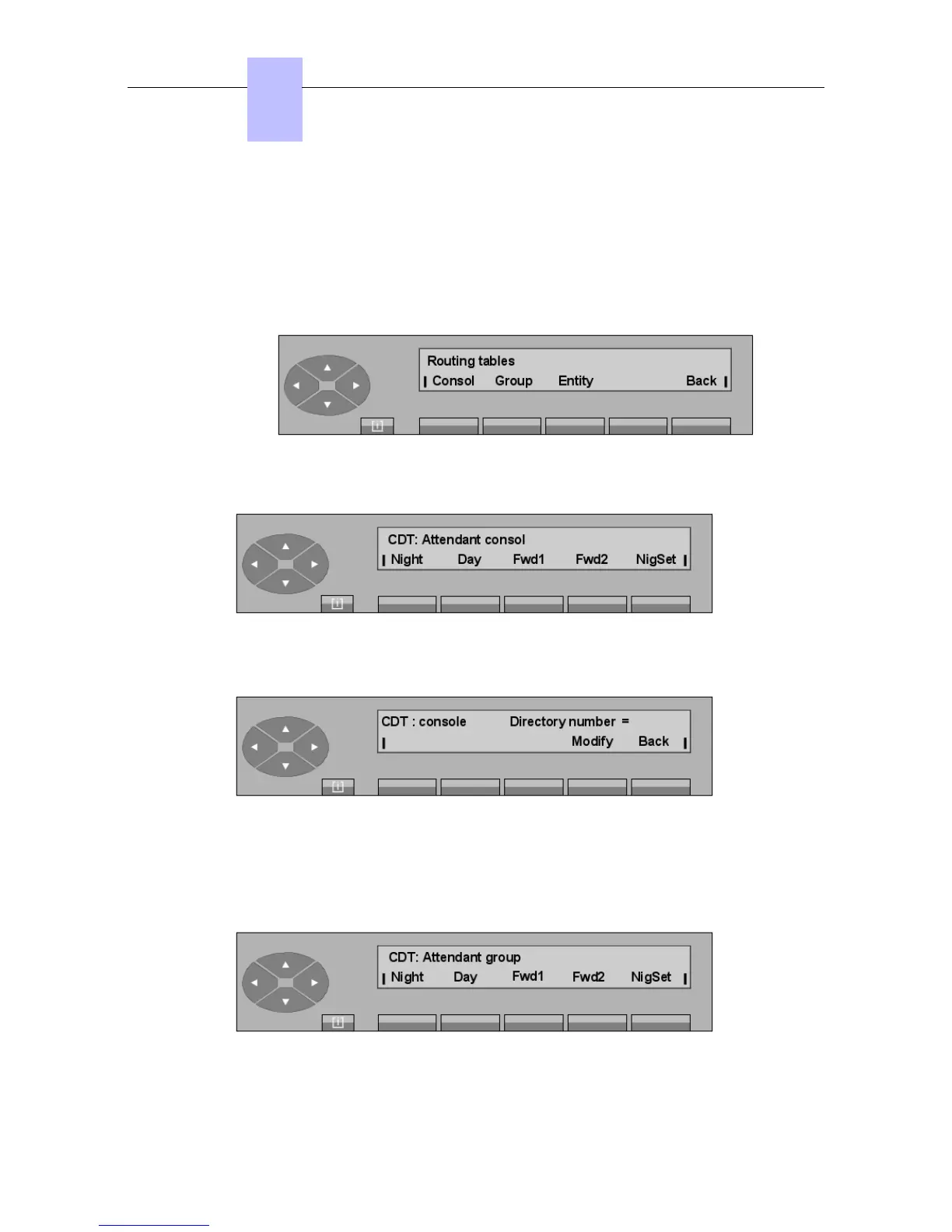
6.10 Routing tables
Pressing the RouTab key allows the attendant to manage the various forwarding operations
for the attendant set, the attendant groups, the entity for the available modes (night, day,
forward1 and forward2).
The screen displays:
- Pressing the Consol key displays:
Then, depending on the key pressed (Night, Day, Fwd1, Fwd2, NigSet), the screen
displays the first directory number for the forwarding programmed for the mode selected:
Modify To modify the forwarding directory number.
Back Returns to the previous menu.
- Pressing the Group key displays:
The rest of this screen is the same as the one described for the Consol key.
Chapter
6
"() ') % !
6-20














 To Next Page