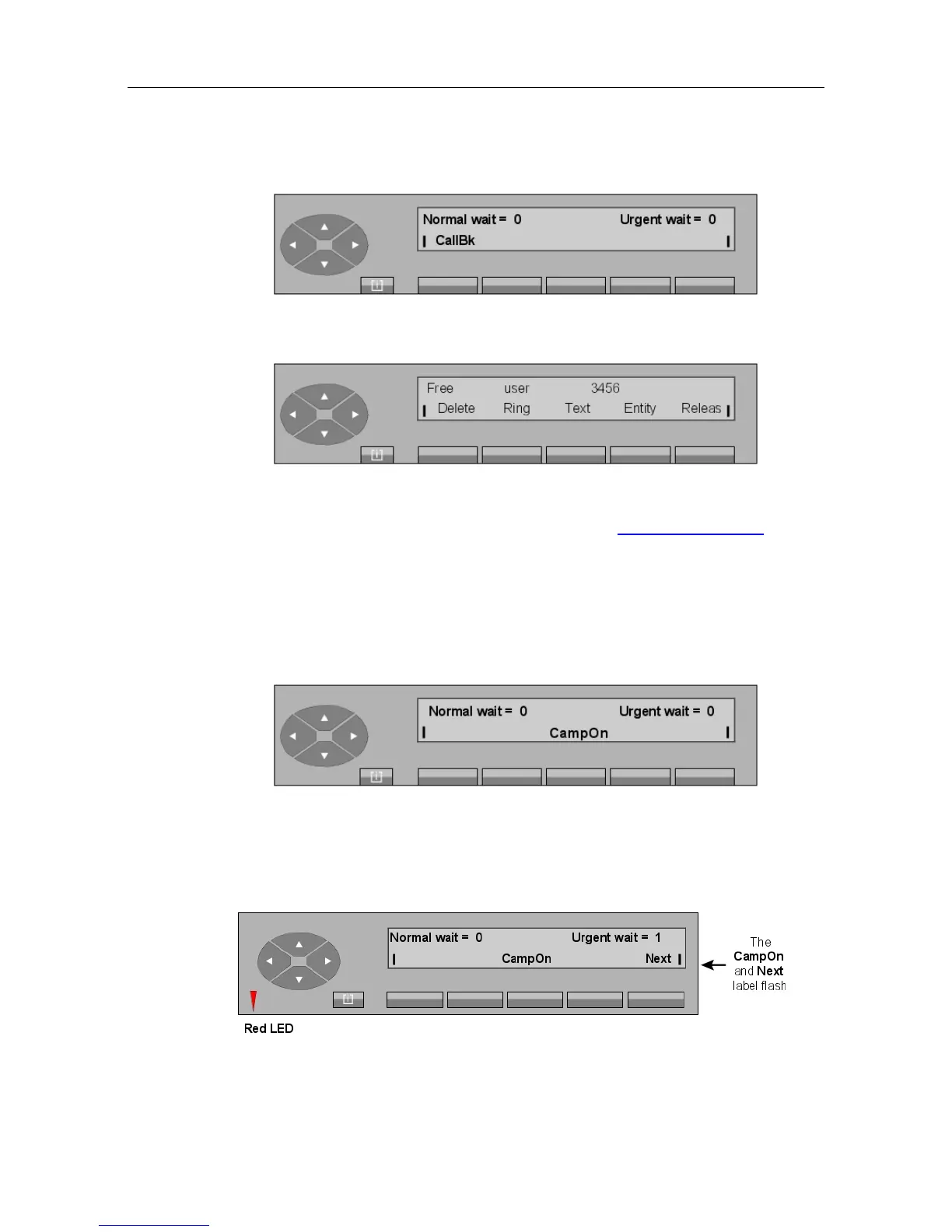
When the attendant presses the CallBk key, the display shows (example):
By pressing the Ring key (or Call key), the attendant activates the call to the user requesting
callback. The rest of the screens are the same as described in Call to an internal user .
Pressing the Delete key deletes the current callback request and the attendant set returns to
the idle position.
2.6 Holding a call
When the OnHold key is pressed, the user set (internal or external user) is put on hold with
the music-on-hold or waiting tone and the screen changes to:
If the attendant does not retrieve the call before the end of the timer, ringing is activated to
indicate that the user is calling back the attendant set and the urgent waiting call counter is
incremented.
Example:
! &$
2-19














 To Next Page