Next Moves to the next set.
Back Returns to the initial menu.
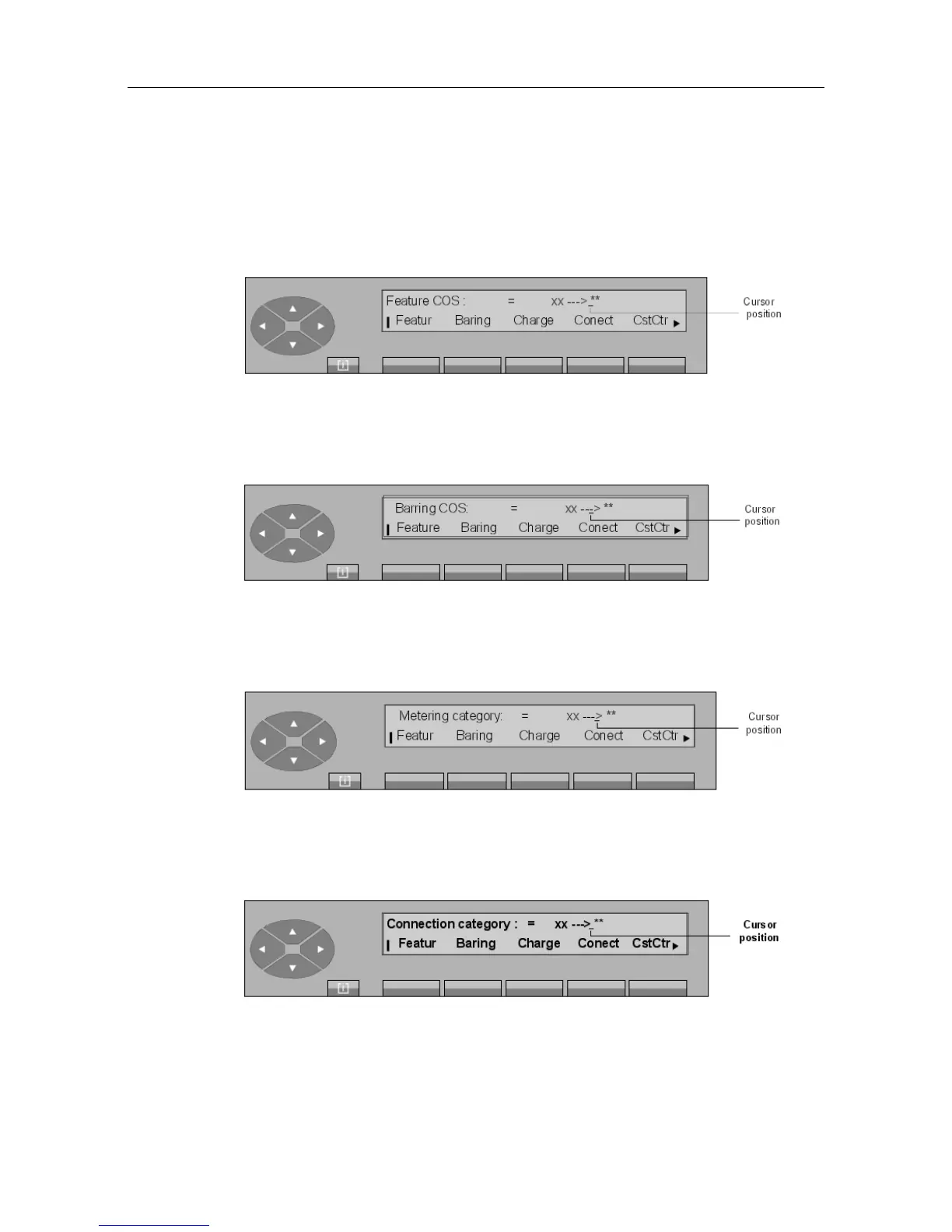
Pressing the Featur key displays:
The attendant enters the new value (00 to 31). As soon as the second digit is received, the
screen displays Programming accepted. To exit, press the Back key.
Pressing the Baring (or COSRst) key displays:
The attendant enters the new value (00 to 31). As soon as the second digit is received, the
screen displays Programming accepted. To exit, press the Back key.
Pressing the Charge key displays:
The attendant enters the new value (00 or 01). As soon as the second digit is received, the
screen displays Programming accepted. To exit, press the Back key.
On pressing the Conect key, the screen displays:
The attendant enters the new value (00 to 31). As soon as the second digit is received, the
screen displays Programming accepted. To exit, press the Back key.
"() ') % !
6-11














 To Next Page