Create Used to program the characteristics for a new user.
Modify Used to modify existing characteristics.
Delete Used to delete existing characteristics.
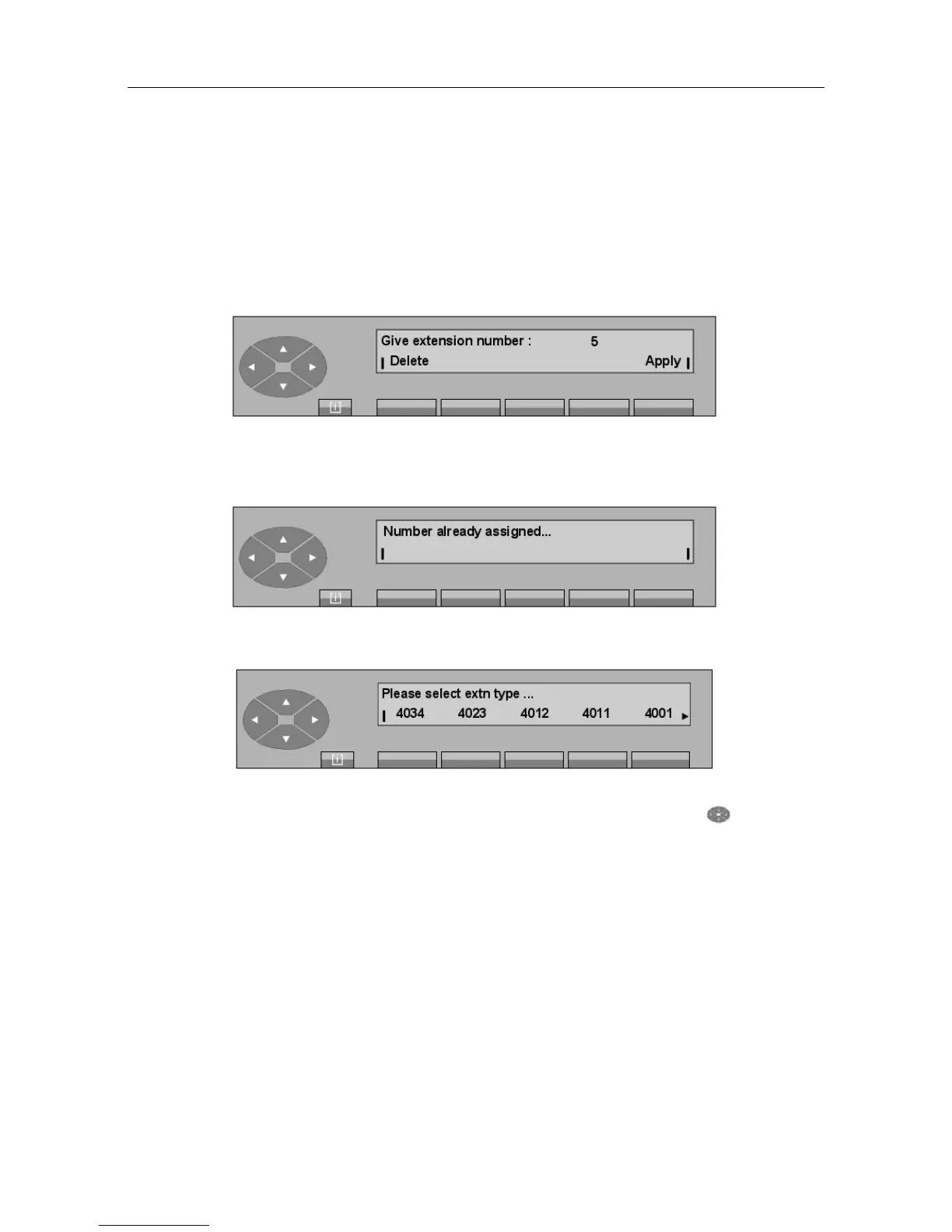
- Pressing the Create key provides access to the following display: Give extension
number. After the first digit, the following type of screen is displayed:
When the directory number is complete, the attendant confirms this number by pressing
the Apply key. If the directory number corresponds to a set that has already been created,
the screen displays:
Otherwise, the screen displays:
The attendant must select a profile from those proposed. Pressing the key provides
access to other profiles if they are available.
Then, enter the last name and first name of the user:
"() ') % !
6-7














 To Next Page