REF: LE5 Alcohol Tester User Manual V16.docx Page 11 © Alcolizer Technology
Uncontrolled when printed
3.5
Turning on the Instrument
Turn the instrument on as follows:
NOTE: At start up a clicking sound will be heard
Press either the Test key or Up/Down buttons. A company logo screen will
appear for a period of five seconds prior to the test screen displaying. The logo
screen can be terminated sooner by pressing either the Test key or Up/Down
buttons a second time.
NOTE
On specially configured instruments, additional information may be displayed on start-up
e.g. Instrument serial number, Sample module serial number and days until calibration.
To temporarily hold the display information on the screen at start-up, press and hold any key
when turning the instrument on.
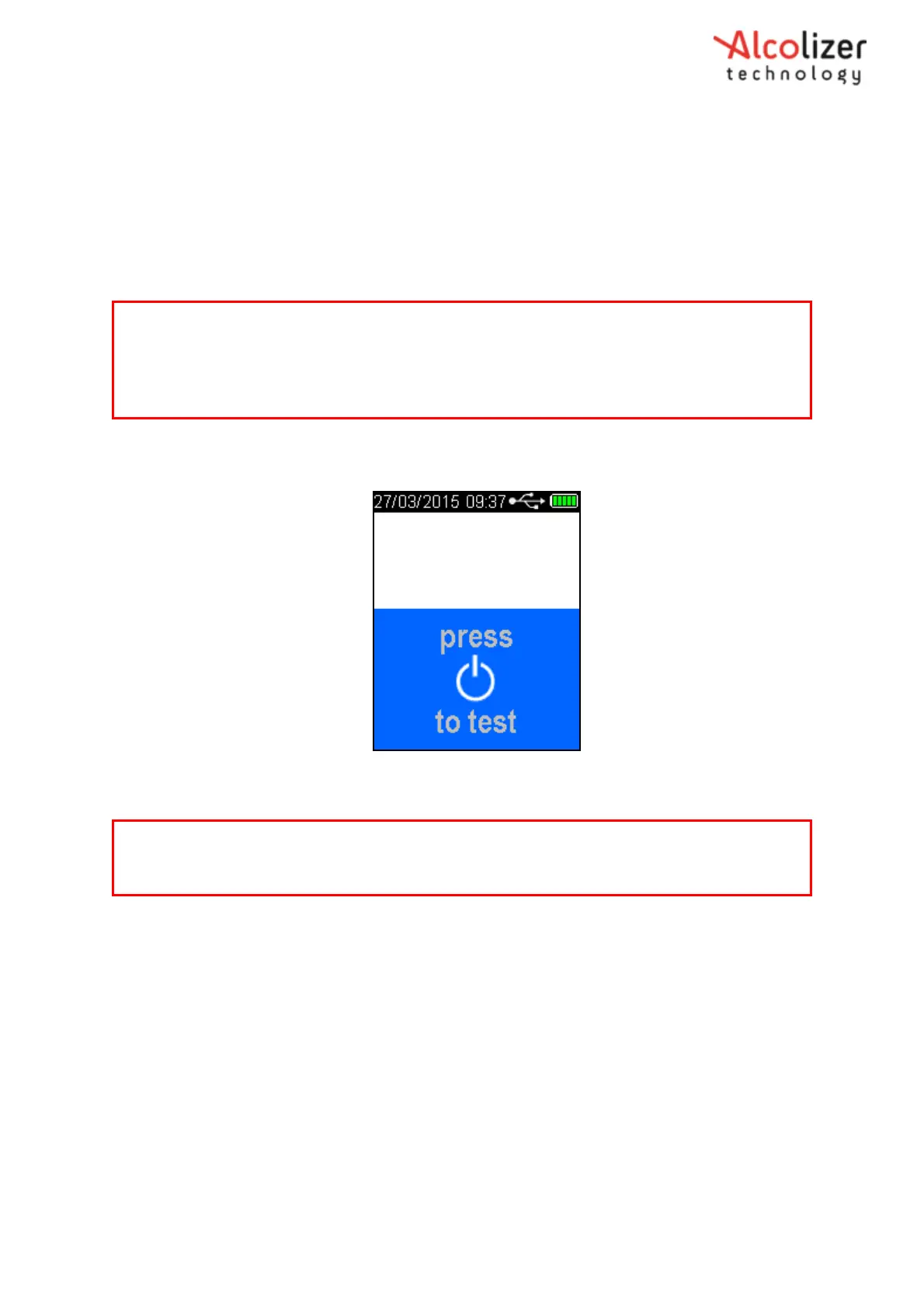
The display will show press to test (Refer Figure 5).
Figure 5- Press to test message
3.5.1
Mouthpiece Testing
Attach the mouthpiece to the instrument as follows:
Grasp the mouthpiece at the non-ribbed end and tear the plastic wrapping from
the ribbed end, downwards to expose the sample inlet hole.
Locate the mouthpiece sample inlet port over the mouthpiece locator in line
with the recesses that surround the spigot.
Press the mouthpiece sample inlet port onto the locator until it is attached
securely (Refer Figure 6). The orientation of the mouthpiece will not affect the
sampling.
Remove the remaining portion of the plastic wrap just prior to testing to
ensure hygienic use.
CAUTION
To maintain a healthy sampling environment, the following procedures must be strictly adhered
to.



 To Next Page