REF: LE5 Alcohol Tester User Manual V16.docx Page 56 © Alcolizer Technology
Uncontrolled when printed
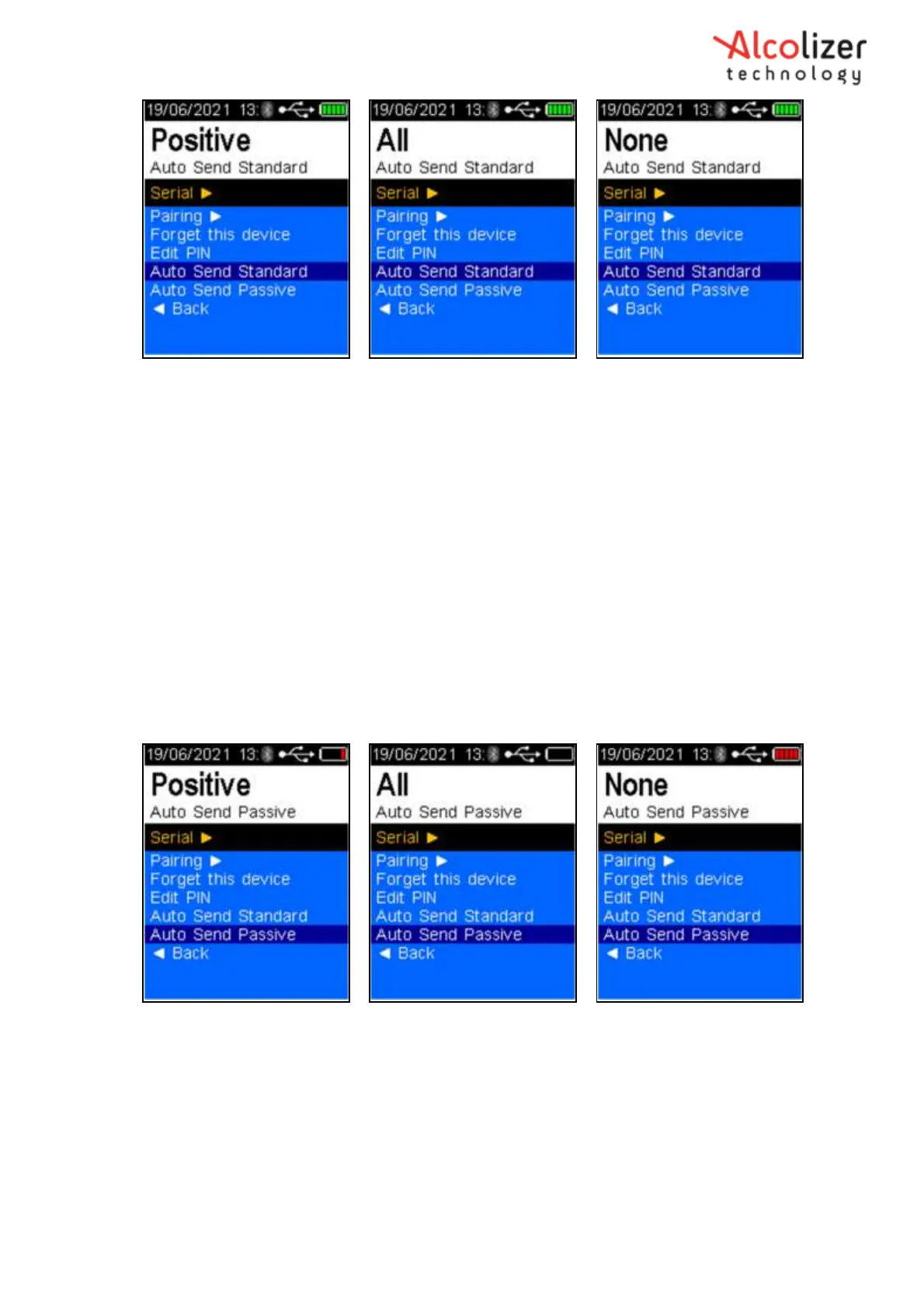
Figure 98 - Auto Send Standard with the Three Options
8.10.2 Auto Send Passive
Auto Send Passive applies only to Passive testing. Depending on the Auto Send Passive option
selected, the information may be transmitted following the various tests except None. The result will
be either false if no alcohol is detected or true if alcohol is detected per the following explanations:
Positive- If alcohol is detected: A short report including time,
instrument information, test type, etc will be transmitted.
All- If alcohol is either detected or not: A short report including time,
instrument information, test type, etc will be transmitted
None- Regardless of results: Nothing transmitted
To set the LE5 to Auto Send Passive, scroll down until Auto Send Passive is highlighted. Positive
is the default option. To select All or None, press the test key until the desired option is
highlighted (Refer Figure 99).
Figure 99 - Auto Send Passive with the Three Options
9 Reading Options
9.1 Changing colour set points
To change the colour set points, access the Setup Menu using the 00005000 code (see section 6.1
Bluetooth Connection).



 To Next Page