REF: LE5 Alcohol Tester User Manual V16.docx Page 71 © Alcolizer Technology
Uncontrolled when printed
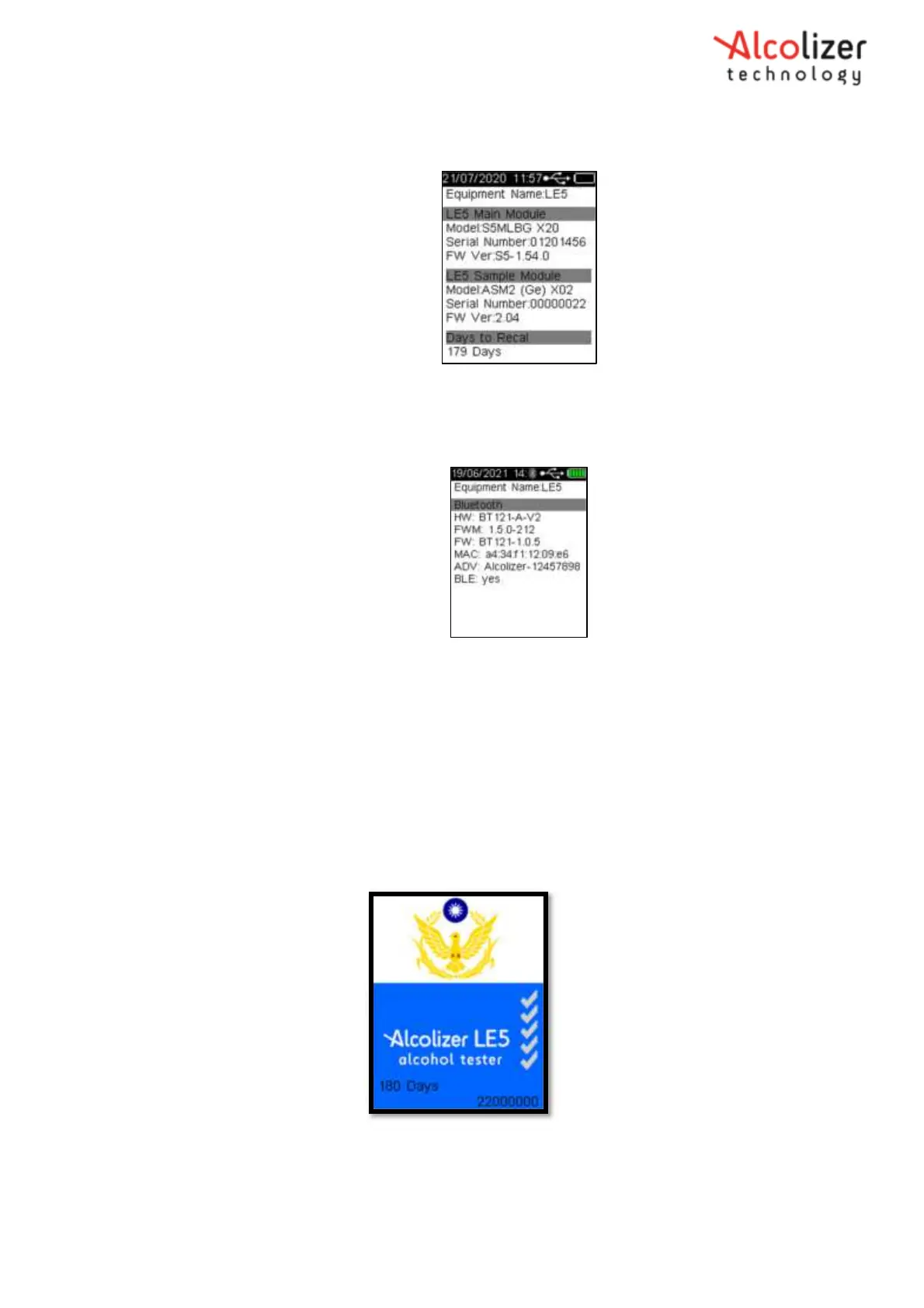
3. Press the key button and the device information will appear as displayed below.
Figure 123 – Device Information Display
4. If you continue to press the key button further information displays about the device will display.
5. If bluetooth is connected the final page will show bluetooth information
Figure 124 – Bluetooth Display
22 Splash Screen Display
This feature will allow the splash screen to be held on the screen at start up. The splash screen hold
time can be configured by setting configuration item “Splash Screen Timeout”.
1. Power on the device and set configuration item “Splash Screen Timeout” to 2. (i.e. 2 seconds)
2. Power off the device.
3. Press and release the test key to turn on the device.
4. Observe that the splash screen is retained on the screen for a duration of 2 seconds.
Figure 125 – Splash screen Display



 To Previous Page