REF: LE5 Alcohol Tester User Manual V16.docx Page 65 © Alcolizer Technology
Uncontrolled when printed
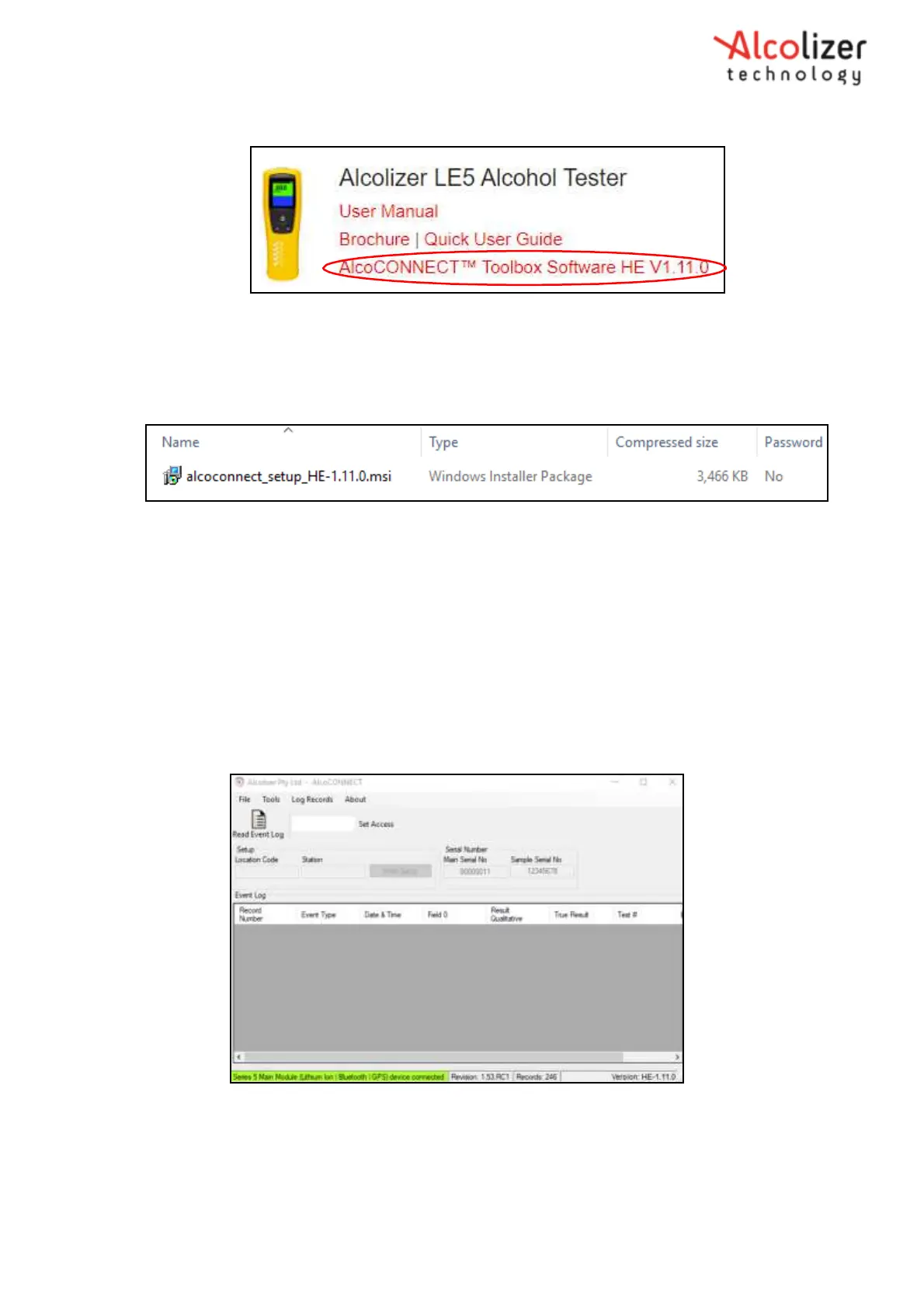
Figure 113 - AlcoCONNECT Toolbox Software Download
Link
Open the zip file to access the setup file. Click on the file to load
AlcoCONNECT Toolbox .
Figure 114 - Setup File
20.2 Using AlcoCONNECT Toolbox
Once installed onto the computer, access AlcoCONNECT as follows:
Connect the instrument to the computer via the USB cable.
Double click the AlcoCONNECT Toolbox icon.
Turn the LE5 instrument on. The Read Event Log window will be
displayed (Refer Figure 115).
A successful connection between the LE5 and the computer will be shown by a
green segment on the Read Event Log window (Refer Figure 116).
Figure 115 - Read Event Log Window
Click the Read Event Log icon and The Event Log will then be displayed
(Refer Figure
_bookmark134
114).



 To Next Page