REF: LE5 Alcohol Tester User Manual V16.docx Page 69 © Alcolizer Technology
Uncontrolled when printed
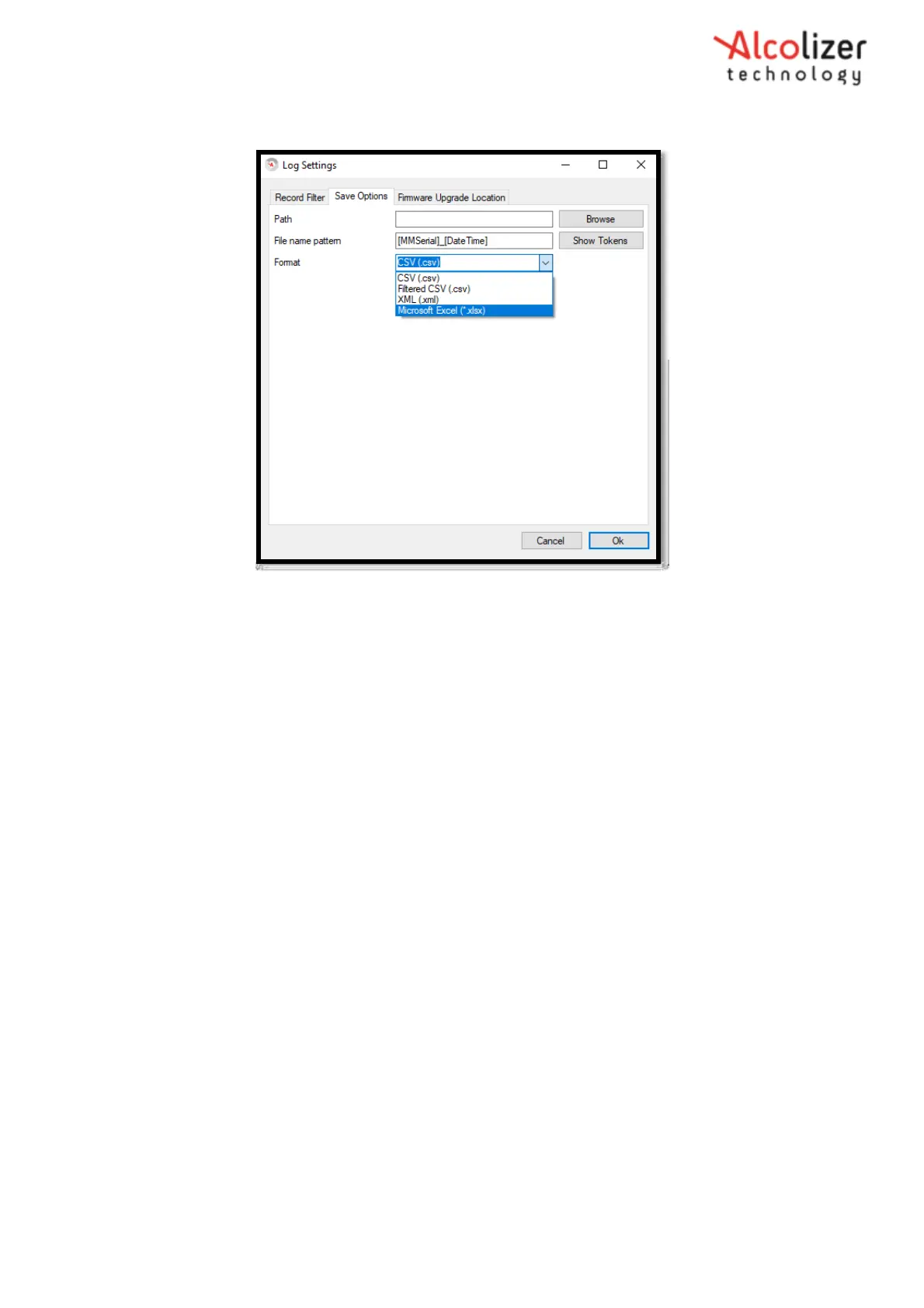
Figure 119 - Log Settings Window
20.2.4 Erasing Event Logs or Clearing Logs on an Instrument
Insert access code “00005000” at set address field to enable features.
20.2.5 Configuration Editor
The feature will allow the operator to edit area code (Code 0 Edit on Start Enable), id code
(Code 1 Edit on Start Enable) and location code (Code 2 Edit on Start Enable) at start up. The
code screen has 3 different modes and can be configured using configuration editor in
toolbox.
20.2.5.1 Disabled Mode
1. Set the value of configuration item “Code 0 Edit on Start Enable” to 0.
2. Restart the device.
3. Observe that the code screen is not available at start-up.
4. The device should show the operational screen.
20.2.5.2 Edit Mode
1. Set the value of configuration item “Code 0 Edit on Start Enable” to 1.
2. Restart the device.



 To Next Page