REF: LE5 Alcohol Tester User Manual V16.docx Page 68 © Alcolizer Technology
Uncontrolled when printed
the PC or tablet.
Click the “Read Event Log” button to populate the event log with records
Click on File > Save Event Log.
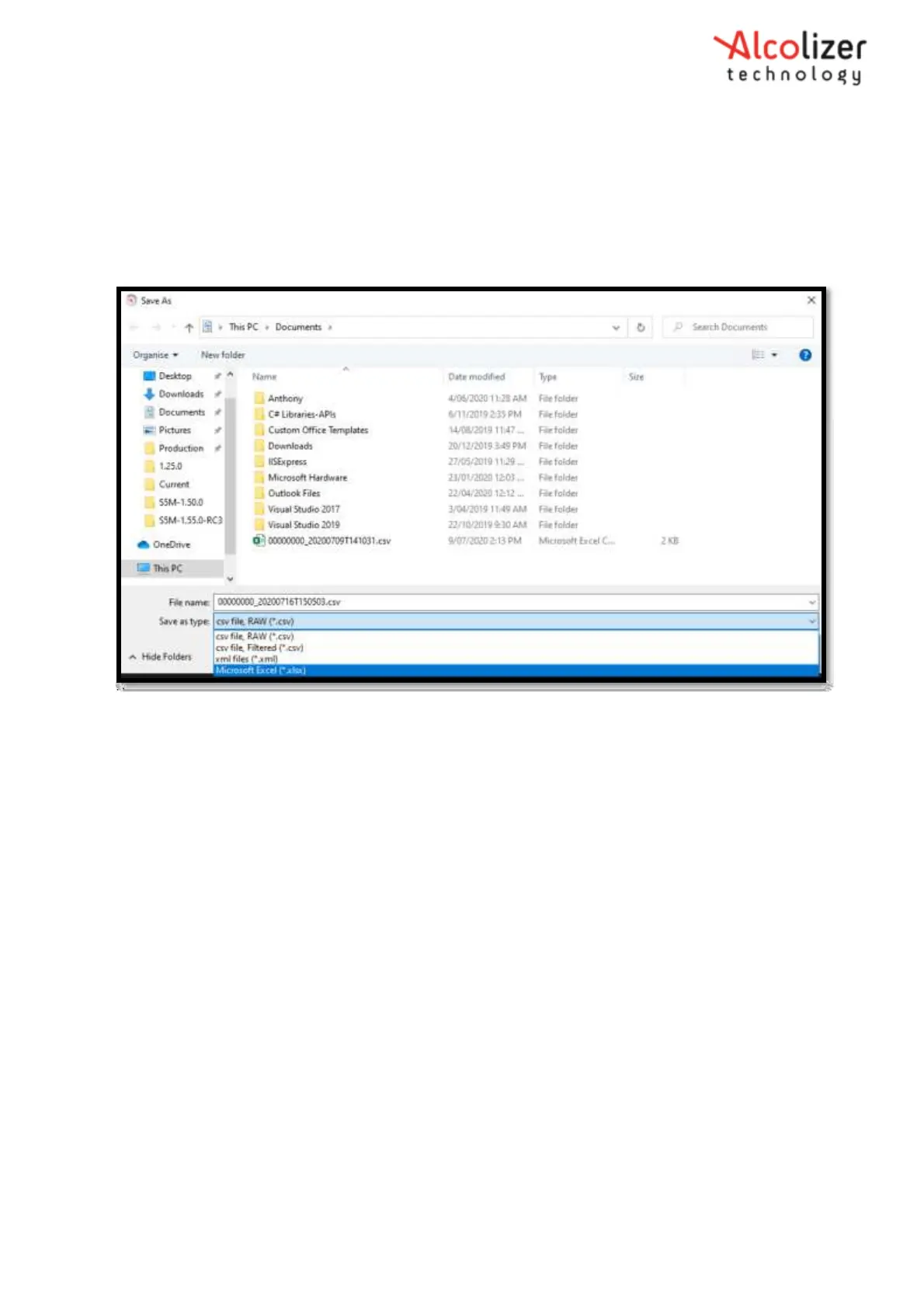
Click the “Save as type:” drop down menu and select required format (Options are CSV, XML or xlsx)
Figure 118 – Save as Type
Click the “Save” button, and the file will save in the selected format.
Alternatively, a user can set the default file format by doing the following:
Click File > Options
Click the “Save Options” tab
Click the “Format” drop down menu and select the default format
Click Ok



 To Next Page