REF: LE5 Alcohol Tester User Manual V16.docx Page 34 © Alcolizer Technology
Uncontrolled when printed
6.6 Enable Print Record
Enable Print Record allows the Tester to print a record directly from the User Menu. Use
Test Key to select Yes or No. If Yes is selected Print Record will show in the User Menu. If
this feature is selected from the User Menu it will take the Tester to the Records Menu
where they can scroll using up and down buttons to locate the record to
pressing the Test Key will activate the print function (NOTE: The Printer must be setup and
connected for printing to occur)
The Location Code is now set
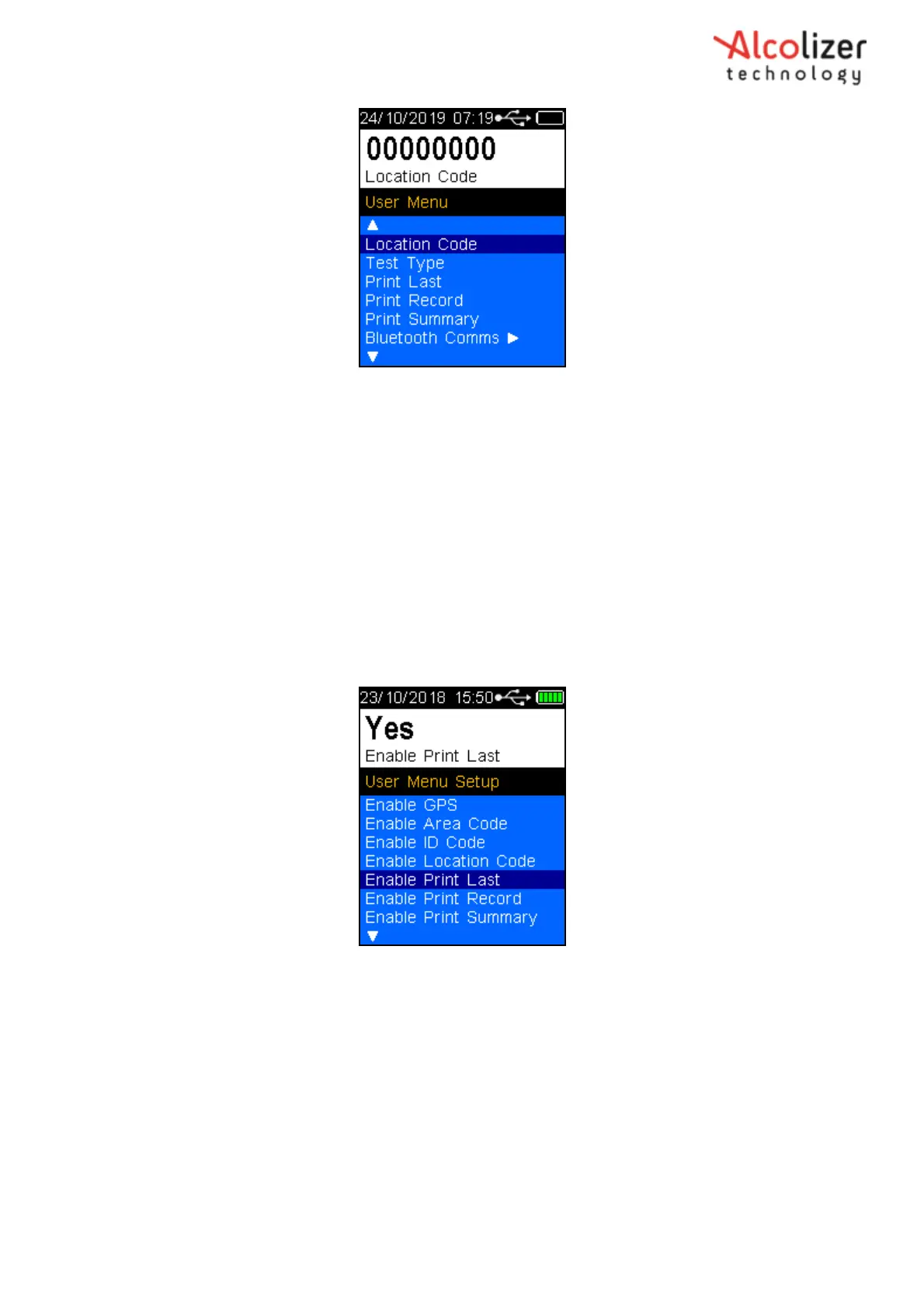
Figure 53 – Location Code
Press the down button until
Back is displayed
Press the test key to return to the press to test screen.
6.5 Enable Print Last
Enable Print Last allows the Tester to be able to print the last test result directly from the User
Menu. Use the Test Key to select Yes or No. If Yes is selected Print Last will appear on the User
Menu.



 To Next Page