REF: LE5 Alcohol Tester User Manual V16.docx Page 60 © Alcolizer Technology
Uncontrolled when printed
Figure 105 - Area Code Set
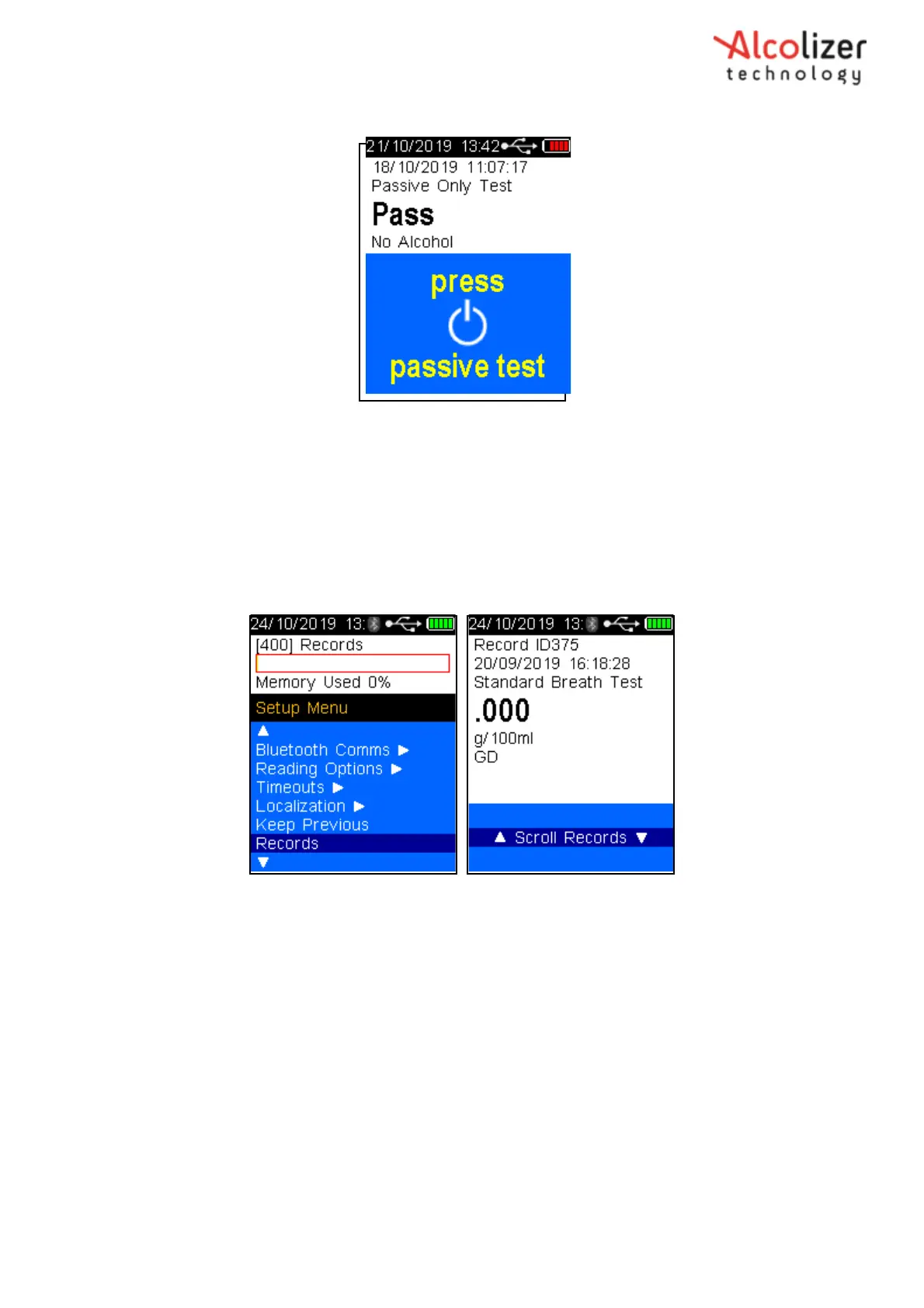
Use the Test Key to select Yes or No. If Yes is selected in the Keep Previous function the LE5 will
display the last test record in the top of the screen.
13 Records
The Records feature will display current records on the instrument and percentage of memory
used. Selecting Records using the Test Key will take you to the Records screen where individual
records can we scrolled using up and down buttons.
Figure 106 – Records
14 Speaker
The Speaker function allows the user to turn on/off the speaker on the LE5. Use the Test Key to
toggle between Yes and No. Yes, will turn on the Speaker, No will turn it off.
15 LCD Brightness
The LCD Brightness feature allows the user to adjust the brightness of the LCD screen. Use the Test
Key to select LCD Brightness. Then use the up and down arrow keys to increase or decrease the
brightness. Once the desired brightness is selected press the Test Key to select.



 To Next Page