REF: LE5 Alcohol Tester User Manual V16.docx Page 18 © Alcolizer Technology
Uncontrolled when printed
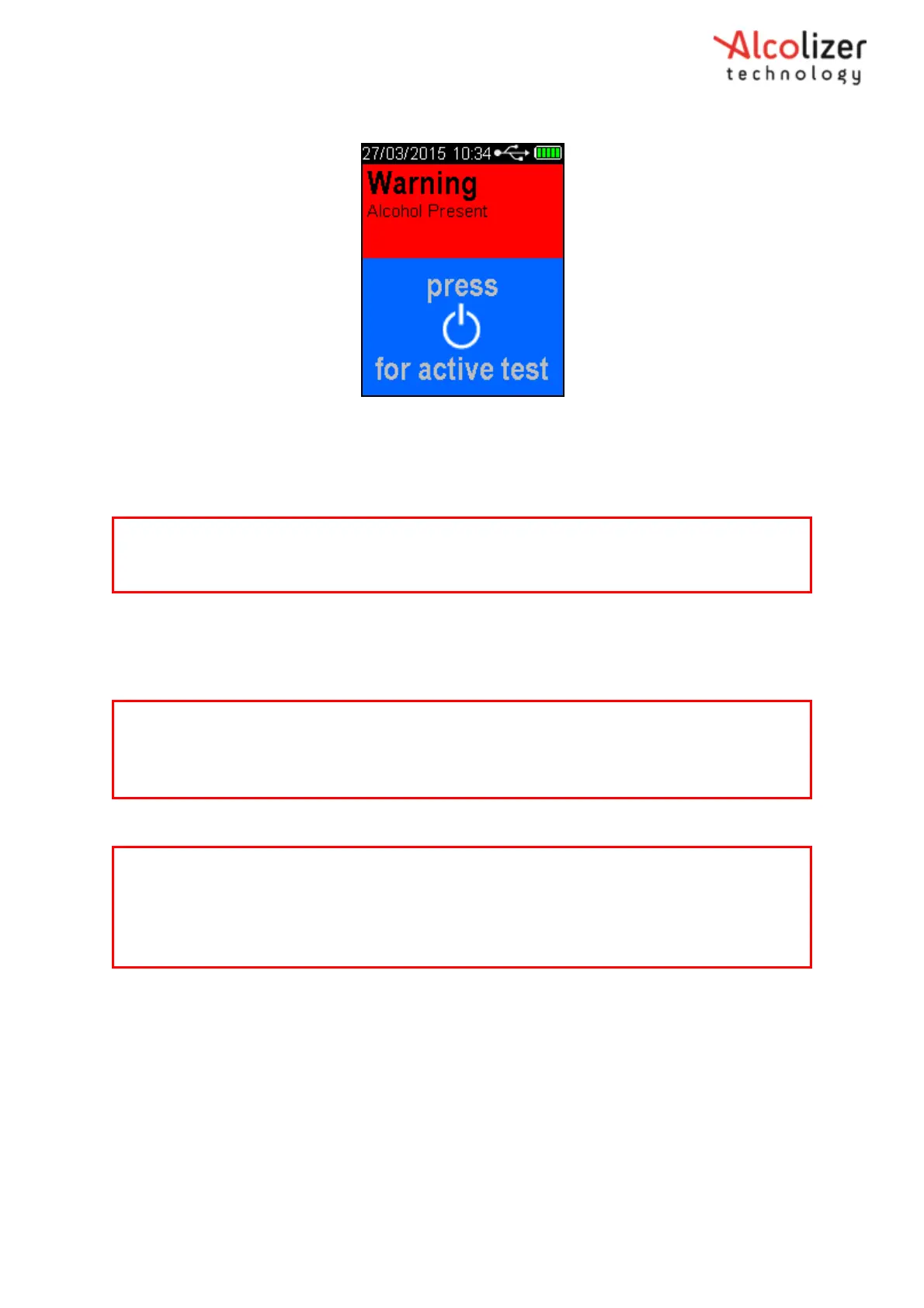
Figure 18- Warning Alcohol Present/ Press for Active Test Display
3.5.8
Enabling Passive Only
To enable Passive Only, perform the same steps as in section 3.5.5. Press the Test key until
Passive Only is displayed.
3.5.9
Taking a Passive Only Breath Sample
The procedures for performing a Passive Only test are the same as those for performing a
Passive Standard Test (Refer Section 3.5.6.).
3.5.10
Pressure Activated Passive Breath Test
Perform a Pressure Activated Passive test as follows:
Attach the supplied red Passive Cup to the sample inlet port of the instrument
(Refer Figure 19).
On the Press Passive Test screen, press the Test Key. The instrument will
perform a background self-test while Please wait….is displayed on the screen.
Note
A Passive Only test will not automatically enable an Active (Mouthpiece) test the same way a
Passive Standard test does.
Note
When a Warning Alcohol Present reading is displayed after performing a Passive Only test, it is
strongly recommended that a Mouthpiece Breath Test be performed, after the recovery period
has ended (Refer Paragraph 3.5.6).
Note
If any step in a breath test sequence is not completed or the instrument is left idle for longer
than 60 seconds, the instrument will terminate the breath test and display test timed out.
The instrument will return to the press to test display.
If a test time out does occur during a breath test, a new breath test must be performed.



 To Next Page