REF: LE5 Alcohol Tester User Manual V16.docx Page 55 © Alcolizer Technology
Uncontrolled when printed
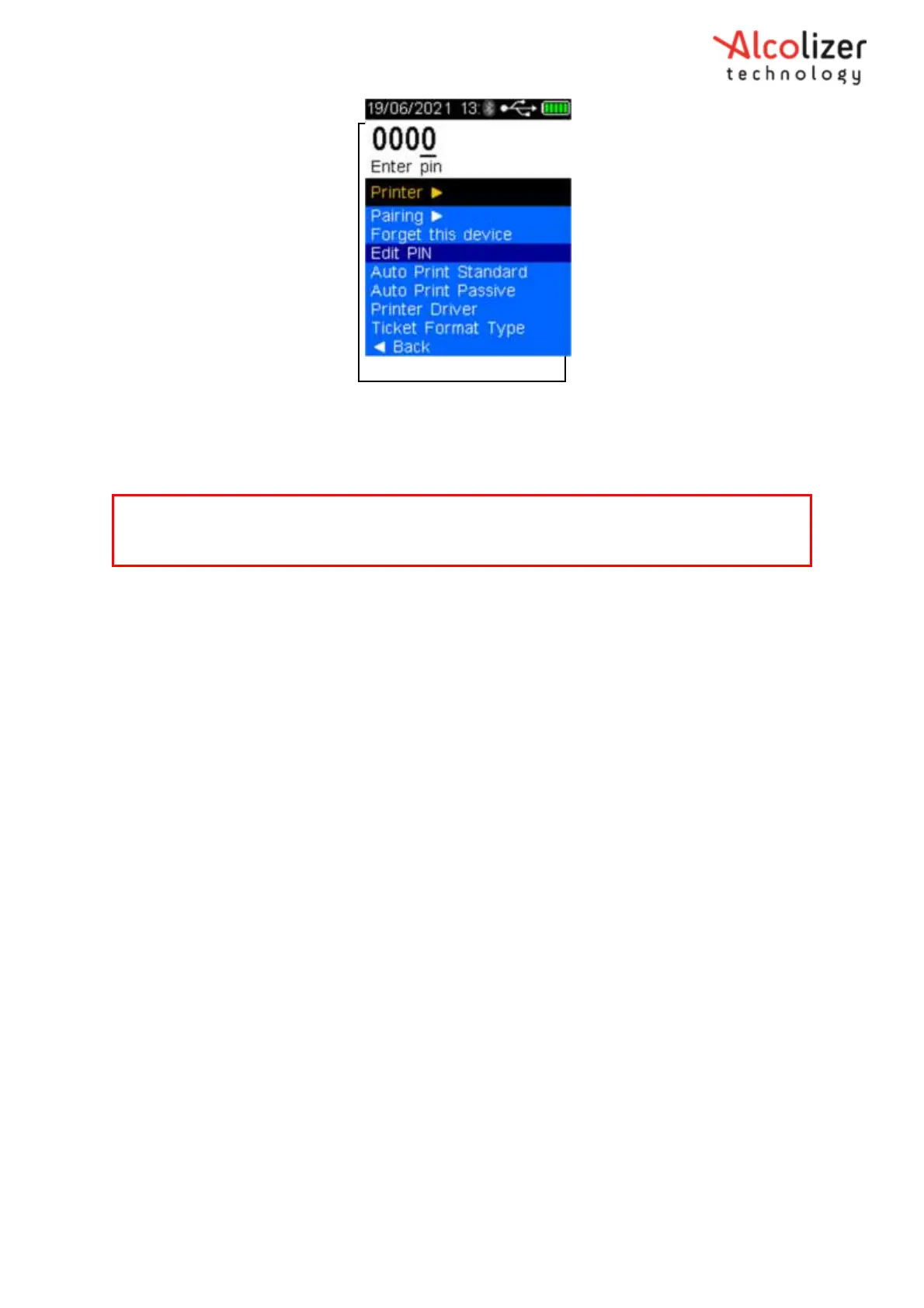
Figure 97 - PINs Entered
Press the test key, the PIN is now set.
8.10 Auto Send
The Auto Send functions allow the automatic sending of results via a Bluetooth connection to a
paired instrument (laptop computer, PC) in a serial data format. The data can be read/ received by
a serial terminal application e.g. Putty.
There are two Auto Send modes and each of these have three options:
Positive- Sends positive results after a test is complete
All- Sends positive and zero results after test is completed
None- Regardless of results: Nothing is transmitted
8.10.1 Auto Send Standard
Auto Send Standard applies only to Mouthpiece (Active) testing. Depending on the Auto Send
Standard option selected, the following information will be transmitted following test:
Positive- If alcohol is detected: a complete report including time, location
(lat/long if GSP enabled), test type, result etc will be transmitted
All- Regardless of results: a complete report including time, location (lat/long if
GPS enabled), test type, result etc will be transmitted
None- Regardless of results: nothing is transmitted
To set the LE5 to Auto Send Standard, scroll down until Auto Send Standard is highlighted. Positive
is the default option. To select All or None, press the test key until the desired option is
highlighted (Refer Figure 98).
Note
To ensure the correct operation of the Auto Send function, Auto Print Passive must be set to
None.



 To Next Page