REF: LE5 Alcohol Tester User Manual V16.docx Page 15 © Alcolizer Technology
Uncontrolled when printed
Remove the used mouthpiece by rotating it and it will come away from the spigot easily. Dispose of the mouthpieces in a
responsible manner.
To perform another breath test, repeat steps from section 3.5.1 and 3.5.2. Results will display on the screen for 10
seconds. A user is able to override this function by pressing key to continue as displayed on the screen.
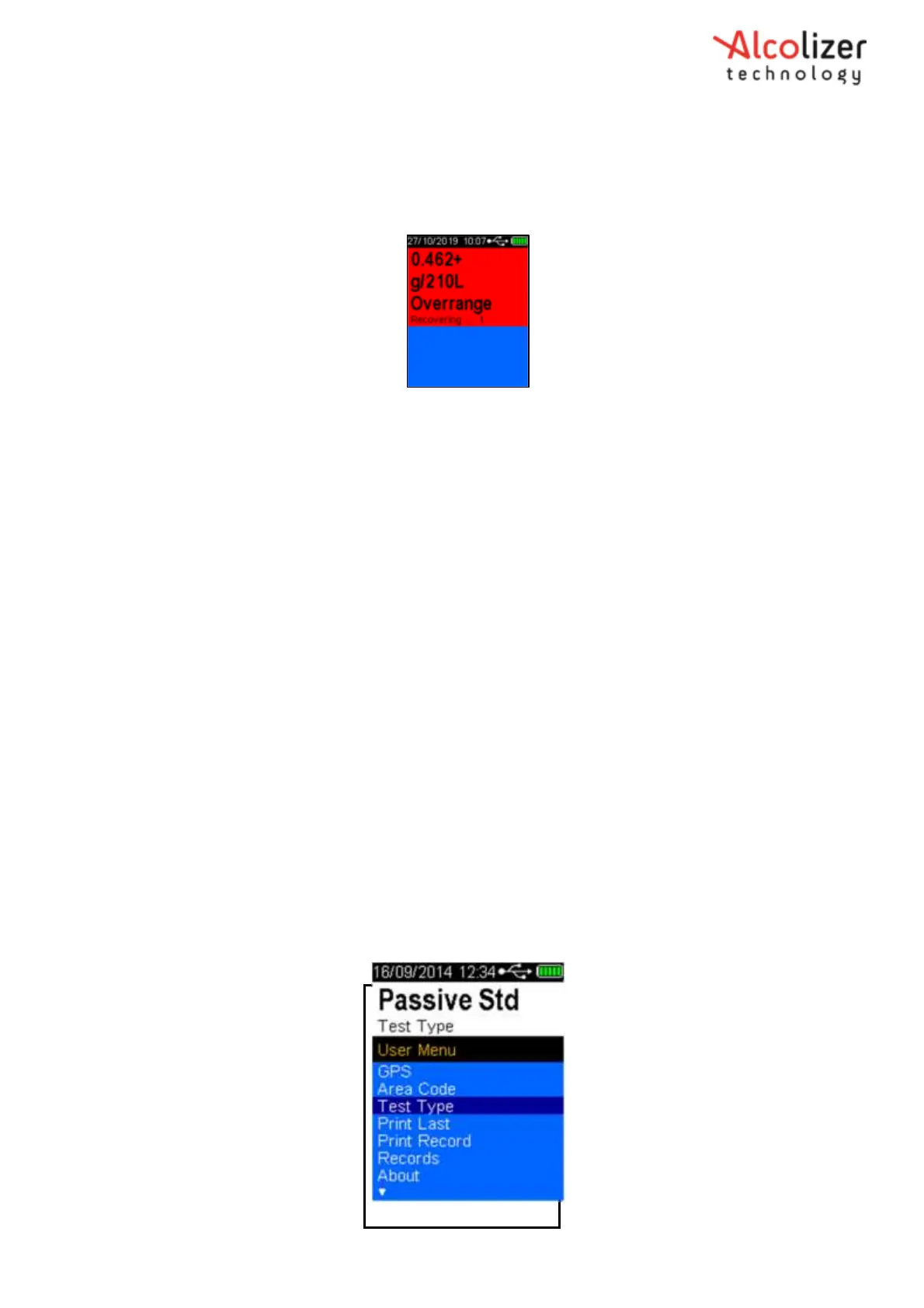
Overrange result is if a result above 0.462g/210L is obtained the below screen will appear (Figure 12b)
Figure 12b- Overrange screen display
3.5.4
Passive Testing
Passive testing is a test that is performed in a non-invasive manner and without using mouthpieces.
Passive testing on the LE5 can activated in one of two ways, either button activated by the operator
or pressure activated by the donor blowing.
A passive test by button activation is performed by holding the instrument 5 cm in front of the test
subject’s mouth, Press the Test Key and ask them to count or talk so that exhaled breath may be
picked up by the instrument and analysed for the presence of any alcohol.
Pressure Activated Passive is performed by holding the instrument approximately 5cm in front of
the test subject mouth and asking them to blow into the Passive Cup. The pressure of the blow
activates a passive test.
When using Passive Standard testing, a Mouthpiece test is automatically enabled, should the
instrument detect alcohol on the subject’s exhaled breath. Passive Only testing does not prompt the
user for further testing.
3.5.5
Enabling Passive Standard
If Passive standard mode has not been enabled, proceed as follows:
With the screen displaying press to test, press the Up and Down
buttons simultaneously. The User Menu will be displayed.
Press the down button to scroll down to Test Type.
Press the Test key until Passive Std is displayed (Refer Figure 13).
Figure 13- Passive Standard Displayed



 To Next Page