REF: LE5 Alcohol Tester User Manual V16.docx Page 48 © Alcolizer Technology
Uncontrolled when printed
All - If alcohol is either detected or not: a short report including time,
instrument information, etc will be printed.
None - Regardless of results: nothing transmitted
To set the LE5 to Auto Send Passive, scroll down until Auto Print Passive is the default option. To
select All or None, press the test key until the desired option is highlighted (Refer Figure 84).
8.5 Setting the Bluetooth Printer PIN
Once the printer drive is installed, it may be necessary to set the correct PIN for the printer. To set
the PIN, proceed as follows:
Access the printer menu as described in paragraph 6.2.
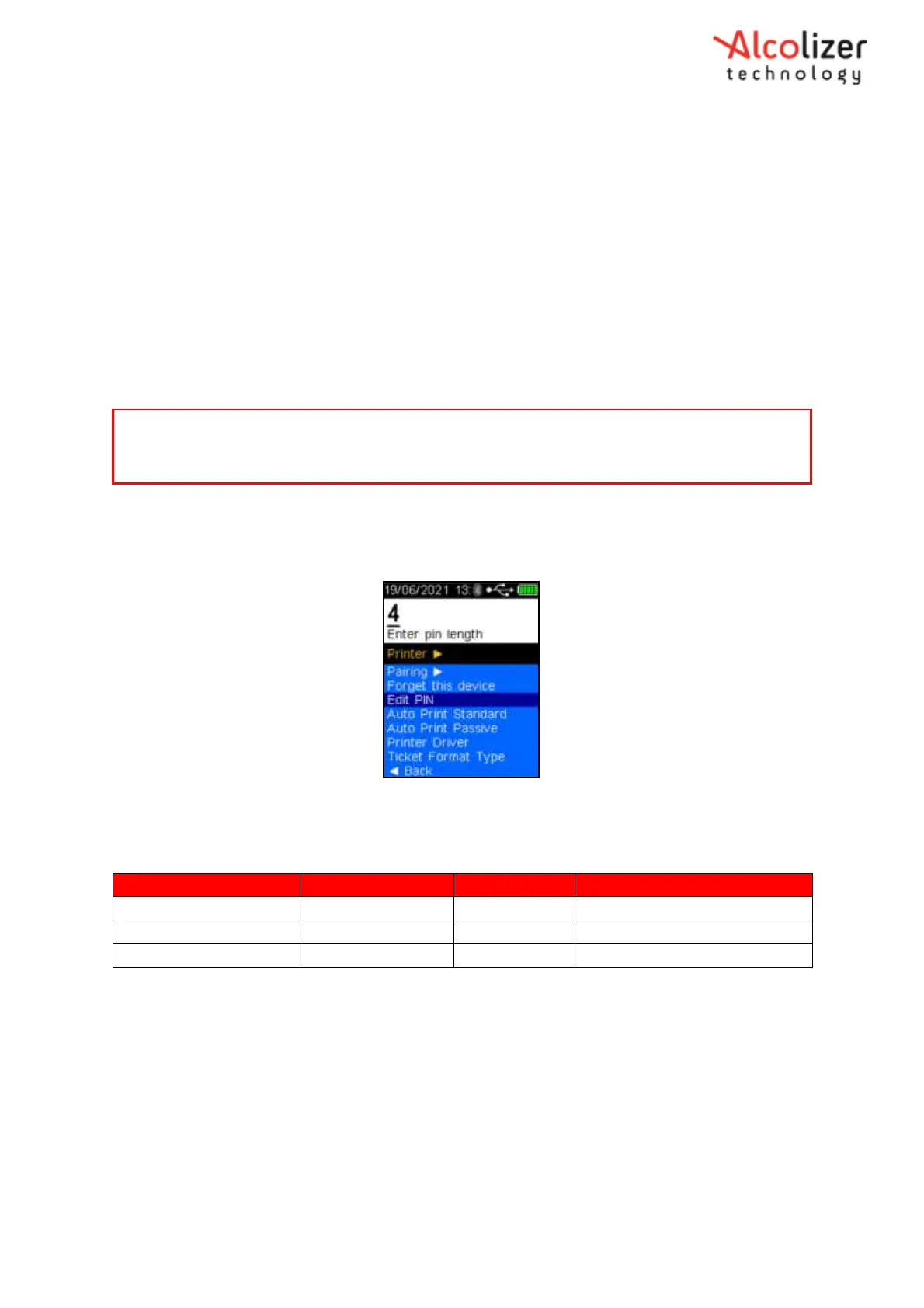
Press the down button and scroll to Edit Pin.
Press the test key, enter pin length will be displayed (Refer
Figure 85
).
Figure 85 - Enter Pin Length Displayed
Refer to Table 2 for the printer PIN length and number. The Communications
Range is provided as additional information.
Standard Printers PIN Digit Length PINs Communication Range
Bixolon SPP-R200 4 0000 Up to 10 Meters
Table 2- Printer PIN Length Displayed
Using the up/down buttons, select the PIN length that applies to the printer, e.g.
for the Bixolon SPP-R200, select 4.
Use the Up or Down buttons to display the first number of the PIN, e.g. 0.
Press the test key to advance to the next number and repeat the above step.
Repeat the last two steps until all numbers are displayed as required by the
printer (Refer Figure 86).
Note
It may not be necessary to follow all the procedures above depending on the last screen that was
displayed.



 To Next Page