REF: LE5 Alcohol Tester User Manual V16.docx Page 54 © Alcolizer Technology
Uncontrolled when printed
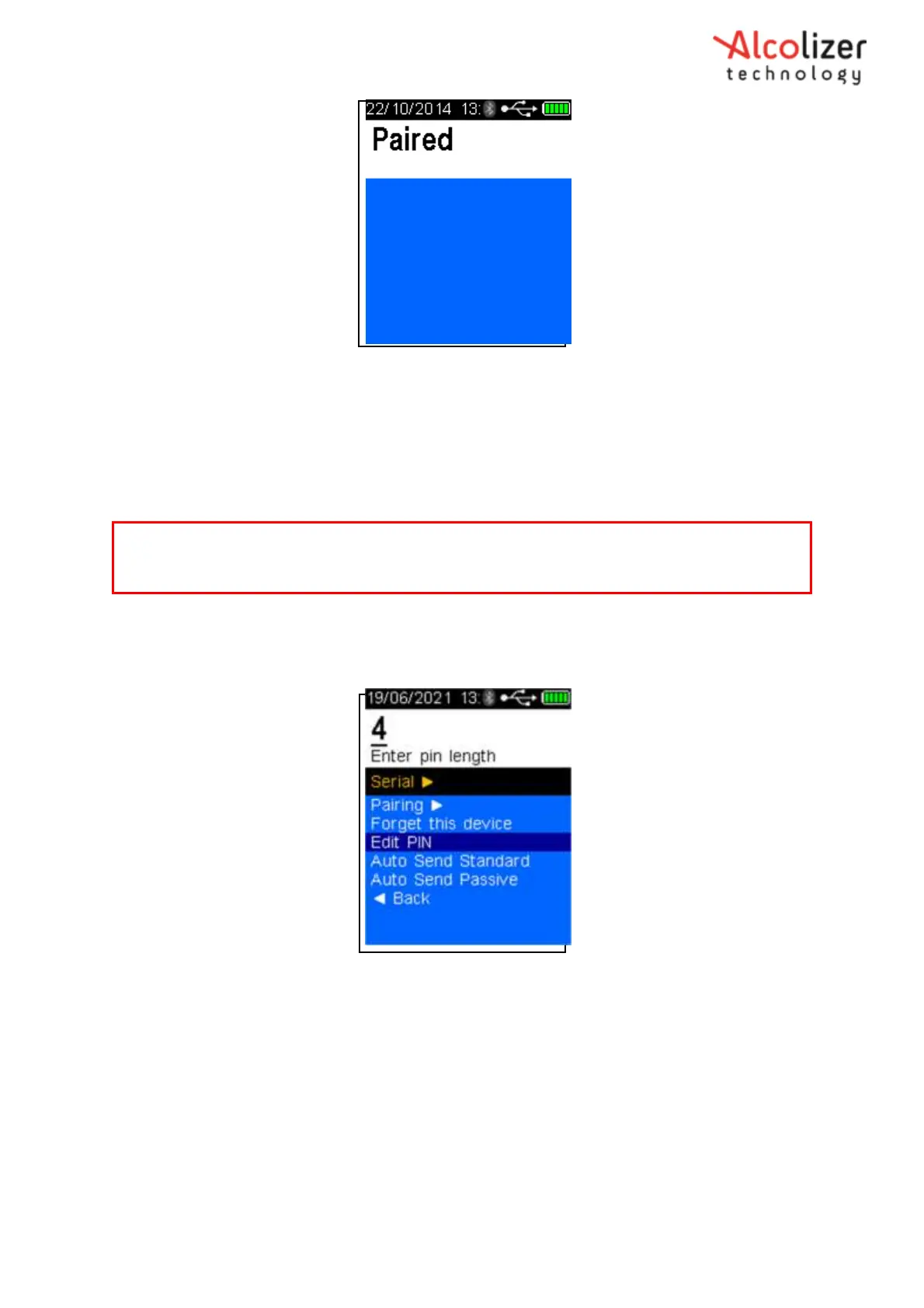
Figure 95 - Serial Instrument Paired
8.9 Setting the Bluetooth Serial Instrument PIN
It may be necessary to set the correct PIN for the serial instrument. To set the PIN, proceed as
follows:
Access the printer menu as described in section 8.2.
Press the down button and scroll to Edit Pin
Press the test key, enter pin length will be displayed (Refer Figure 96).
Figure 96 - Enter Pin Length Displayed
Using the up/down buttons, select the PIN length that applies to the
serial instrument
Use the Up or Down buttons to display the first number of the PIN, e.g. 0.
Press the test key to advance to the nest number and repeat the above step.
Repeat until all numbers are displayed as required by the printer (Refer Figure 97).
Note
It may not be necessary to follow all of the procedures above depending on the last screen that
was displayed.



 To Next Page