REF: LE5 Alcohol Tester User Manual V16.docx Page 53 © Alcolizer Technology
Uncontrolled when printed
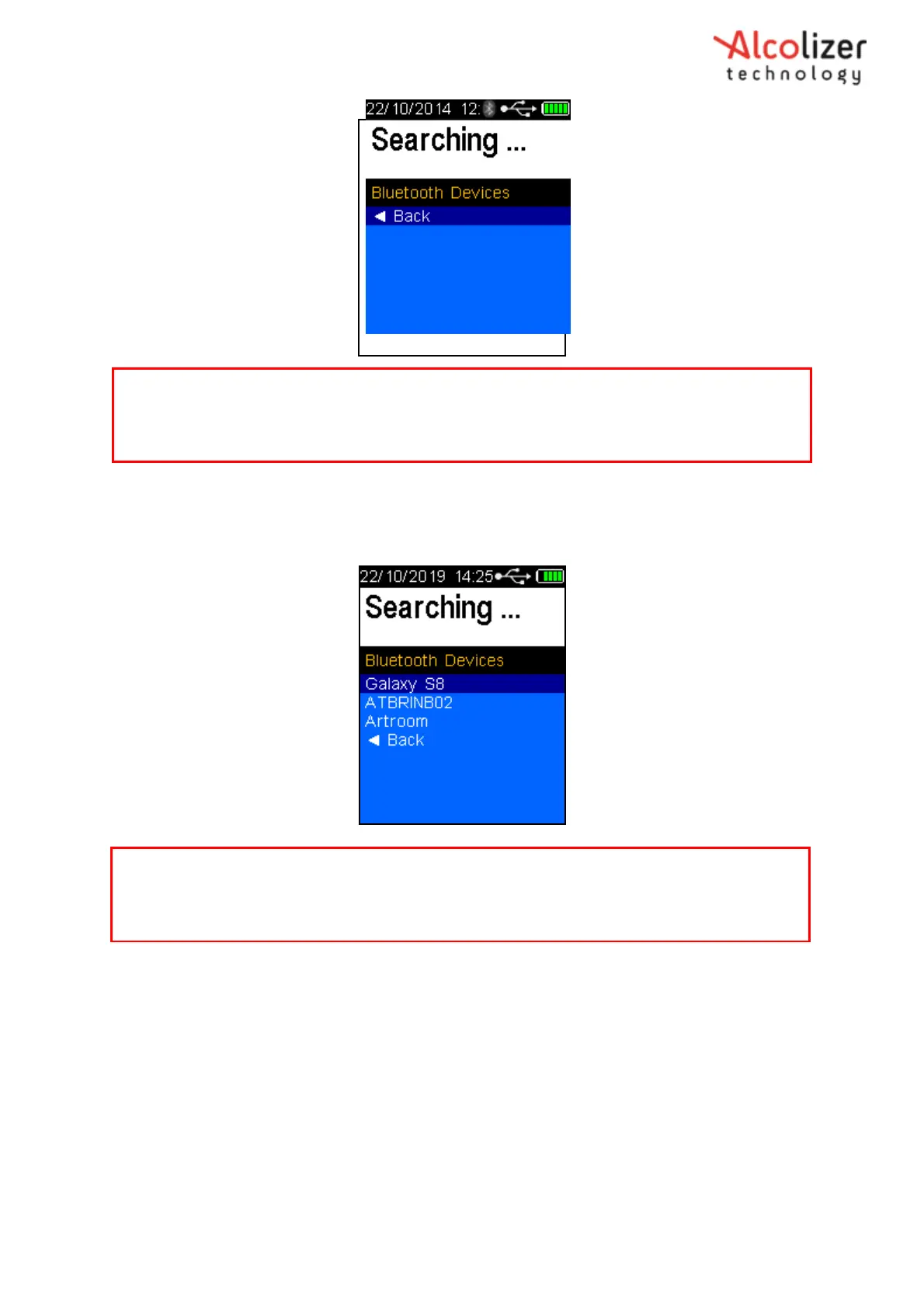
Figure 93 - Searching Displayed
When the LE5 identifies the serial instrument, the instrument name will be
displayed (Refer Figure 94).
Figure 94 - Serial Instrument Identified
Press the test key to accept the selected serial instrument. The instrument
will display the Paired message on successful pairing (Refer Figure 95).
Note
The LE5 will search and display all Bluetooth instruments in range. To avoid attempting to connect
to an instrument other than the intended serial instrument, move other Bluetooth items away.
Note
The LE5 will not list any IOS devices in the pairing screen. Instead the instrument will respond to
pair attempt made from the app. Refer to OTA user manual.



 To Next Page