REF: LE5 Alcohol Tester User Manual V16.docx Page 52 © Alcolizer Technology
Uncontrolled when printed
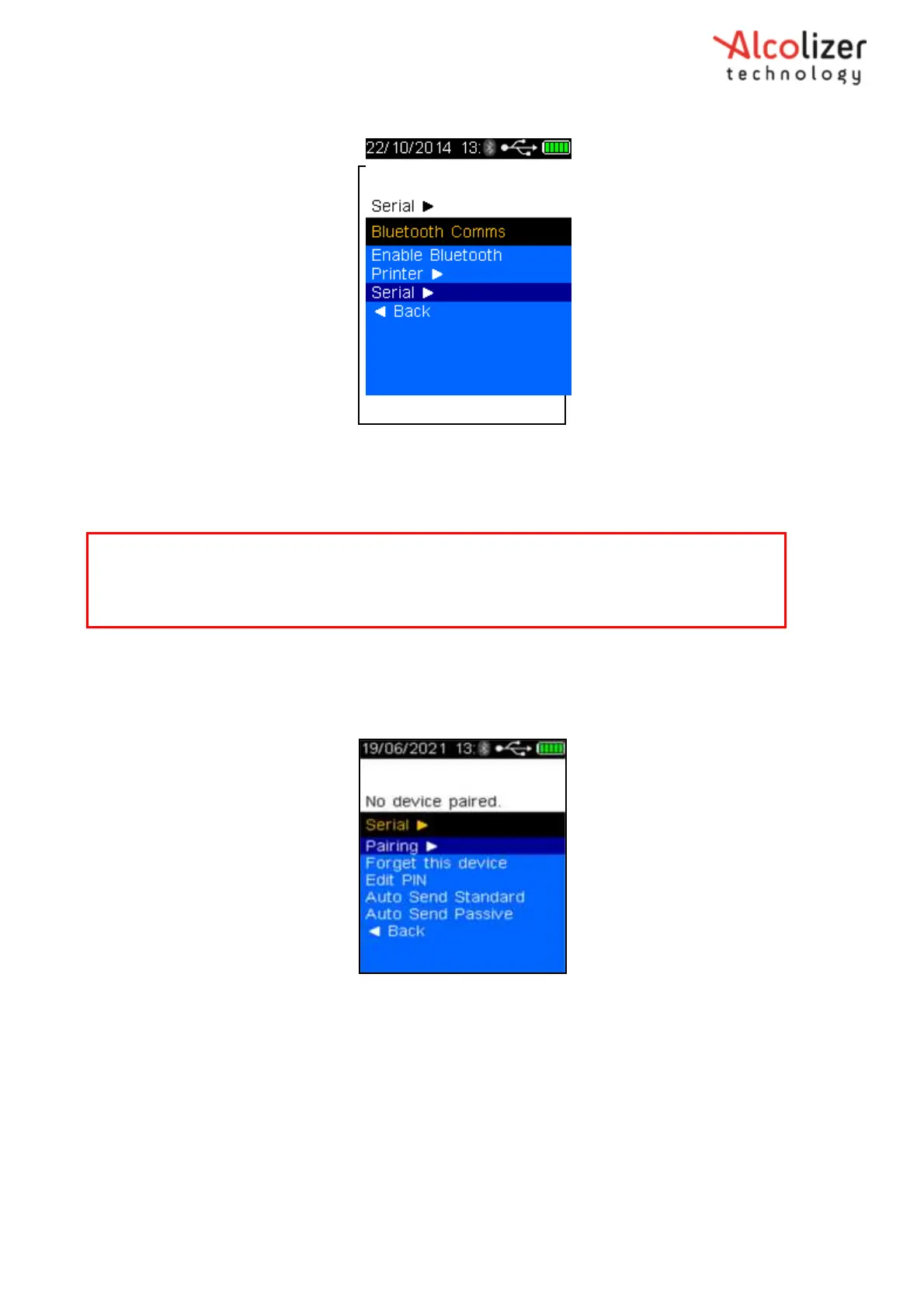
Press the down button until Serial is highlighted (Refer Figure 91).
Figure 91 - Serial
Press the down key until Forget this device is selected.
Press the test key to clear pairing.
Press the up key until Pairing is selected
Press the test key, the Serial screen will be displayed (Refer Figure 92).
Figure 92 - Serial Menu
Place the LE5 instrument next to the Bluetooth serial instrument turned on.
Press the test key, the LE5 will search for the serial instrument and display
Searching… (Refer
Figure 93
).
Note
If previously paired, the LE5 must be forgotten from the device Bluetooth settings.
Refer to OTA user manual.



 To Next Page