REF: LE5 Alcohol Tester User Manual V16.docx Page 14 © Alcolizer Technology
Uncontrolled when printed
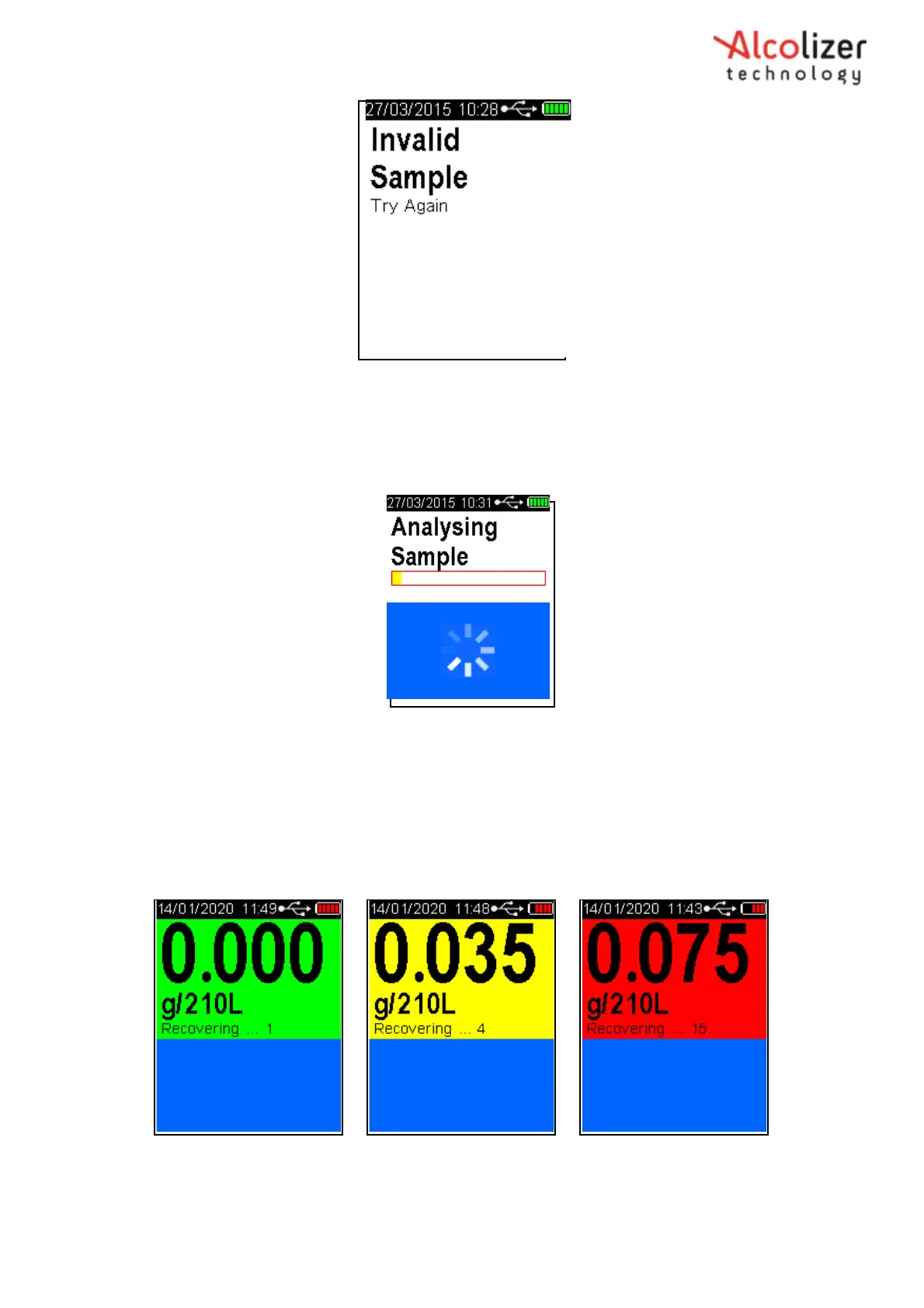
Figure 10- Invalid Sample Try Again Message
3.5.3
Analysing a Mouthpiece Breath Sample
After a valid breath sample is taken, the Analysing Sample message is displayed until the
instrument calculates the BrAC reading. This will normally take a few seconds. In cold climate
conditions it may take longer to display the BrAC reading (Refer Figure 11).
Figure 11- Analysing Sample Message
When the BrAC reading is calculated, it will be displayed on the screen together with the unit of
measurement (e.g. g/210L BrAC, g/100ml BAC) and be retained until the recovering period has
ended. The screen colour will vary depending on the percentage of alcohol present; green for zero
to 0.019 g/210L BrAC, yellow for 0.020 g/210L BrAC to 0.049 g/210L BrAC and red for readings
greater than 0.050 g/210L BrAC. The Recovering period is
indicated by ‘Recovering’ shown on the display (Refer Figure 12).
Refer to Section 9 for instructions on how to change the Setpoint values.
Figure 12- Various BrAC and Screen Colour Displayed
The Recovering period is the time the fuel cell sensor requires to recover from the previous breath test. This period will
vary according to BrAC readings displayed, longer for higher readings.



 To Next Page