REF: LE5 Alcohol Tester User Manual V16.docx Page 51 © Alcolizer Technology
Uncontrolled when printed
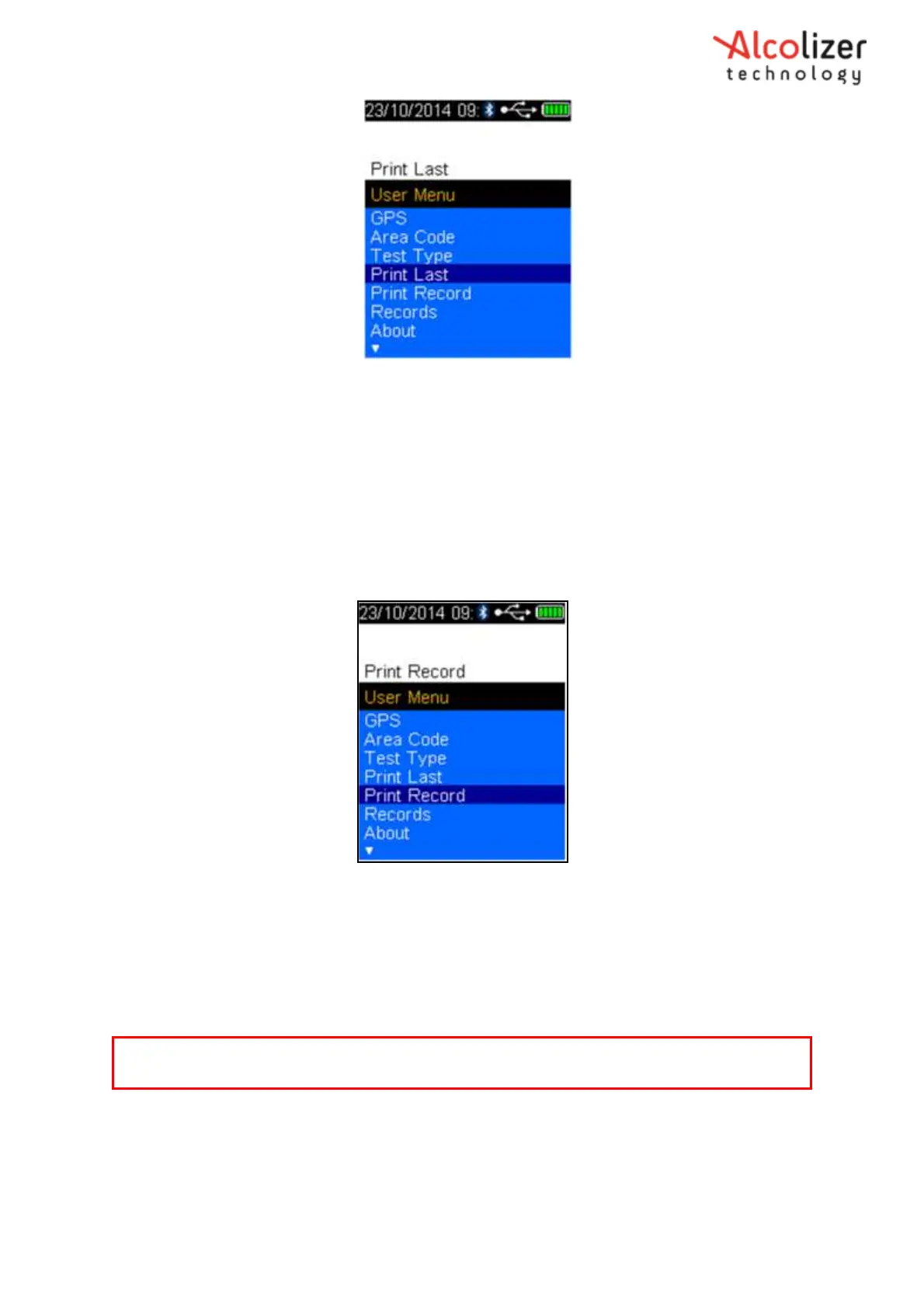
Figure 89 - Print Last Displayed
Press the test key, the printer will print the last test
To print a record, perform the following procedures:
With the screen displaying press to test, press the up and down
buttons simultaneously. The User Menu will be displayed.
Press the down button and scroll to Print Record (refer Figure 90).
Figure 90 - Print Record Displayed
Press the test key, records will be displayed.
Press the up/down buttons as needed to locate the record required.
When the required record is located, press the test key. The record will be printed.
8.8 Serial Instrument
To connect the instrument to a serial instrument (laptop computer, PC) via Bluetooth,
proceed as follows:
Access the Bluetooth Comms menu as described in Section 8.
Note
For information about Records, Refer to Section 6.10.



 To Next Page