REF: LE5 Alcohol Tester User Manual V16.docx Page 42 © Alcolizer Technology
Uncontrolled when printed
8 Bluetooth Comms
The printing and sending data function (if installed) enables the printing and sending of records by
connecting the LE5 to a portable printer via Bluetooth connection.
The instrument supports the following printers:
SPRT SP-T5
Bidoon SPP-R200
SPRT SP-T7
Confucian 200-BU
POS-5802DD
8.1 Bluetooth Connection
To establish the connection with the printer via Bluetooth, access to the instrument set up menu is
required. Establish Bluetooth connectivity as follows:
Switch the LE5 instrument on (Refer to section 3.5.)
With the screen displaying press to test, Press the UP and Down buttons
simultaneously for approximately five seconds. The menu screen will be
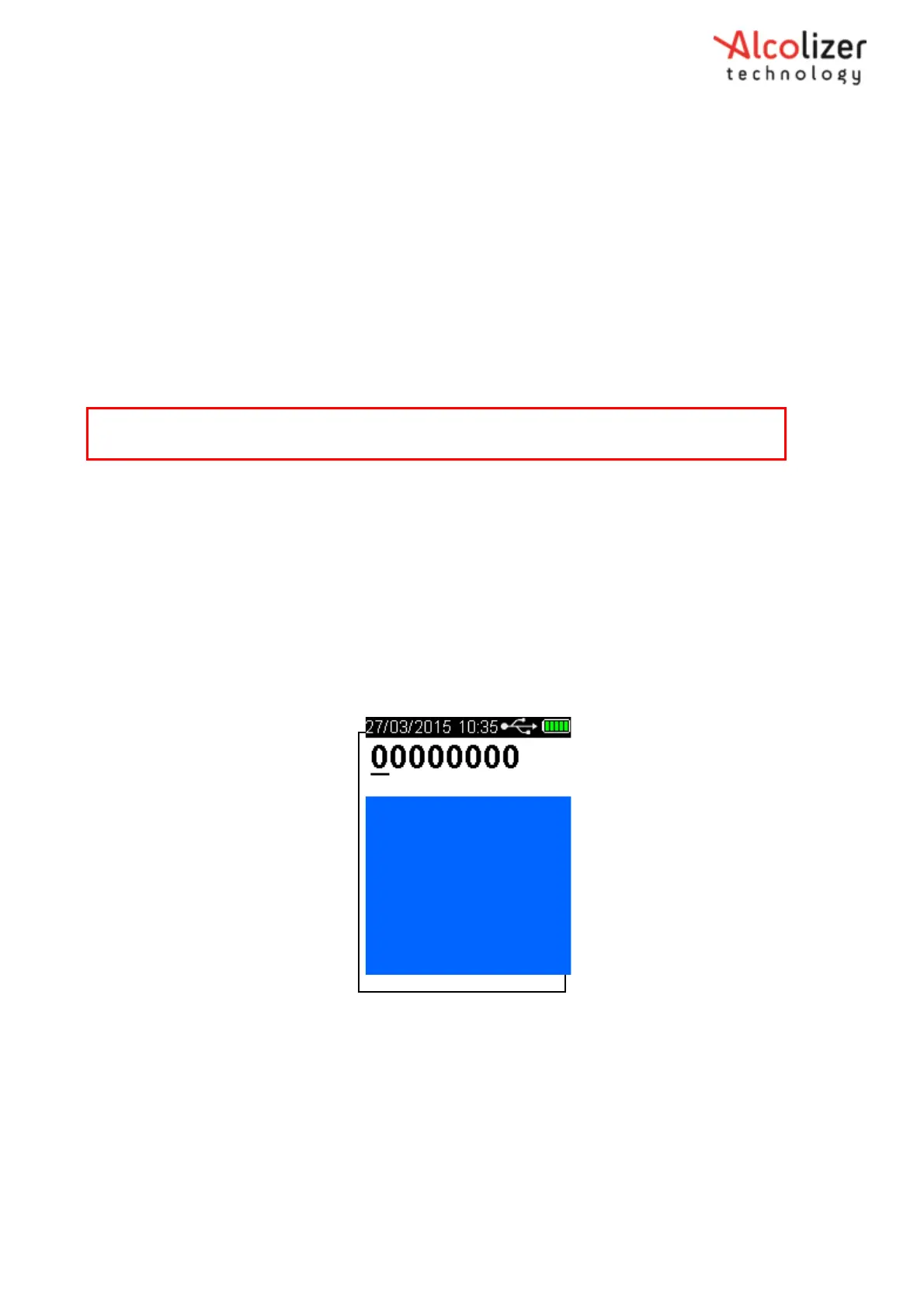
displayed during this process and then the password set-up code ‘00000000’ will
be displayed (Refer Figure 72 - Password Set-up Code 00000000).
Figure 72 - Password Set-up Code 00000000
Press the test key until the cursor is under the fifth ‘0’.
Press the Up button until that number us ‘5’ (Refer
Figure
72b).
Note
For information on operating the printer, refer to the appropriate printer User Manual.



 To Next Page