REF: LE5 Alcohol Tester User Manual V16.docx Page 22 © Alcolizer Technology
Uncontrolled when printed
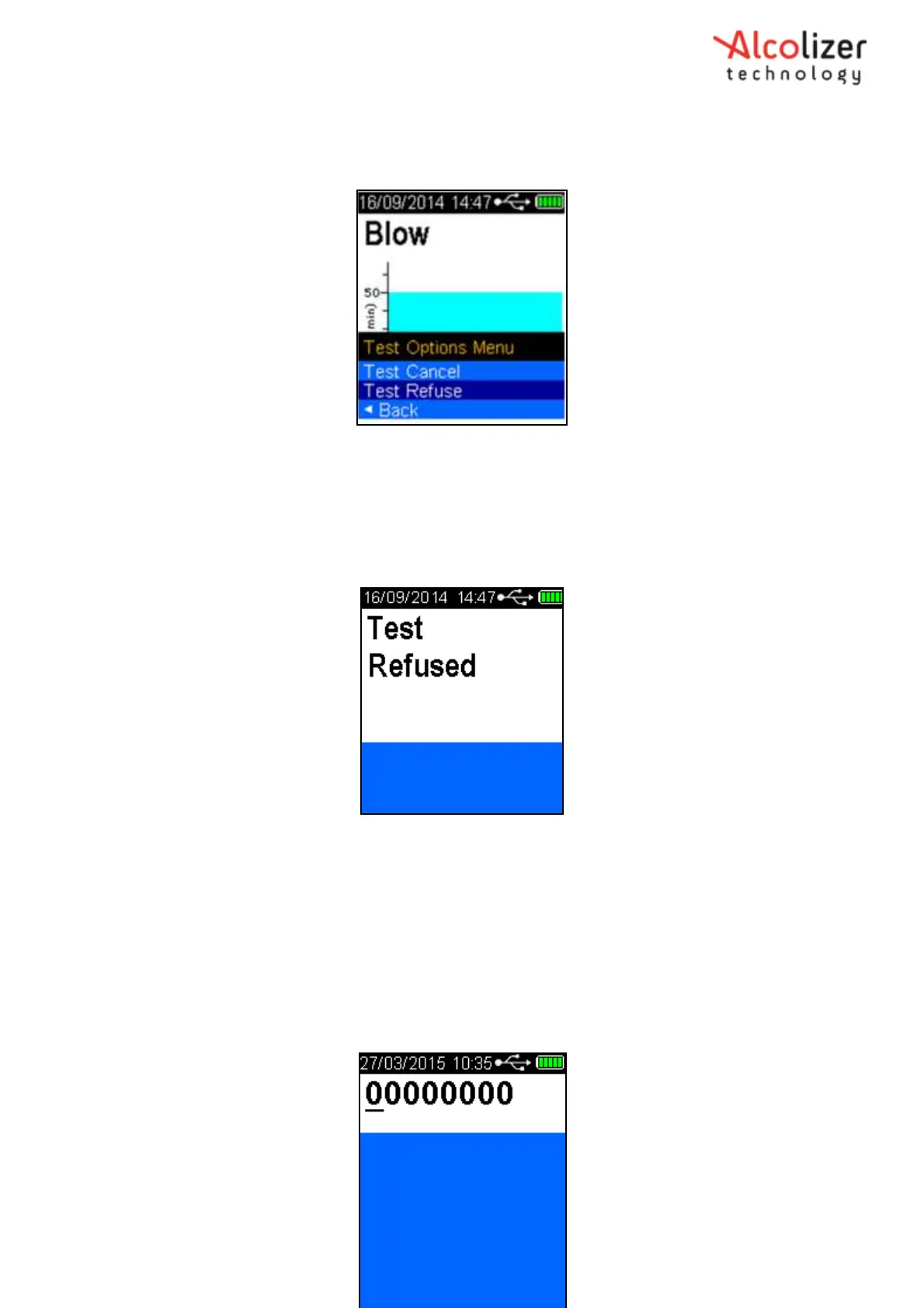
Test Options Menu and Test Cancel is displayed.
Press the Down button to highlight Test Refuse (Refer
Figure 25
).
Figure 25 - Test Refuse Displayed
Press the Test Key. The instrument will beep rapidly for one second and Test
Refused will be displayed flashing momentarily (Refer Figure 26). The screen will
then return to the press to test display. The test refusal will be recorded in
Records.
Figure 26 - Test Refused Displayed
5 Accessing the Setup Menu
To make changes to the LE5 setup and the available functions, access the Setup Menu
With the screen displaying press to test, Press the UP and Down buttons
simultaneously for approximately five seconds. The menu screen will be
displayed during this process and then the password set-up code ‘00000000’ will
be displayed (Refer Figure 27 - Password Set-up Code 00000000).



 To Next Page