REF: LE5 Alcohol Tester User Manual V16.docx Page 58 © Alcolizer Technology
Uncontrolled when printed
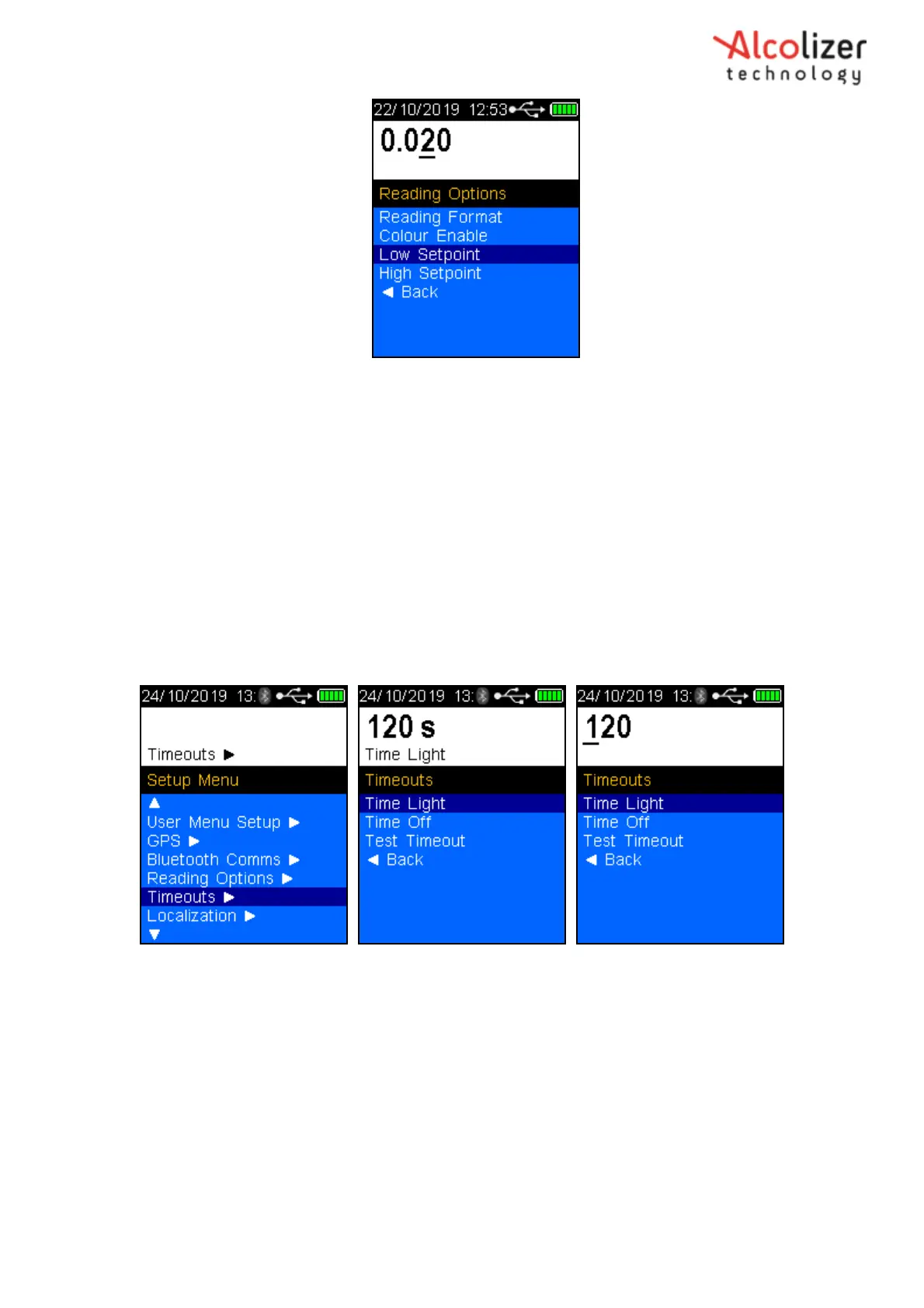
Figure 102 – Timeouts
From the Setup Menu, arrow down to ‘Timeouts’, press the Test Key to select
Use the Test Key and arrow keys to set the required times in seconds for
each setting.
11 Localization
The Localization setting is where the user can select local settings for:
Arrow Up or Down to ‘Back’ to Return to the User Menu
Use the Test Key and arrow keys to set the required
10 Timeouts
The Timeouts feature allows the user to change the duration of time for:
Auto backlight off
Auto instrument turn off
Test Timeout (time instrument reverts to Press to Test screen once a test has commenced)



 To Next Page