REF: LE5 Alcohol Tester User Manual V16.docx Page 33 © Alcolizer Technology
Uncontrolled when printed
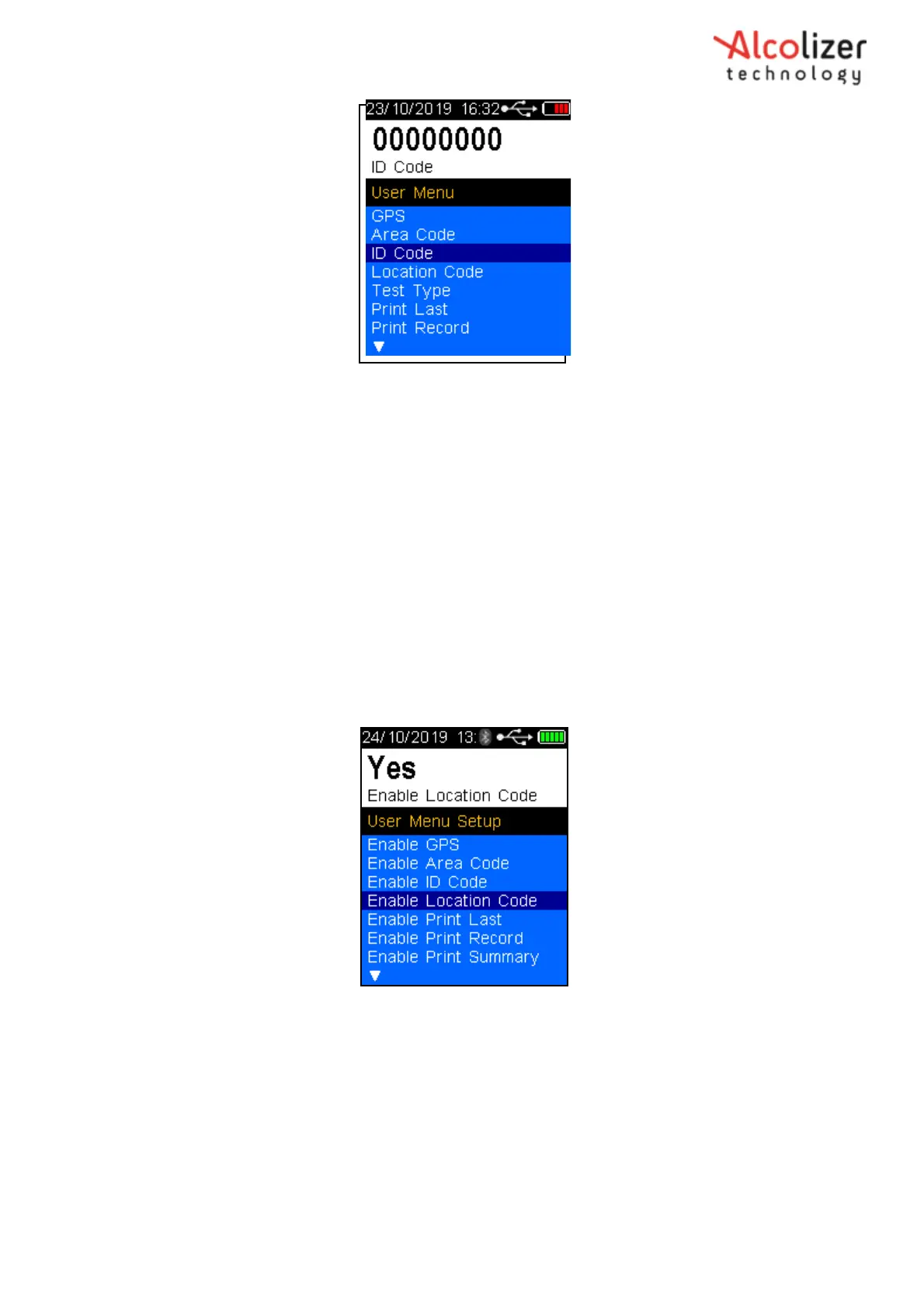
The ID Code is now set
Figure 51 – ID Code
Press the down button until
Back is displayed
Press the test key to return to the press to test screen.
6.4 Enable Location Code
Location Code is used to identify the location of a test based on specific locations codes that the
tester can choose.
Press the down button and scroll to Location Code (Refer Figure 52).
Figure 52 – Location Code
Press the test key, the cursor will move below the first digit
Use the up/down buttons to advance the digit to the required number
When the correct number is displayed, press the test key. The number will be
set, and the cursor will move the next digit.
Repeat the above step until all the number required are displayed (Refer 53).



 To Next Page