REF: LE5 Alcohol Tester User Manual V16.docx Page 70 © Alcolizer Technology
Uncontrolled when printed
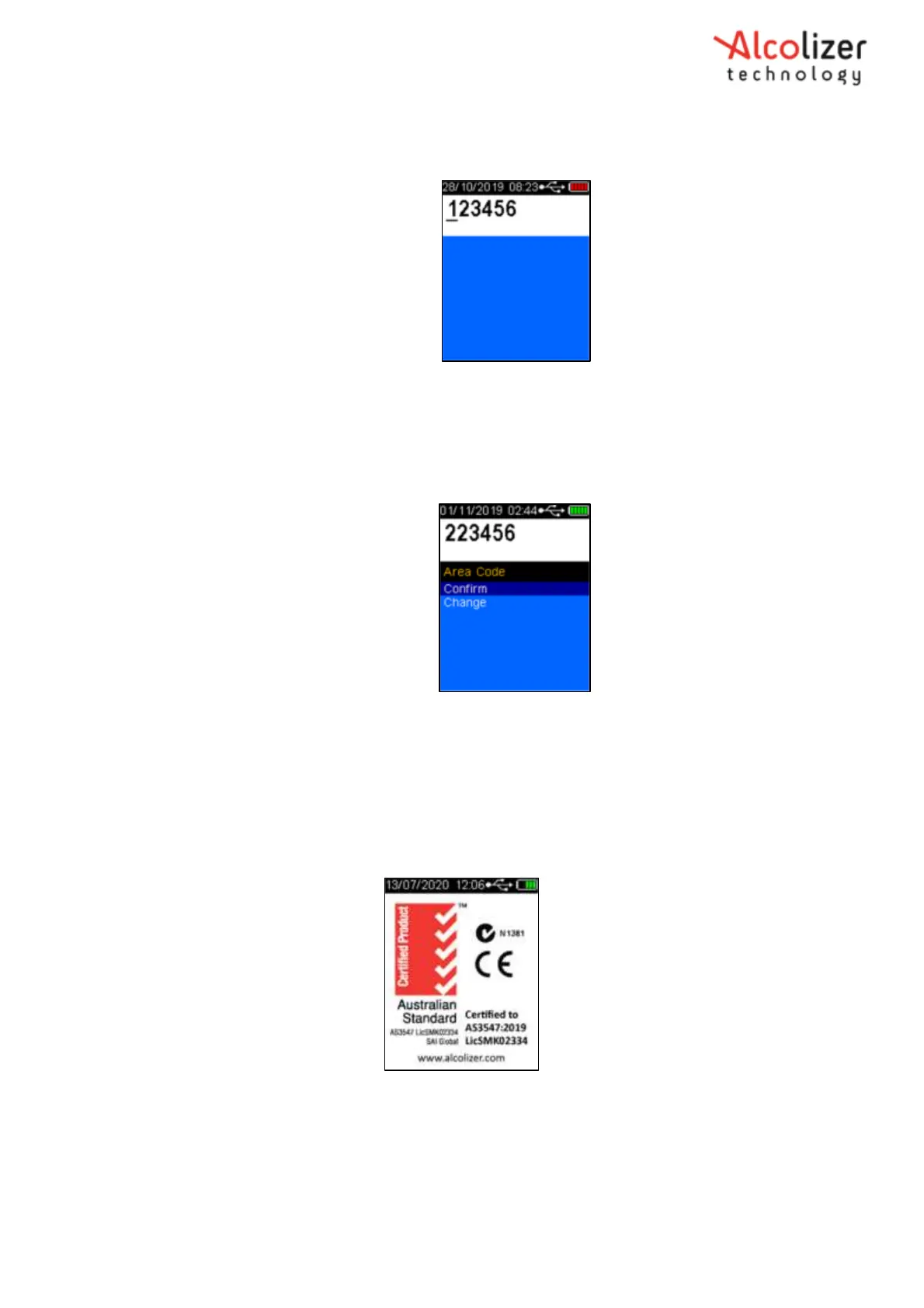
3. Observe that the code screen is now available at start up.
Figure 120 – Edit mode
20.2.5.3 Confirm Mode
1. Open Toolbox configuration editor and set “Code 0 Edit on Start Enable” to 2.
2. Restart the device.
3. The screen should now display the Area Code menu.
Figure 121 – Confirm mode
4. Press confirm.
21 About Screen
1. To access the about screen, navigate to user menu. Select About.
2. The below screen will appear
Figure 122 – About Screen Display



 To Next Page