REF: LE5 Alcohol Tester User Manual V16.docx Page 16 © Alcolizer Technology
Uncontrolled when printed
Passive Standard is now enabled. To leave the user menu, press the Up and
Down buttons simultaneously or press the Down button until Back is highlighted
followed by the Test key.
3.5.6
Taking a Passive Standard Breath Sample
Perform a Passive Standard test as follows:
On the press passive test page, press the Test Key. The instrument will perform
a background self-test while Please wait….is displayed on the screen.
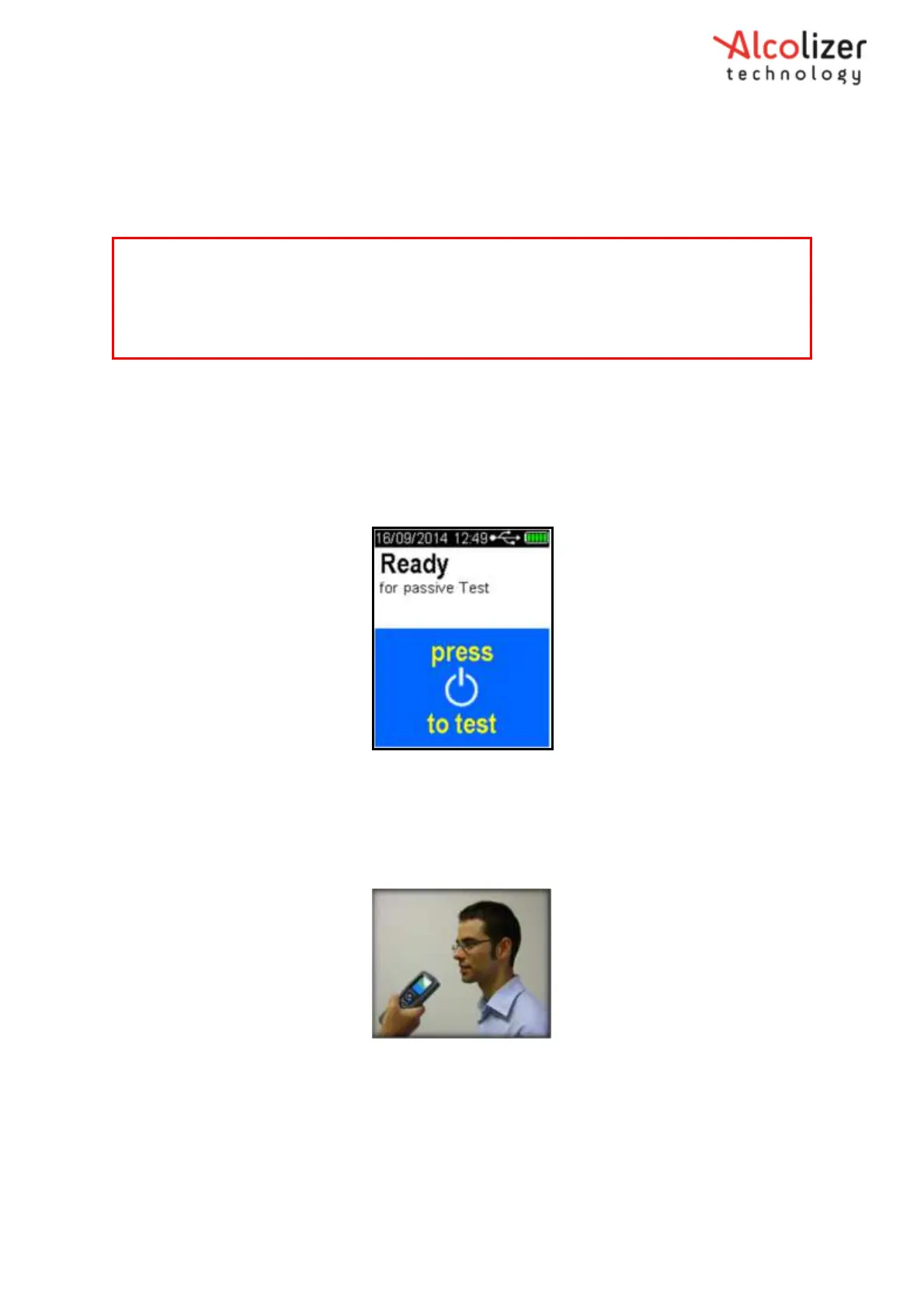
The instrument will then display the Ready for passive test screen (Refer Figure 14).
Figure 14- Ready for Passive Test Message
Hold the instrument no further than 5cmin front of the test subject’s mouth; so
that the subject is breathing or talking directly into the instrument’s sample inlet
port (Refer Figure 15).
Figure 15- Providing a Passive Sample
Ask the subject to start counting from 20 onwards in a one second rhythm, until you
tell them to stop,”20…21…22…23…24…25…etc.”
Press the Test button while the subject is counting. The instrument will make a
series of 3 clicking sounds (pump clicks) as the sample is being taken.
The passive test will have 3 short beeps and clicks followed by a longer beep.
Note
If any step in a breath test sequence is not completed or the instrument is left idle for longer than
60 seconds, the instrument will terminate the breath test and display test timed out. The
instrument will return to the press to test display.
If a test time out does occur during a breath test, a new breath test must be performed.



 To Next Page